


Khanage
Members
-
Joined
-
Last visited
Everything posted by Khanage
-
-
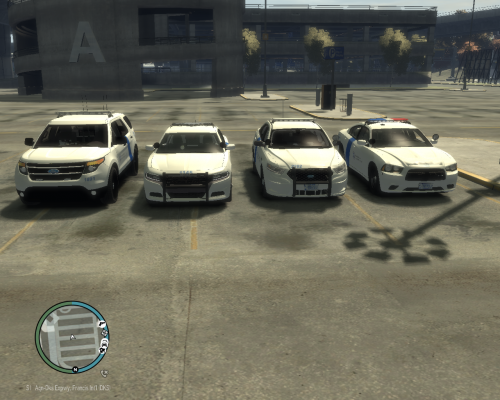 I've been following your thread a while and I must say, these are absolutely exceptional.
- 4 comments
- 1 review
-
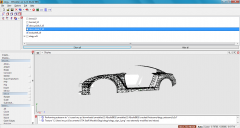 Lol in that case, just keep at it. Trial and error.
 -
Only had to sacrifice a couple, seemed to do the trick :) *I'm telling you bro, take a look at Corleone's uv-mapping tutorial, it's the one I'm using, it's very useful if you pay 100% attention.
-
From the album: WIP/REL Content
Coming soon :) -
Why you give up on uv-mapping :(
-
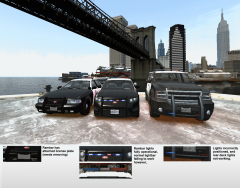 Oh, don't worry about the lightbars, I think there's a limit to the amount of lights you can have on non-els cars, I can fix that. You keep trying to map that buffalo, if you succeed the results will indeed be astounding, you might take your place in the LCPDFR hall of fame even!
 -
From the album: WIP/REL Content
After finally 'completing' this pack, I performed a test run and all three models have (minor) bugs. Skins need a quick touch-up. -
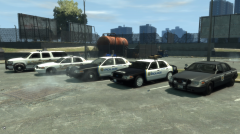 Nice little collection you got here :)
 -
First make sure you actually have the software to pull this off. A zmodeler tutorial for a lightbar replacement can be found here: It's the same tutorial I used when I began modding.
-
-
I'll have to learn converting to get that Saleen in from SA. Meh, I'll keep this idea for later.
-
What's the dash mod? 0_o
-
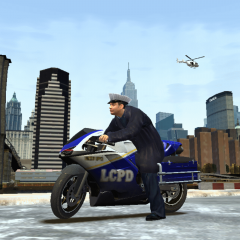
From the album: WIP/REL Content
Accidentally deleted some models in another project of mine, so I turned my focus back to this bike. The data files are (nearly) perfect, the skins are complete, an archive has been made and screens have been taken. Judging by this pic, would you say it's release time? -
There are no unlocked Ford Mustang models publicly available as of now for modders to use. I'll try get in touch with Smokey8808, a user who currently holds many many mods under his name, all of which are UV-mapped and everything, so they're perfect for police conversions. I'll try strike a deal with that guy and he might give me a mustang, which I'll turn into Barricade's car.
-
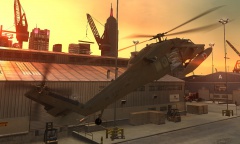 You made a lot of blackhawks. You really love the blackhawk don't you? Welp, nice job on the model, this could be a very much permanent replacement for the crappy little tourmav :D
 -
That
-
How do you make these things so quickly?
-
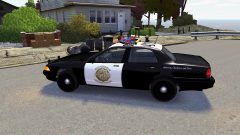 There are plenty of buffalo's available already.. so is the LSPD Buffalo just gonna be a texture for an existing buffalo or are you actually going to go through the whole modeling process?
 -
You my friend are on a roll!
-
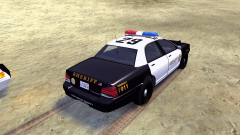 A bit of competition is always a good thing!
 -
It's a little too late to correct things now. I'll try avoid these problems next time.
- 19 comments
- 2 reviews
-
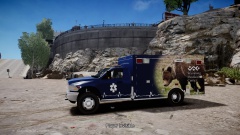 Looks like you put a lot of effort into that :)
 -
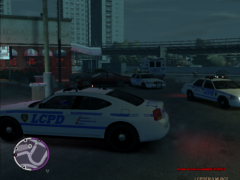 I do the exact same thing lol get some stockades and NOOSE, have an annihilator hovering around the area and raid the place!
 -
Because this is the point where shit starts getting real competitive between us, and it wouldn't do me good knowing you were one step ahead of me xD


