CrossFire
Members
-
Joined
-
Last visited
Everything posted by CrossFire
-
-
-
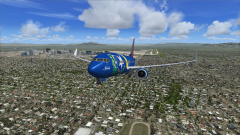
From the album: Flight Simulator X
Takeoff from KLAS (McCarran Intl (Las Vegas)) -
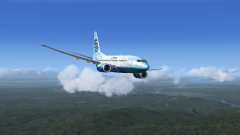
From the album: Flight Simulator X
Installed the 600-700 expansion for the PMDG 737NGX 800-900. I also installed the 747 with some expansions, and the 777. I now have the Boeing 727, 737, 747, 757, and 777. I wonder if I like Boeing? -
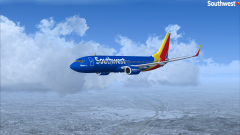
From the album: Flight Simulator X
PMDG 737-800NGX Livery by GoldStar Textures -
If this was happening in America: THIS COUNTRY IS RACIST WHY DID YOU NAME THOSE BIRDS THAT It's funny because those birds were probably named in the 1800s so we wouldn't be able to control the names in the first place
-
 He was joking.
 -
 Woah. This must be an old picture.
 -
Up until a few days ago, I wanted to be a LEO. Now, I want to be a commercial airline pilot.
-
 What's wrong with the foglights?
 -
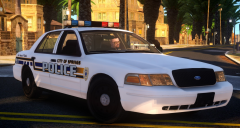 I love this Paradise/Springs city thing you're doing! Will definitely be using this when/if there is a release!
 -
I use AVG. It does it's job without giving me a notification every 5 minutes.
-
Meh, I like F1/IndyCar better. Better than watching cars drive in ovals.
-
-
It's coming along.
-
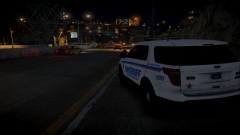
From the album: CrossFire's Pics V2
Skin by STARTAirsoft780 Car by STARTAirsoft780 -
-
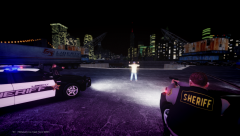
LCSO DUI At night
-
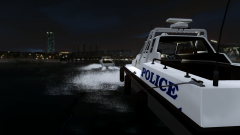 LCPD Boat Pursuit.
-
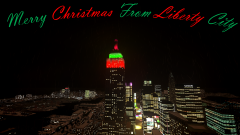 A Liberty City Christmas.
-
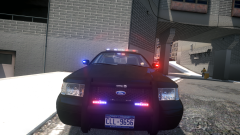 My first model in 8 years.
-
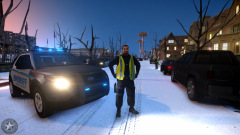 A LCSO Deputy blocks off a road.
-
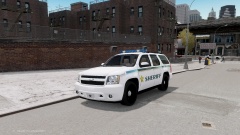
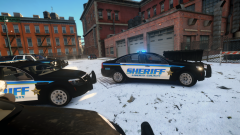 An LCSO Deputy responding to a call.
-
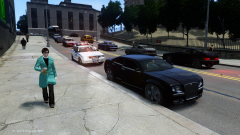 #OurLCPD Traffic Stop
-
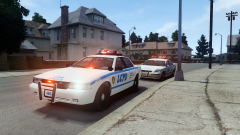 Two LCPD vehicles outside a residence.
-
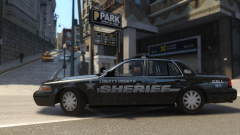 Two LCSO Deputies patrol in Chinatown.
-
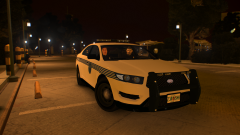 Two LCPD Officers waiting for a call.
-
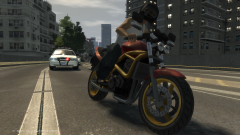 Forgotten Picture
-
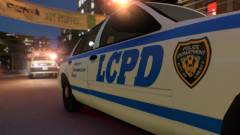 A Nice wallpaper.
-
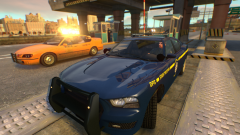 Sitting by the bridge in the evening.
-
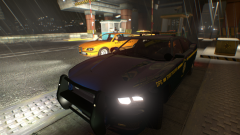 Sitting by the bridge in the nighttime.
-
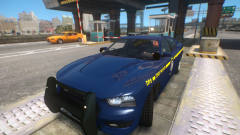 Sitting by the bridge in the afternoon.
-
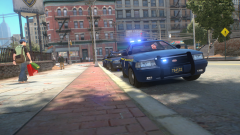 Headin' out!
-
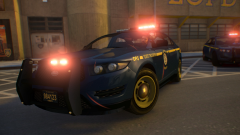 Two *LHP unit's responding to a car wreck.
-
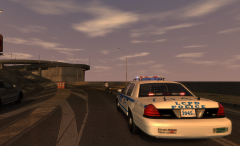 Pursuit.
-
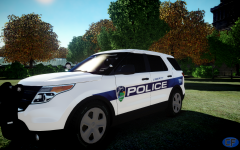 Titusville/Liberty City Police Department
-
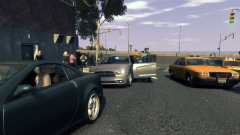 Colorado State Police mid-day traffic stop.
-
-
13 years! :DENBs. Awesome ENBs.While LAPD used alloy rims on their old model Chargers (2007-2010), I don't believe they use them on their newer Chargers (2011-2014). I'm not sure though.
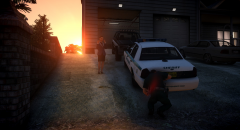 Take home car > WifeUnless you want to remap the lights (So if it comes with one red module, but you need one that's blue as well), you don't need to change anything.Yes. LCPDFR supports all versions of GTA IV, except pirated/illegal versions.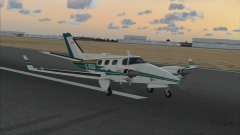
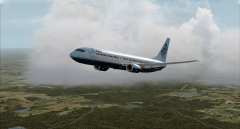
From the album: Flight Simulator X
Decided to fly around Mobile AL again, flew to orlando, landed, flew back, went to bed. (I know the plane has a Canadian flag on it, it's the texture, can't control it.)