




CrossFire
Members
-
Joined
-
Last visited
Everything posted by CrossFire
-
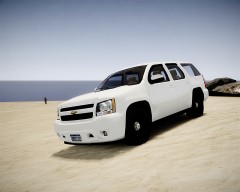
From the album: Grant's WIP
I KNOW THAT SOME PPV'S HAVE THAT BLACK BAR!! Some PPV's do and some don't -
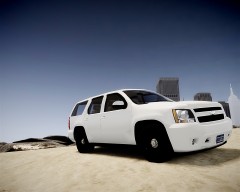
From the album: Grant's WIP
I KNOW THAT SOME PPV'S HAVE THAT BLACK BAR!! Some PPV's do and some don't -
Looks nice for a starter!
-
Go to your MDC (E), if it says your username, your logged in
-
Let's just say it's hard
-
How did you install it?
-
They look nice!
-
I think you attempted to make a scene, but it didn't turn out all that well I think you attempted to make a scene, but it didn't turn out all that well
-
Nice name....
-
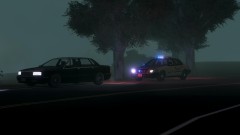 Ummmmm Where's the guy in the car
 -
-
-
-
http://www.lcpdfr.com/page/tutorials/index.action/_/script-data-file-modification-tutorials/how-to-install-lcpdfr-error-help-and-links-r58 http://www.lcpdfr.com/page/tutorials/index.action/_/script-data-file-modification-tutorials/how-to-install-els-v7-video-tutorial-r46 http://www.lcpdfr.com/page/tutorials/index.action/_/vehicle-modification-tutorial/how-to-install-car-modifications-for-gta-iv-r2
-
1. Go to Select>quardr>modify>scale 2.No 3. Haven't tried 4. Depends 5. A friend taught me
-
I fixed it by re-installing LCPDFR multiple times
-
Did you remember to put the cage textures in the .wtd?
-
Make sure you are running your game as an admin
-
You said you have downloaded it, so when you go in the file, read the thing that says Readme
-
That's a damn nice keyboard, but the M keys aren't on default windows keyboards, so you can't add them to anything (I don't think)
-
Put back in the FDLC script and see if it works, if not, you may have deleted something you shouldn't have
-
No.
-
Did you make sure you have all textures including the Vehshare textures?
-
Shoot at the peds, problem solved
-
Look at Bxbugs123's models, Cj24 has some good ones as well

