




Chris780
Members
-
Joined
-
Last visited
Everything posted by Chris780
-
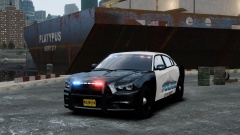 The invisible one?
 -
Fantastic job! A lot of work must have been put into this and I foresee it getting a lot of downloads in the future!
- 15 comments
- 3 reviews
-
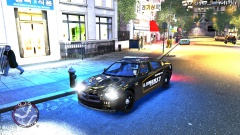 Gotta get them crims
 -
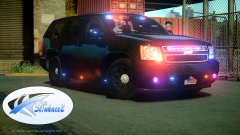 Great job Nick!
 -
-
-
-
Overall favorite, is the 2010 dodge charger, then the caprice.
-
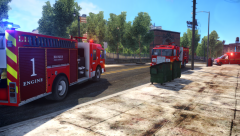
From the album: Screenshots
-

From the album: Screenshots
-
I don't think it's coming to PC nor do I really care. GTA IV works is workable for now. I've been dealing with the crashes for 3 years.
-
That would just steer me away from them even more. Stupid thing to do and very invading.
-
Oh I know this Audio. Heard it hundreds of times. Nice job.
-
 Okay, I just dug through my couch and found 2 nickles, a peanut, a peanut shell and an orange juice cap. I'll trade ya..
 -
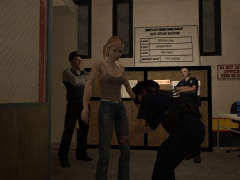 It's the cutscene in prison. You can find it in the trainer > teleporting > other locations > cutscene > prison
 -
-
There's this: http://gtapolicemods.com/downloads.php?do=file&id=2288 But I don't know if you've already seen it or not.
-
-
-
-
-
I'm a bit confused here. I thought Evan was releasing these?
-
The description says "check gtapolicemods.com" I thought ELS was now exclusive to LCPDFR ?
-
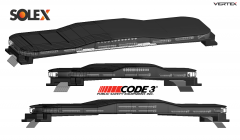 I've been waiting for this!!!!! WOOOOOOOOOOOOOOOO
 -


