
Chris780
Members
-
Joined
-
Last visited
Everything posted by Chris780
-
Those are my peds made by Evans for my community. Their custom to PRP.
-
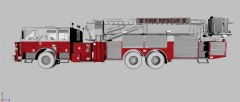 Well tickle my belly button and call me Samantha...
 -
-
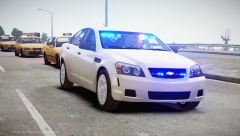 I didnt. I made it/assembled it
 -
Its just for personal use haha. I have no intentions of a release
-
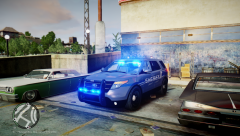 Ya for sure. This picture's actually quite old. Before Chippy released his unlocked. (:
 -
-
-
-
-
-
Yes it's locked,
-
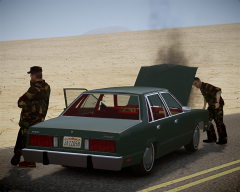 I love that map (:
 -
-
Hey guys, So I'm having an issue with my YouTube video quality. The videos are uploaded as .mp4 and 720p. About after a week the quality drops to 240p and stays that way. Any ideas why this happens and how I can fix it? Thanks, I appreciate it- Chris
-
Well shit
-
Look at section b :P
-
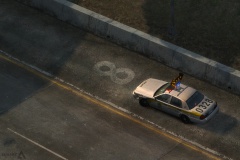 I see it to. I feel special
 -
I'll be damned. A police vehicle in the state of New York with red and blue lights. Quite rare.
-
Yes you should be able to use a timecycle in multiplayer and also an ENB (:
-
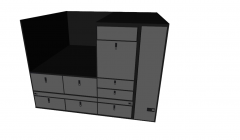 Lol thats massive!!! Nice
 -
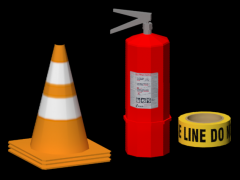 Going to be honest, not a fan of the extinguisher.
 -
It was a joke :P
-
Scotch.
-