


IronicRainbow
Members
-
Joined
-
Last visited
Everything posted by IronicRainbow
-
-
"As far as I'm aware, this is currently the only Vancouver Police Department Charger available for download on GTA IV.
-
Hello! I am looking for all and any decent police vehicles (i.e. CVPI, Charger 2006-2008, Charger 2011-2014, Tahoe) with side runner lights! I can't seem to find hardly any anywhere! Thanks for the help in advance!
-
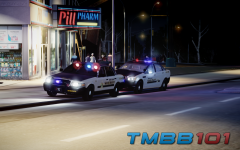 The cruiser may look amazing. The lighting, not so much.
 -
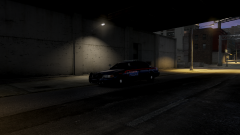 Oh, wow. Incredible model and skin. Links?
 -
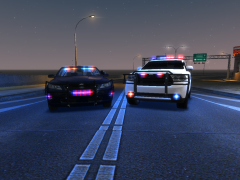 I made a mess in my trousers. Pls release. I will love you forever.
 -
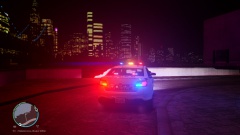 That visualsettings.dat is WAY overpowered.
 -
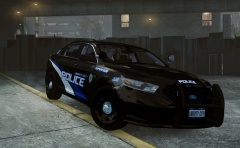 Hmm. Looks an awful lot like a texture on a specific user's page...
 -
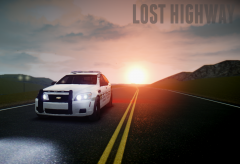 It's just constructive criticism. If you didn't want to hear it, why post the picture on here?
 -
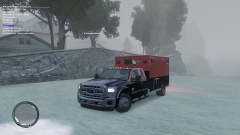 Just needs a bit of work, but looking excellent so far! Keep going!
 -
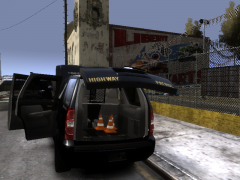 Cones look way better not shiny :P Nice job!
 -
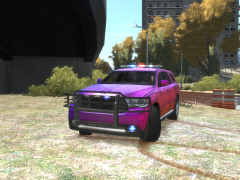 Reverse/brake lights and a few in the back window
 -
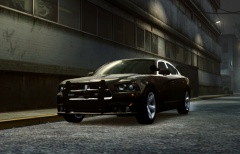 Then hats off to him!
 -
Dang, love those stealth skins. Nice job!
-
Comic Sans. Why.
-
Sure! Just pm me the model you would like the skin to be created for and some pictures of the actual uniform.
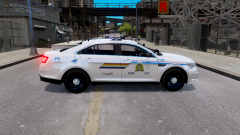
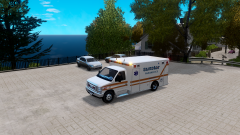 Thank you! Source image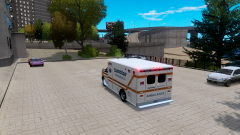
From the album: WIP Skins
Skin request from echo04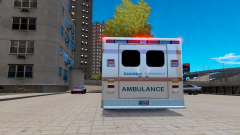
From the album: WIP Skins
Skin request from echo04
From the album: WIP Skins
Skin request from echo04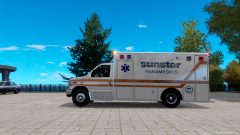
From the album: WIP Skins
Skin request from echo04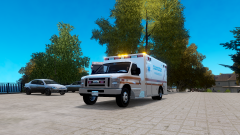
From the album: WIP Skins
Skin request from echo04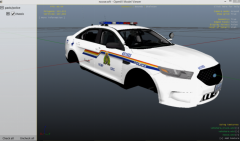 Oh my, so sorry that I pulled text off an existing texture. Seriously though, that's a minuscule detail, and it's the only part of the texture that wasn't mine. I can send you the texture and you can overlap it with whichever one and I can guarantee you they won't match. Not trying to sound like a dick or anything, but I just find it silly. Also, this isn't even released, so why rage? It's for personal use at this point.
 Thanks! Based it off of this image: clicky clicky

