


IronicRainbow
Members
-
Joined
-
Last visited
Everything posted by IronicRainbow
-
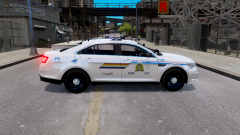
From the album: WIP Skins
An RCMP BC skin that I may release for Cj24's 2013 FPI. What do you think? -
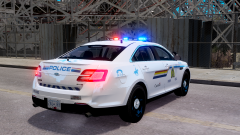
From the album: WIP Skins
An RCMP BC skin that I may release for Cj24's 2013 FPI. What do you think? -
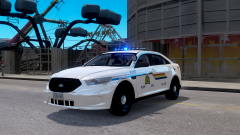
From the album: WIP Skins
An RCMP BC skin that I may release for Cj24's 2013 FPI. What do you think? -
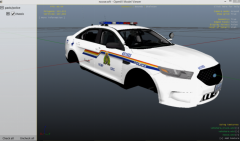
From the album: WIP Skins
2013 Taurus RCMP BC skin. Should I release it? -
I don't really get why people think this is so funny. It just wastes time of staff to even approve it and wastes viewers' time by clicking on it imho.
- 23 comments
- 3 reviews
-
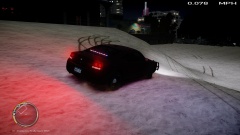 Is that a wraparound I see? Me gusta
 -
For everyone in need of a 2012-2013 Taurus - Thank me later... Or now. '?do=embed' frameborder='0' data-embedContent>>
-
Good point, thanks :PRequest a skin and provide the model you would like the skin to be used on and adequate pictures of the actual car (preferably from multiple angles) so I can make the skin as accurate as possible. It will hopefully (99% most likely) be done the same day, within 1-2 hours at most. EDIT: Sorry I can't take all requests that I may get. I have to balance time with school and such, and this has become more of a hobby than anything.
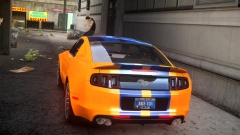 *points to door Get out. Nice car and picture btw :P
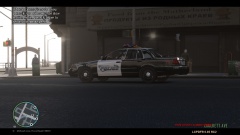 Should have removed the HUD, but dang, dat ENBWow, i'm an idiot. Just noticed the upload date. Well... Officer Greg ripped your texture then.
- 6 comments
- 2 reviews
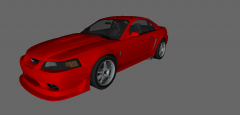 It isn't aftermarket, it's standard on the SVT Cobra models.Decent texture, pretty simple. But what's up with the "CELEBR8" license plate?I got it as well!!1!1WHAT IS HAPPENING?!?!1080p monitor (Finally!) MSI R9 280x before they rose in price. Costed $300 at time of purchase, now at $440 Candy, hell yeah! Corsair H100i liquid cooler for my PC SteelSeries Sensei and QcK pad. A very merry Christmas!Spotlight script isn't compatible :c Any way to get the actual spotlight light source to light up again?
- 71 comments
- 15 reviews
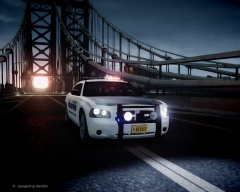 Love the caption.
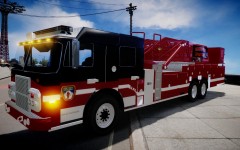 Someone please re-upload this!

