


IronicRainbow
Members
-
Joined
-
Last visited
Everything posted by IronicRainbow
-
 It's Gods. God is always the answer.
 -
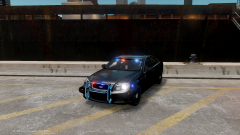 Not here, no. And the base model is also not released.
 -
That is the question, isn't it? ;)
-
From the album: IronicRainbow's Pictures
-
Thanks, Justin. OP's idea actually sounds pretty neat. Maybe someone will pick it up some day.
-
 *facedesk
 -
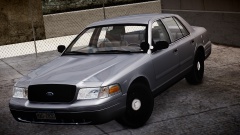 1999 Police Interceptor. Not my only car to drive around, as it has quite a few miles on it.
 -
 Let the war of the dash cams commence... Nice job!
 -
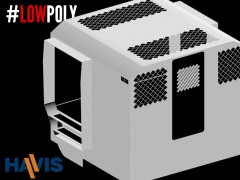 #lowpoly #diamondtextures #noslip Srs doe, nice work!
 -
Put the bracketed spoiler in front of the text, then the bracket with / in front of "spoiler" at the end.
-
Y U NO USE ?!?!?!?!?
-
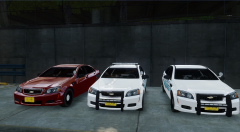 You might need to move a little forward in your chair,
 -
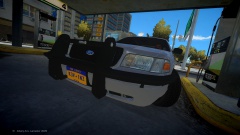 Damn... Maybe an Arjent CVPI with the wrap then.
 -
A Taurus with a fender wrap maybe?
-
-
 Oh my goodness. This is beautiful.
 -
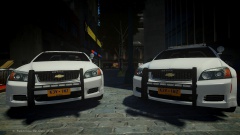 Amazing!
 -
-
-
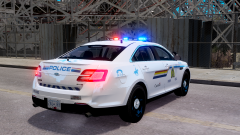 PM me.
 -
![Liberty Pack Mega Vehicle Pack [WIP]](//s3-gallery.int-cdn.lcpdfrusercontent.com/gallery/album_2234/sml_gallery_95217_2234_28751.png) Oh. Did I mention I love you? Very, very much.
Oh. Did I mention I love you? Very, very much. -
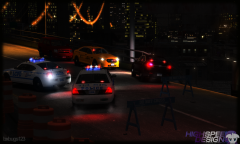 *mops up drool from desk and floor
 -
o.o Release?
-
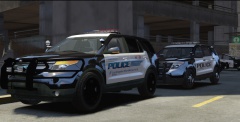 Some feedback for your modeler then :)
 -
Your PAR46's are too far up on the a-panel imo. Also, your rims... Why are they solid black? Also for a proper PIU, remap the grille to black.


![Liberty Pack Mega Vehicle Pack [WIP]](http://s3-gallery.int-cdn.lcpdfrusercontent.com/gallery/album_2234/sml_gallery_95217_2234_28751.png)
