IronicRainbow
Members
-
Joined
-
Last visited
Everything posted by IronicRainbow
-
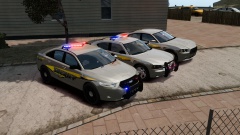 PM me, I can send you the link for the template. To OP: Nice skins! I'm assuming you're taking inspiration from Birmingham, AL police?
 -
 Thank you Chippy. You are a boss.
 -
 Couldn't agree more.
 -
 Jaw dropping work as always, gump.
 -
This ^. It should take up almost half of the indicator.
-
I don't think they actually do.
-
-
Your doors need major touching up. Look up some tutorials on how to make skins, and don't free-hand paint the doors on, it looks terrible honestly. Everything else looks nice, though.
-
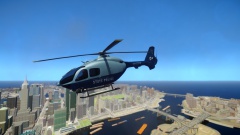 Not the best looking model in my opinion, but nice skin nevertheless.
 -
 Silly me. I thought this was LCPDFR, not Twitter! XD
 -
http://gtapolicemods.com/showthread.php?11326-REL-Beanbag-shotgun-skin-and-Weapon-settings Thank me later.
-
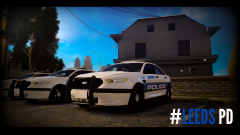 You have earned my seal of approval.
 -
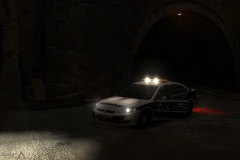 Agreed!
 -
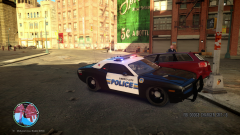 Am I the only one that thinks the Challenger is hideous?
 -
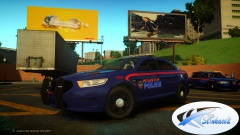 Never. :(
 -
I'm sorry, but I have to say this. People always post these asking for zmodeler help, like "Oh, I have problem x, y, z, how do I fix?" without providing pictures of their hierarchy. We need to see your hierarchy to see what is wrong! We are not wizards! So please, post a picture of your heirarchy, as well as your problem in game :P
-
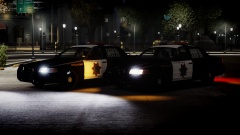 The window bars are way too thick, but nice model nonetheless.
 -
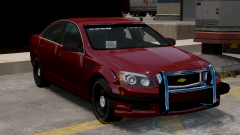 :P Indeed I did. The issue has been fixed, thanks to Him1250.
 -
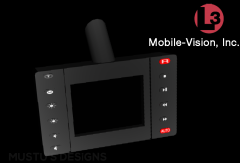 I approve of this image.
 -
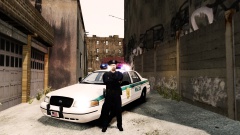 Um... Any reason the push bar is inside the bumper?
 -
-
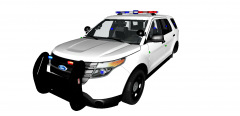 Nice job! Suggestion: Tilt one of the two spotlights slightly so they are not both positioned the same like so:
 -
Thanks for the feedback, everyone.
-
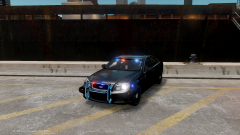
From the album: IronicRainbow's Pictures
With the Terminator rambar :P -
 Yeah, noticed that as well :