


IronicRainbow
Members
-
Joined
-
Last visited
Everything posted by IronicRainbow
-
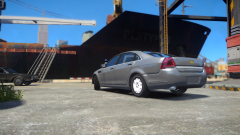
From the album: WIP Models
3D grille by Hoffers Hubcaps by Vertex3D, edited by IronicRainbow and Hoffers -
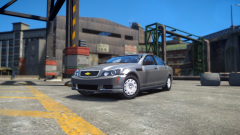
From the album: WIP Models
3D grille by Hoffers Hubcaps by Vertex3D, edited by IronicRainbow and Hoffers -
 Looks nice! Great work as always, Lazerus.
 -
 Indeed it is.
 -
From the album: IronicRainbow's Pictures
-
On topic: He said he was re-uploading the video. That's why it is unavailable. Off topic: Maaaaaark Nuuuuutt! Hi Michael! Hi Gavin!
-
'?do=embed' frameborder='0' data-embedContent>> There are a few on a different website, not to be spoken of here, if you want to check that out.
-
![[TEASER - DAY #8] Aerial ladder feature (exclusive video preview #2)](//s3-gallery.int-cdn.lcpdfrusercontent.com/gallery/album_547/sml_gallery_2101_547_1184861.png) Oh my sweet jesus. But... Can it turn right?
Oh my sweet jesus. But... Can it turn right? -
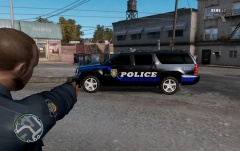 "Suburban"
 -
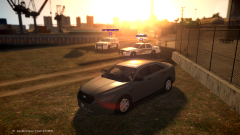
From the album: IronicRainbow's Pictures
-
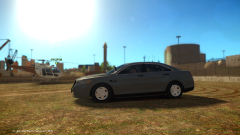
From the album: IronicRainbow's Pictures
-
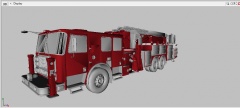 Browsing around on Google Images. The screenshot is from a site called... *shutters* .
 -
Certainly look similar. I'm not 100% certain they're the same model conversion.
-
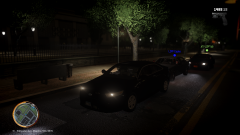 Lmao! This was during a patrol with our clan (they don't have the Taurus, unlucky bastards >:) ), and the time just happened to be night. I was more or less just showing the front of the vehicle.
 -
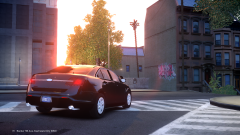 No worries :P
 -
Him1250 bought/trewq32 converted, xbr edits
-
From the album: IronicRainbow's Pictures
-
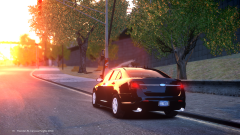
From the album: IronicRainbow's Pictures
-
From the album: IronicRainbow's Pictures
-
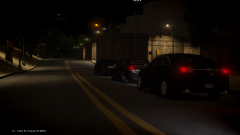
From the album: IronicRainbow's Pictures
-
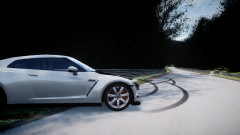 Reminds me of the countless hours spent on Gran Turismo 5 <3
 -
Just use the model you linked with ELS 8, set the reverselight coronas on, problem solved.
-
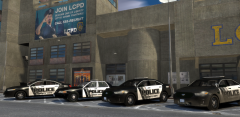 I'm assuming not being released?
 -
-


![[TEASER - DAY #8] Aerial ladder feature (exclusive video preview #2)](http://s3-gallery.int-cdn.lcpdfrusercontent.com/gallery/album_547/sml_gallery_2101_547_1184861.png)
