


Dispatch15
Members
-
Joined
-
Last visited
Everything posted by Dispatch15
-
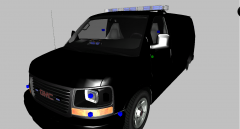 Would you consider resuming this project?
 -
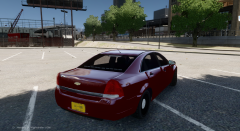 That looks really good, this is amazing work, I really like those lights in the trunk.
 -
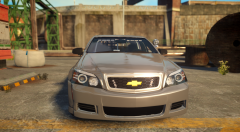 I myself like them better horizontal, but that does look pretty good.
 -
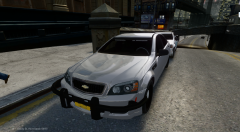 The front looks great and I really like that fender wrap-around. Can't wait for more pictures.
 -
This is one of the many great features of ELS 8, it brings a lot of exiting possibilities to vehicle modifications. Can't wait to see more uses of this feature.
-
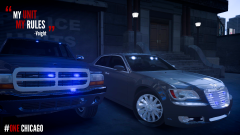 That is so great, are you going to do the other cars aswell?
 -
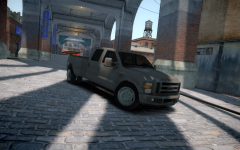 Looks pretty good, an unmarked version of this would be cool.
 -
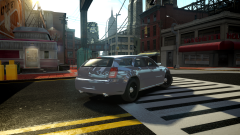 I am really excited about this one, I've been wanting to see an unmarked magnum for a while now. Looks good so far, keep it up.
 -
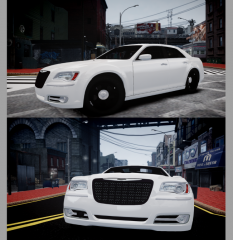 Looks good. I really hope that you continue working on this without any more scrutiny.
 -
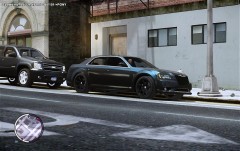 That looks really good, those rims are sweet.
 -
Just looking at the taillights on the back of that Grand Caravan I can see the wigwags are a lot more realistic. Amazing jobs guys!
-
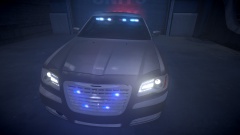 Looking good, I like Chicago PD so this is exiting.
 -
-
-
-
-
-
These are great models, I really like the slicktops. Keep up the awesome work, I can't wait to see more releases from you.
- 12 comments
- 2 reviews
-
Love the light set up, but kshark is right the skin could use some work. Great job though.
- 8 comments
- 1 review
-
-
-
Yes, I love the unmarked charger because of the rear light setup, and the lights in general, great work!
- 22 comments
- 6 reviews
-
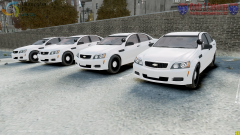 Looks good, I would love to see an unmarked version, or detective vehicle.
 -
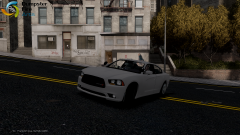 Looking good so far.
 -
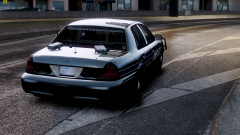 That looks awesome, a suitable pursuit and traffic unit. Also I really like the light setup with the skin, nice job.


