


Dispatch15
Members
-
Joined
-
Last visited
Everything posted by Dispatch15
-
Yes those Hawaii Five-0 vehicles should definitely be made. Also, if you think it can be done, I would like to see an unmarked/detective's ford fusion made. Something like this: (dash light shown at 1:48)
-
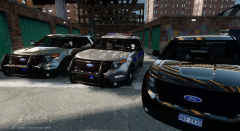 Looks great, the slicktop has a good setup. I am excited for release.
 -
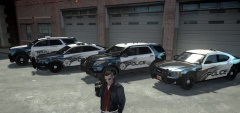 Looks good, will there be a badge on the charger also?
 -
 Any word on a release date?
 -
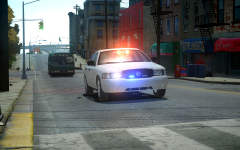 Looks very nice. Please do release this.
 -
-
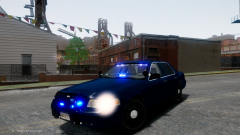 Looks good, I really like the setup.
 -
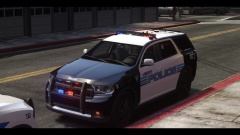 Good job on the skins and tell your friend that his model looks great.
 -
-
Great work this is a great mod, would it be possible to develop the possibility of having different vehicle models for each area?
- 38 comments
- 8 reviews
-
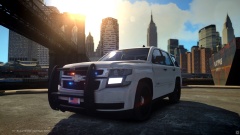 Looks really good, I am pumped for the release, good job.
 -
Yeah I recently discovered the lights on the tailgate and the green light does make it look a lot like one from the CFD, great job.
-
Looks good, only I don't understand the light in the front windshield when you have a fully marked unit with a light bar. The lightbar suits it, but if you want to make it more CFD like and have a green light, make it the one on the far right side, and keep the amber ones the same or switch them to red. Lastly maybe take off the lights on the bottom of the tailgate. All in all this is a really good start, and it is quite impressive that this is your first model, good job.
-
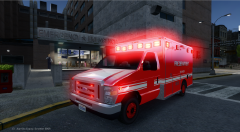 That looks amazing.
 -
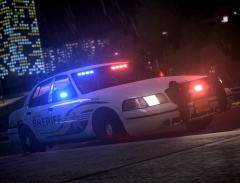 Yeah, I would like to know as well, cause those lights look really good.
 -
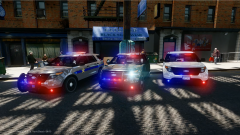 These look absolutly great, can't wait for release.
 -
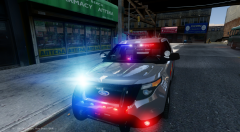 Looks really amazing, but is the back the same as before?
 -
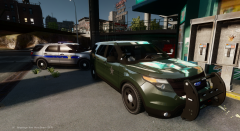 Wow looks great. I really like the current lighting on the slicktop, maybe just an avenger by the rear view. Although it has good balance it isn't a detectives vehicle but also it isn't a christmas tree. At any means, can't wait to see these ones released.
 -
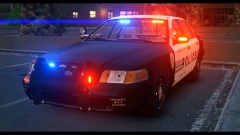 Again, really good.
 -
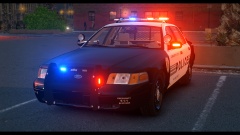 That looks really good, and I like that ENB.
 -
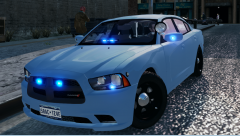 Pretty great car, good job.
 -
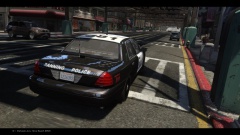 That's awesome, where can I find that model?
 -
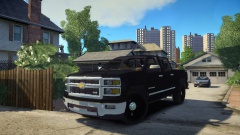 It might not be a PPV, but is would look really good as an undercover vehicle.
 -
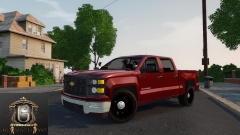 Looks very nice, I would love to see a release of this bad boy.
 -
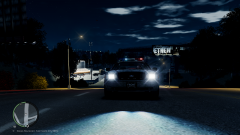 That sounds really cool, I am really excited to see it in action.


