
coastiestevie
Members
-
Joined
-
Last visited
Everything posted by coastiestevie
-
-
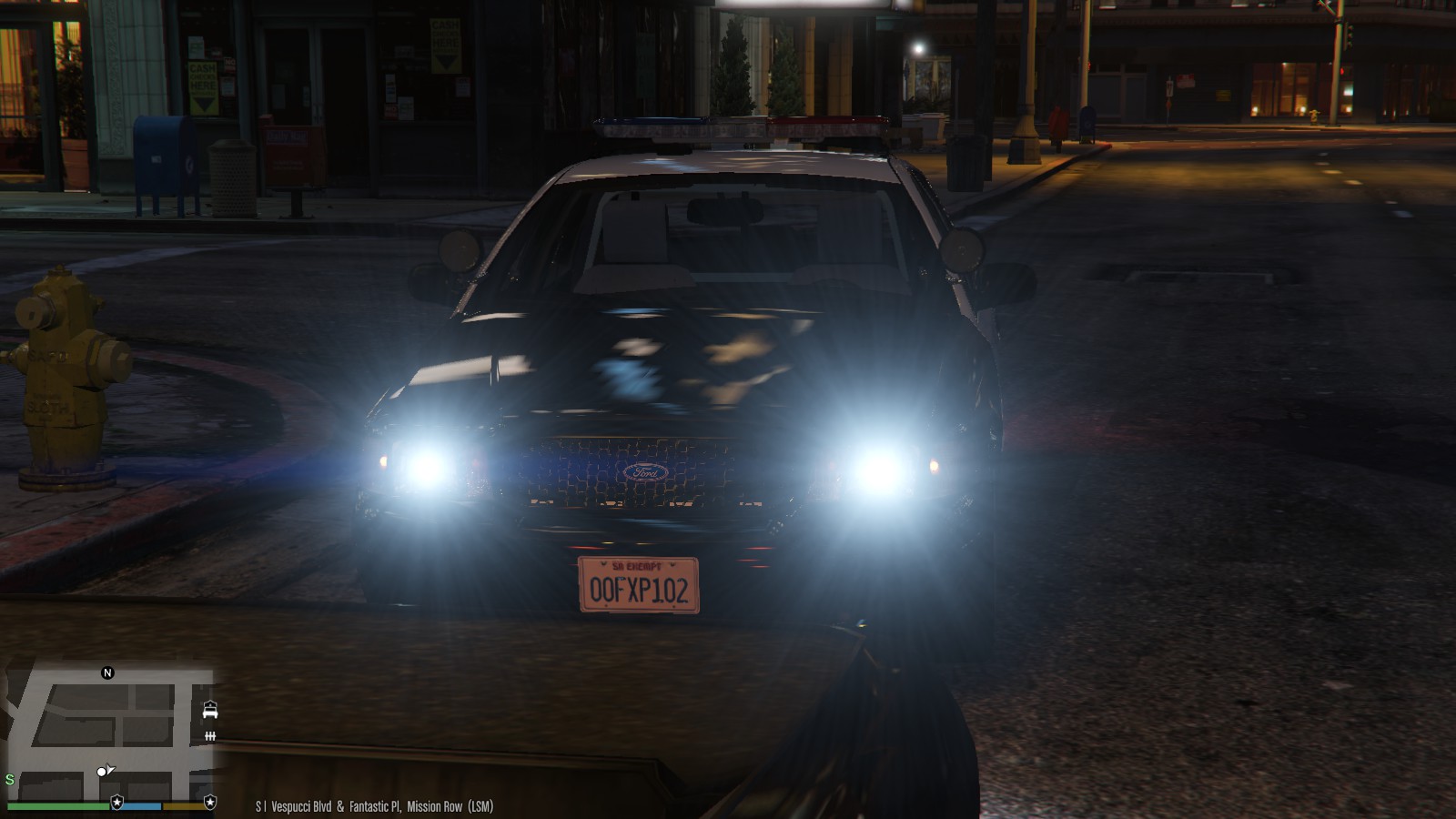
 You've done fantastic work, sir. I do commend you on this vehicle. One little glitch I saw was the lightbar occasionally, when activated will completely shut off for one second, then start flashing again. I have installed the carvariations and meta like instructed to.
- 139 comments
- 22 reviews
-
-
-
 That's very odd... I swear this game does things to some people that it doesn't do to others!
- 9 comments
- 4 reviews
-
-

- 1
-
-
I'm sure that might have worked -- I reinstalled the game and it works again
-
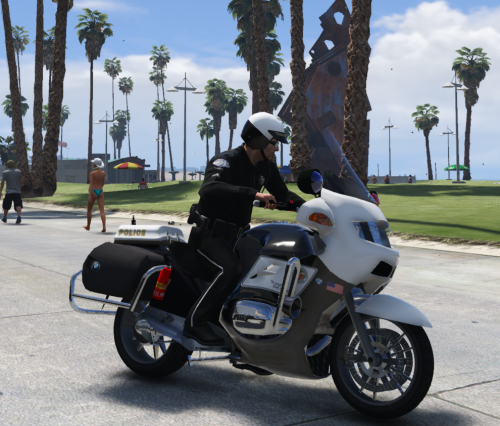
On the arm that the badge is displaying backwards, all you have to do is mirror it the other way on the texture file and it will appear correct
- 9 comments
- 4 reviews
-
That's the thing... the model worked PERFECTLY since I installed it, but after I verified game integrity, it made them appear washed out on all vehicles. I just went ahead and reinstalled the game. Nothing I tried that was recommended worked.
-
Tried the radiance mod and changed settings. Still no fix. They're still dull looking on all vehicles.
-
Thanks for the help!
-
I've used these vehicles before without issues
-
Have you checked update/x64/dlcpacks on the OpenIV? It should be in there. If you don't see it, your game didn't update properly.
-
I will take that advice and check it when I get home from work in the morning. Thanks a lot for helping me troubleshoot this. You know I'm sure how irritating these game issues can be.
-
All of the lightbars look washed out, so it must be a low graphics setting somewhere, but that's the thing, I've always kept them on high, never anything less than high. Never know, could have glitched and dropped the setting, especially when you minimize and go back full screen I've noticed.
-
RadianceV you say? I guess I'll have to give that a try. I could have sworn that my settings were on high. I know my postfx is on high. Could verifying the game integrity push the shader setting back down?
-
Well that's obvious, I'm asking for help here, as I've exhausted all my options and there was no read me file. I will try that, thanks for the suggestion!
-
That's the thing. The shader is on high. I installed the files where I was told to. Still no improvements. I don't get it.
-
I don't understand why they reverted. It's probably because I verified integrity of game. I tried installing the Improved LED and Spotlight mod in OpenIV, but they don't appear any brighter... What could be the issue? See example below:

-
Has anyone found a solution for this?
-
Does anyone happen to know where the vehicles.meta and carvariations is for the sheriff cruiser too?
-
Perfect, thank you everyone!
-
Ok wonderful, and do you happen to know by any chance, where the male sheriff ped is located?
-
What is the latest patchday please?
-
You're a lifesaver! Thank you, sir!
-
I've looked everywhere around OpenIV and I can't find or remember where to replace the sheriff cruiser at. Can you guide me please?