




Kode103
Members
-
Joined
-
Last visited
Everything posted by Kode103
-
-
-
-
-
-
-
-
-
-
-
-
-
-
-
-
-
-
-
-
-
-
-
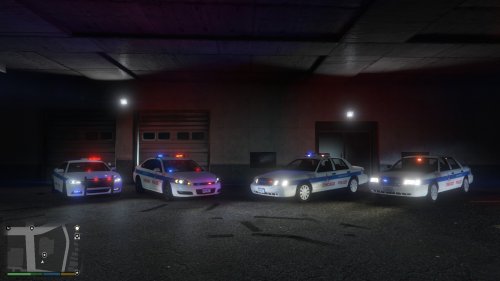 He only made the skins. Not the models. They are good, but the font and some colors are wrong. Also, work on the sizing of some of the lines and logos.
- 5 comments
- 4 reviews
-
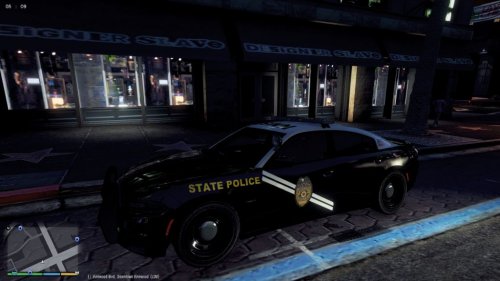 TIP: Since your theme is New Mexico State Police, upload your 3 skins as a pack, instead of one via one. Less "spam" in the downloads.
 -
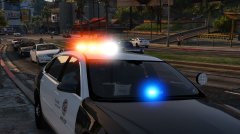 This is a RX2700. This particular one isn't publicly released. Others are, but for GTA IV.

