GTA5 News
598 stories in this category
-
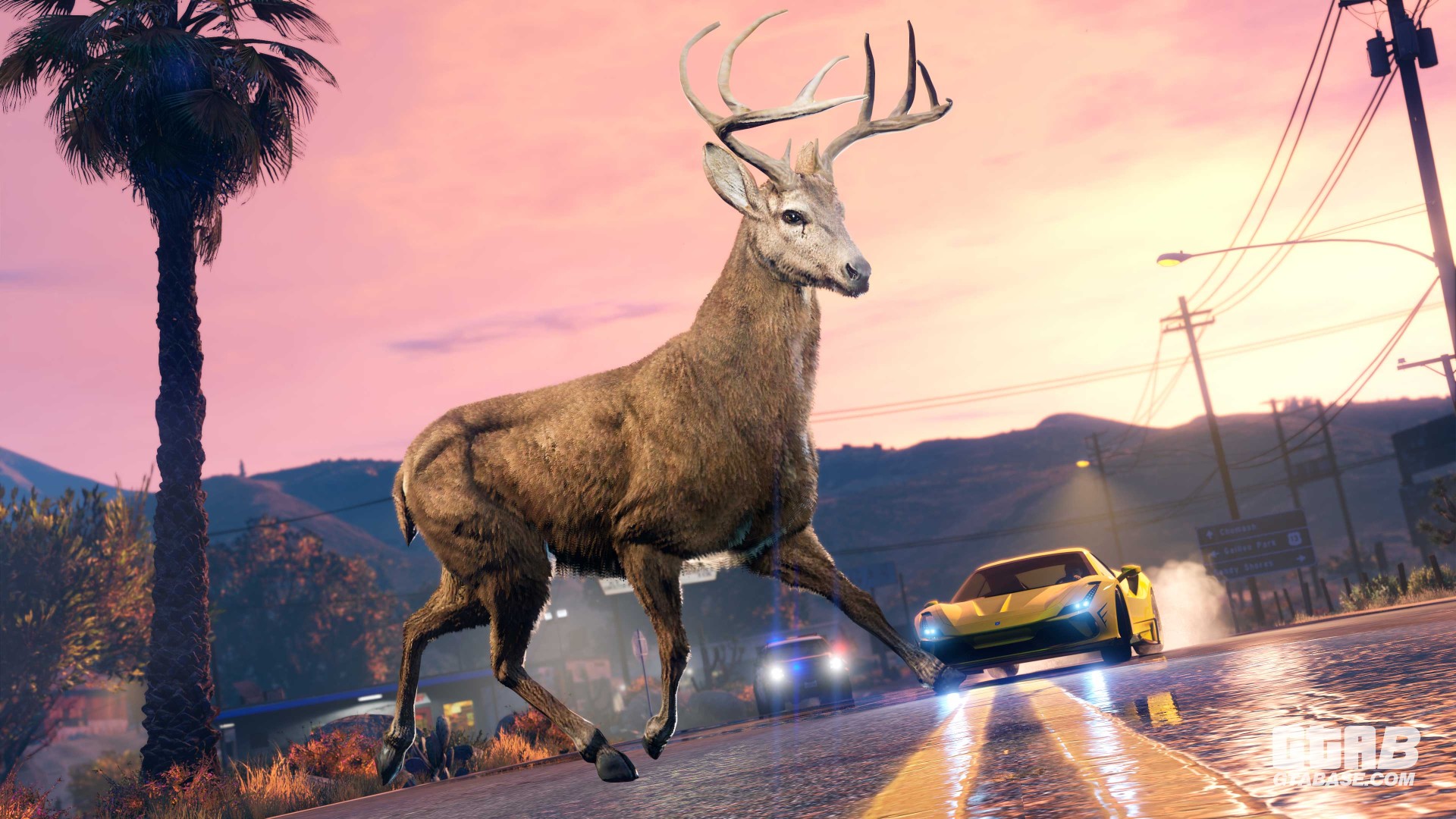
2X GTA$ & RP:
-
We had the pleasure and the honor to interview James Curd, an electronic musician, responsible for the creation of numerous tracks in the GTA series!
-
3X GTA$ & RP:
-
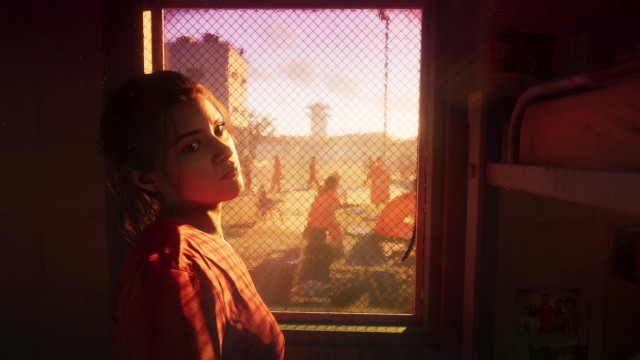
Rockstar is known to present the game world in a non-linear fashion during trailers, showcasing scenes from the late game, followed by glimpses of the early game and swiftly cutting to mid-game sequences.
-
Starting December 19, Grand Theft Auto V will be playable for free for PlayStation Plus Extra and Premium subscribers, through the PlayStation Plus Game Catalog!
-
Giving away more than 600k subs to the roleplay community.
-
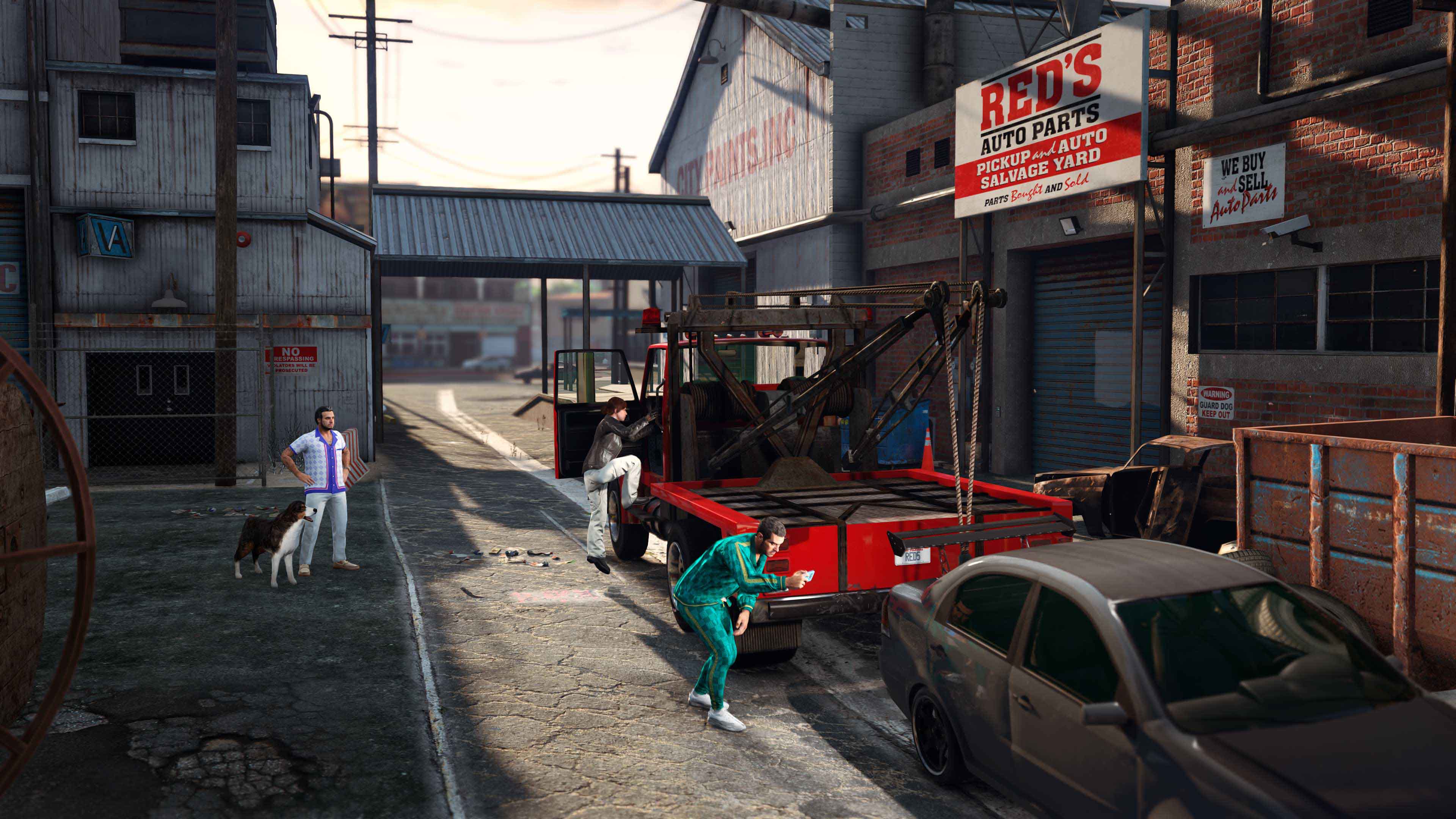
Collaborate with illustrious Liberty City real estate mogul and auto enthusiast Yusuf Amir on his newest venture, stealing the most coveted vehicles in Los Santos across a series of daring robberies in GTA Online: The Chop Shop. Today’s update also includes a new illicit business property, an assortment of new vehicles, new Drift Races, and much more. Find out all details by keep reading here below!
-
We asked Razed, known for his impressive Natural Vision Evolved mod for Grand Theft Auto V, for an interview by us GTABase, so here it is! Big thank you to him for accepting the offer!
-
The first Grand Theft Auto VI Trailer is finally here. A bit earlier than planned by Rockstar Games. And we found some juicy stuff. In this article, we list all the Real Life References we found in the first Trailer:
-
Bonuses