Skip to content
View in the app

A better way to browse. Learn more.

LCPDFR.com

A full-screen app on your home screen with push notifications, badges and more.

To install this app on iOS and iPadOS
  1. Tap the Share icon in Safari
  2. Scroll the menu and tap Add to Home Screen.
  3. Tap Add in the top-right corner.
To install this app on Android
  1. Tap the 3-dot menu (⋮) in the top-right corner of the browser.
  2. Tap Add to Home screen or Install app.
  3. Confirm by tapping Install.

GTA5 News

598 stories in this category

    • 0 comments
    • 330 views
    • 0 comments
    • 310 views
  1. G17 Media ·
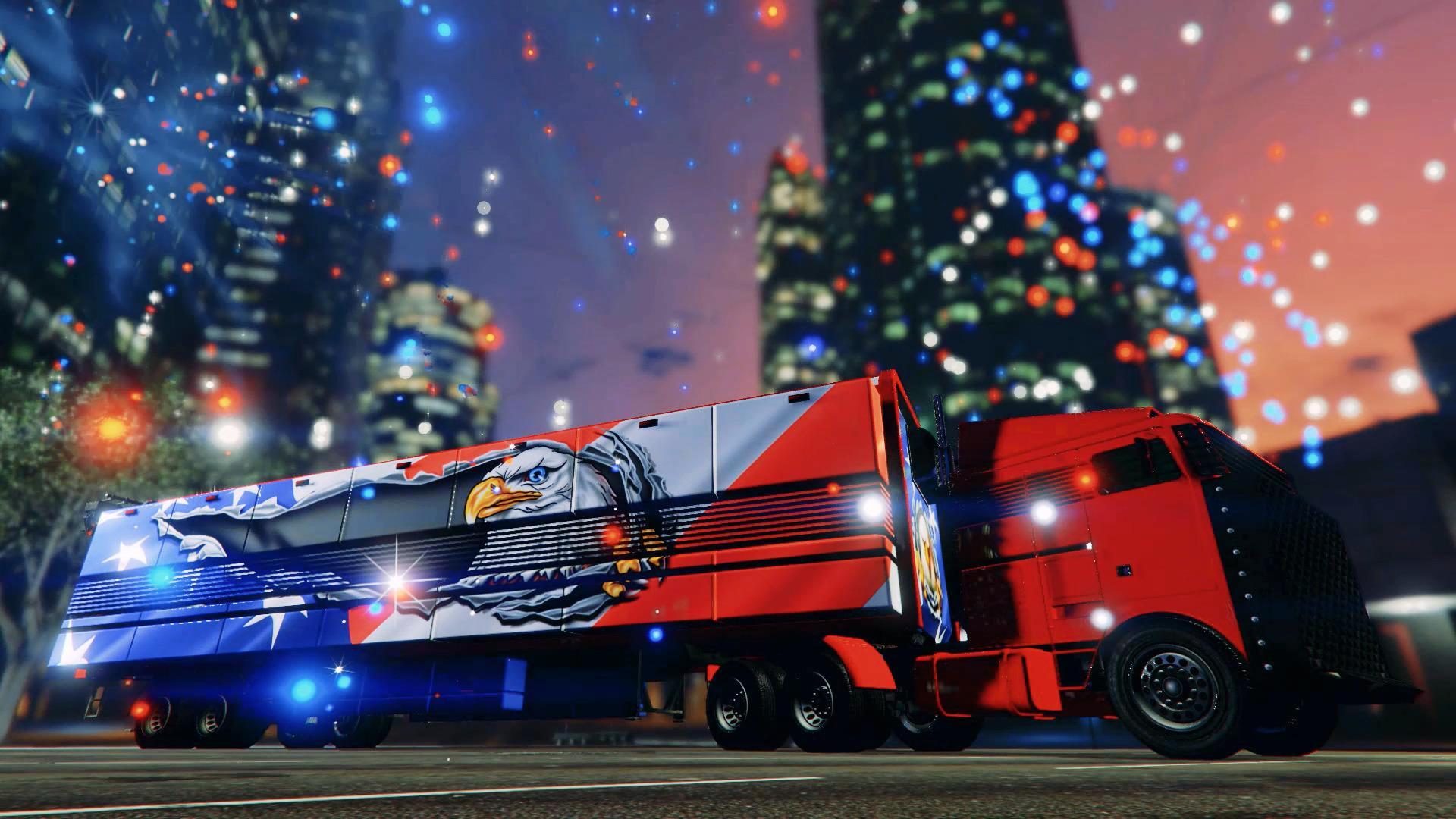
    Vapid Dominator FX Interceptor, Emergency#GTAOnline pic.twitter.com/0hLmHRiurE
    • 0 comments
    • 513 views
  2. G17 Media ·
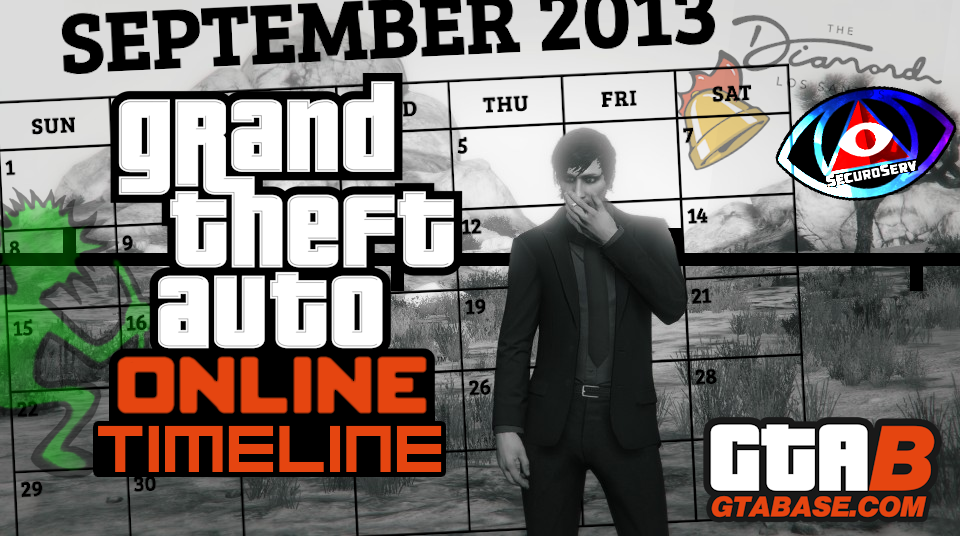
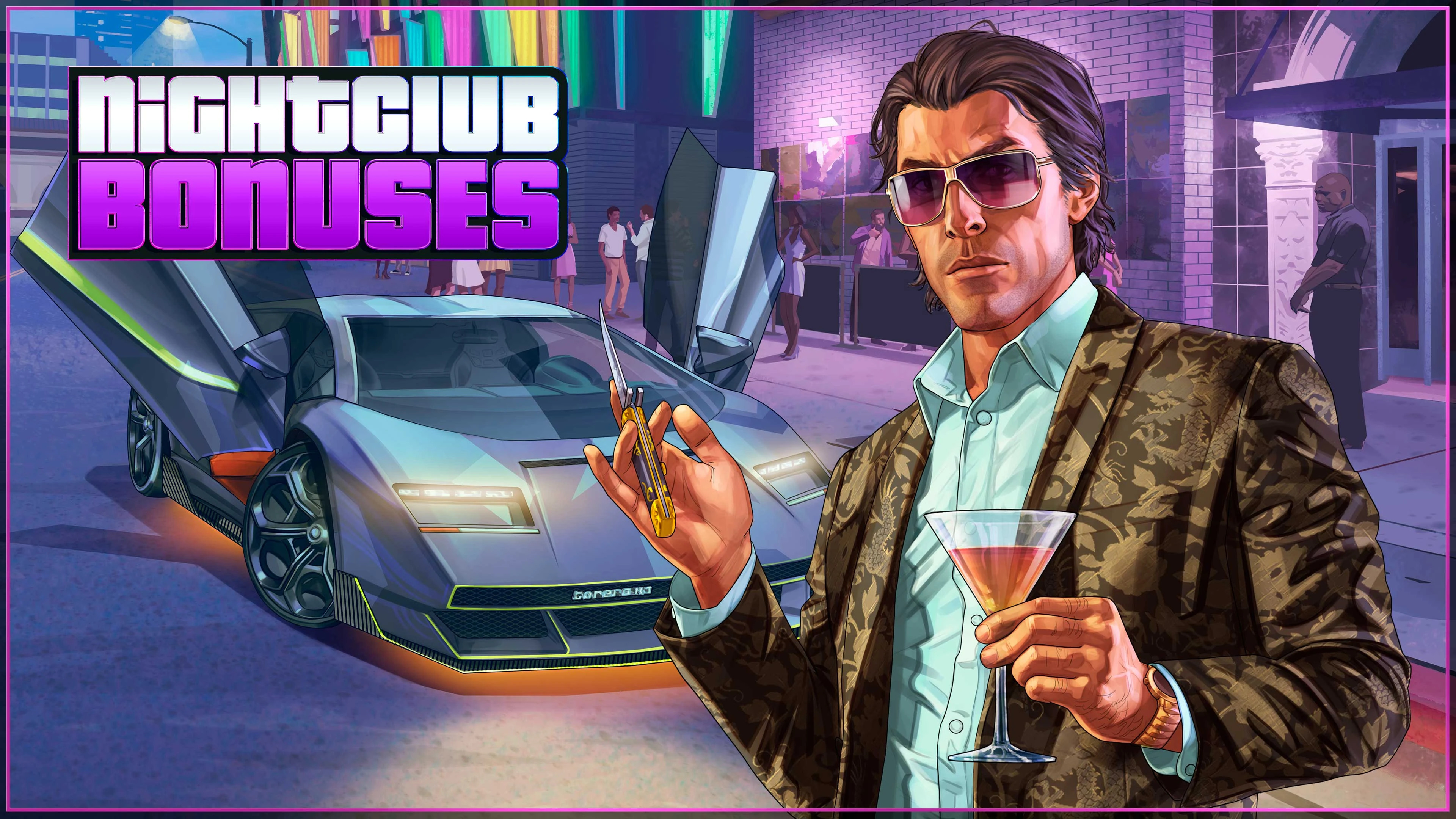
    From plot holes to retcons, nobody really quite understands the overall timeline of GTA V and it's evolving GTA Online world. Originally set in early 2013, six months before the singleplayer story-mode, GTA Online has grown and changed with new characters, vehicles, and even buildings joining the mix. The confusion really began during a mission in the Gunrunning update, in which Agent 14 states that "It's 2017" - Four years after the game was supposedly set.
    • 0 comments
    • 439 views

Account

Navigation

Search

Search

Configure browser push notifications

Chrome (Android)
  1. Tap the lock icon next to the address bar.
  2. Tap Permissions → Notifications.
  3. Adjust your preference.
Chrome (Desktop)
  1. Click the padlock icon in the address bar.
  2. Select Site settings.
  3. Find Notifications and adjust your preference.