GTA5 News
598 stories in this category
-
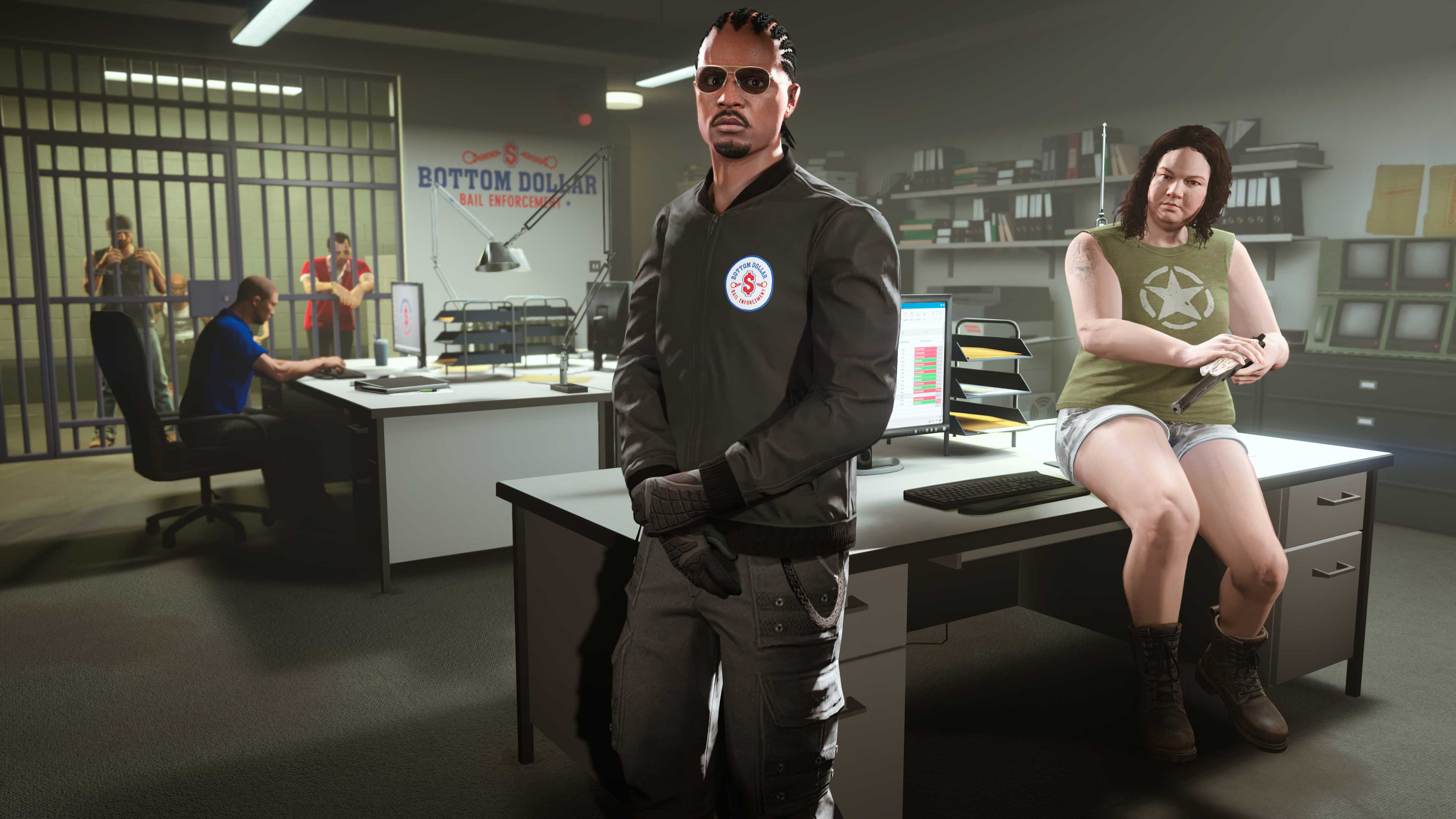
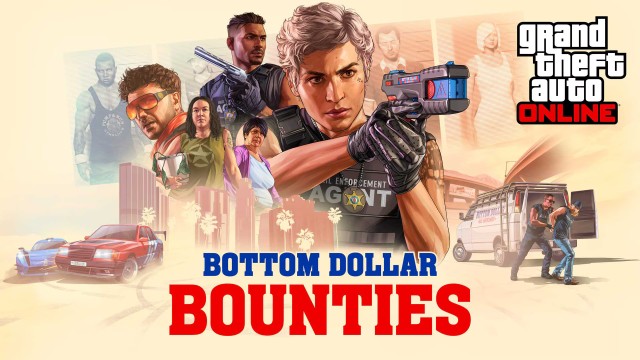
GTA Online: Bottom Dollar Bounties is now available on PS5, PS4, Xbox Series X|S, Xbox One, and PC.
-
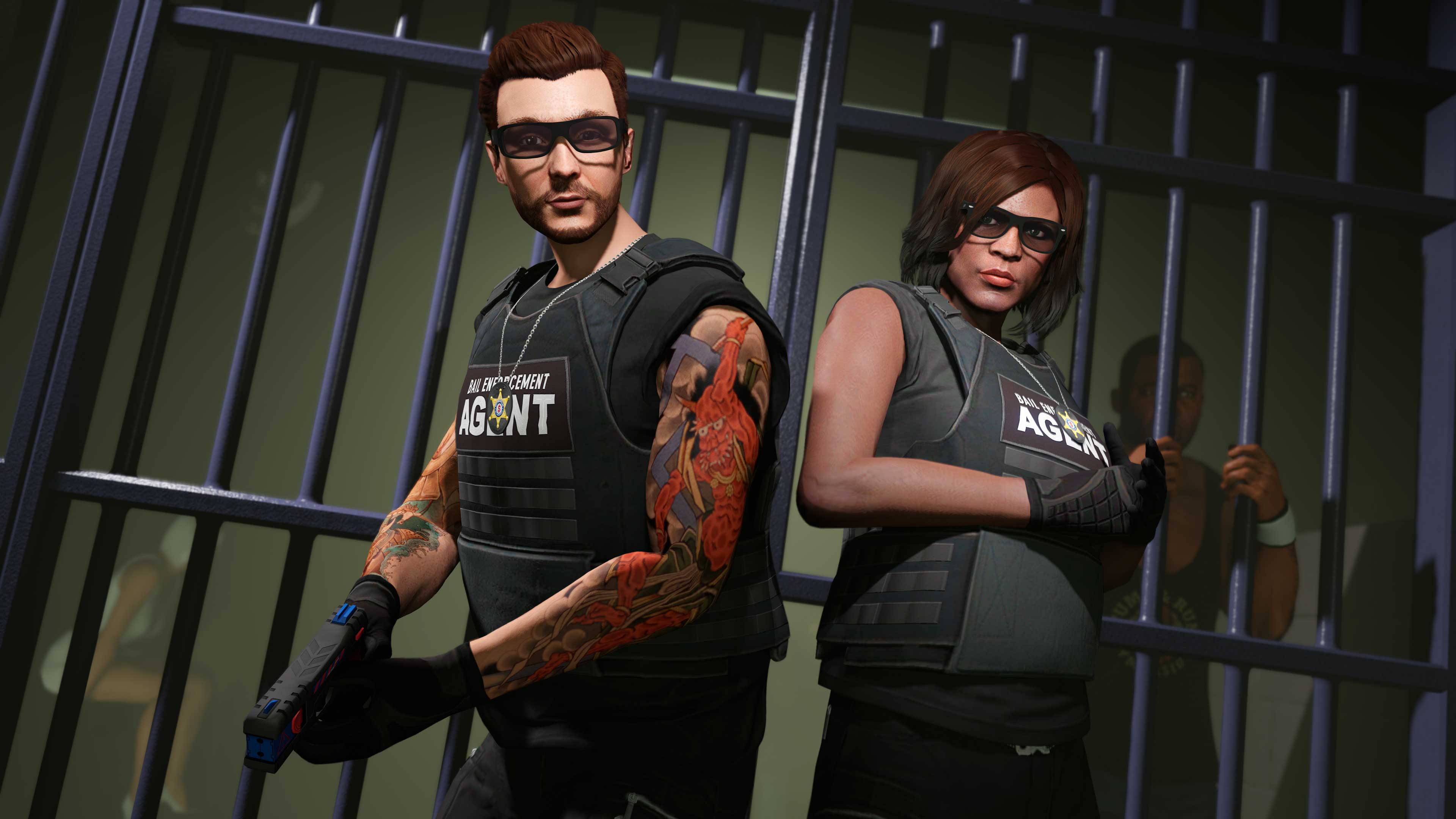
The GTA Online Summer 2024 Update, called "Bottom Dollar Bounties", is coming to GTA Online on June 25, 2024, adding a mix of new activities, cars, and content to the game’s massive host of features.
-
3X GTA$ & RP
-
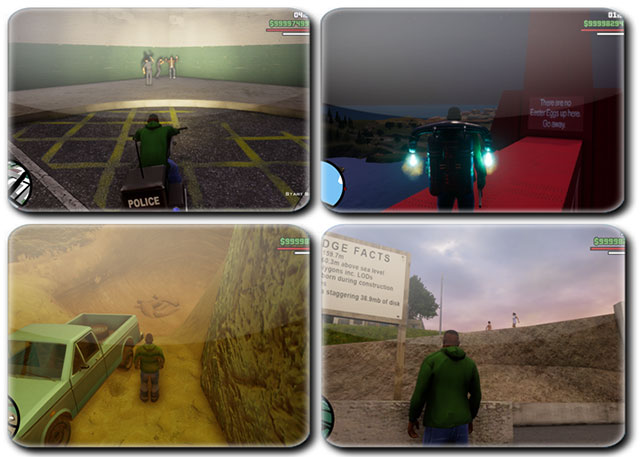
Grand Theft Auto: San Andreas is an open-world game. There are so many things in the game that are inspired by our real world, such as names of places, designs of buildings, car or motorbike designs, or stories and events in the game. There are also smaller details that are considered secrets in San Andreas, often referred to as 'Easter Eggs'.
-
-
Grand Theft Auto: San Andreas is a big game. We can do many things in this open-world game. Besides completing story missions, we can do side missions too, like Taxi Driver or Street Races. There are many mini-games to play too, such as Pool or Gambling. Searching for facts or things that are considered secrets is also GTA SA's "feature".
-
In the words of Maude Eccles, this world is full of scum and detritus, and it’s only right that we all bear our share.
-
Discounts and new bonuses in this weeks GTA Online event week running from 6th - 12th June.
-
4X RDO$ & XP:
-
3X GTA$ & RP: