GTA5 News
598 stories in this category
-
3X GTA$ & RP:
-
-
New Content & Unlocks:
-
With the introduction of Cayo Perico Heist almost 3 years ago, the money-making meta in GTA Online completely changed. Especially for solo players. However, during GTA Online's 10th anniversary week, Rockstar decided to nerf it so much that the Cayo Perico Heist has now become worse that it may never be worth doing it anymore.
-
2X GTA$ & RP:
-
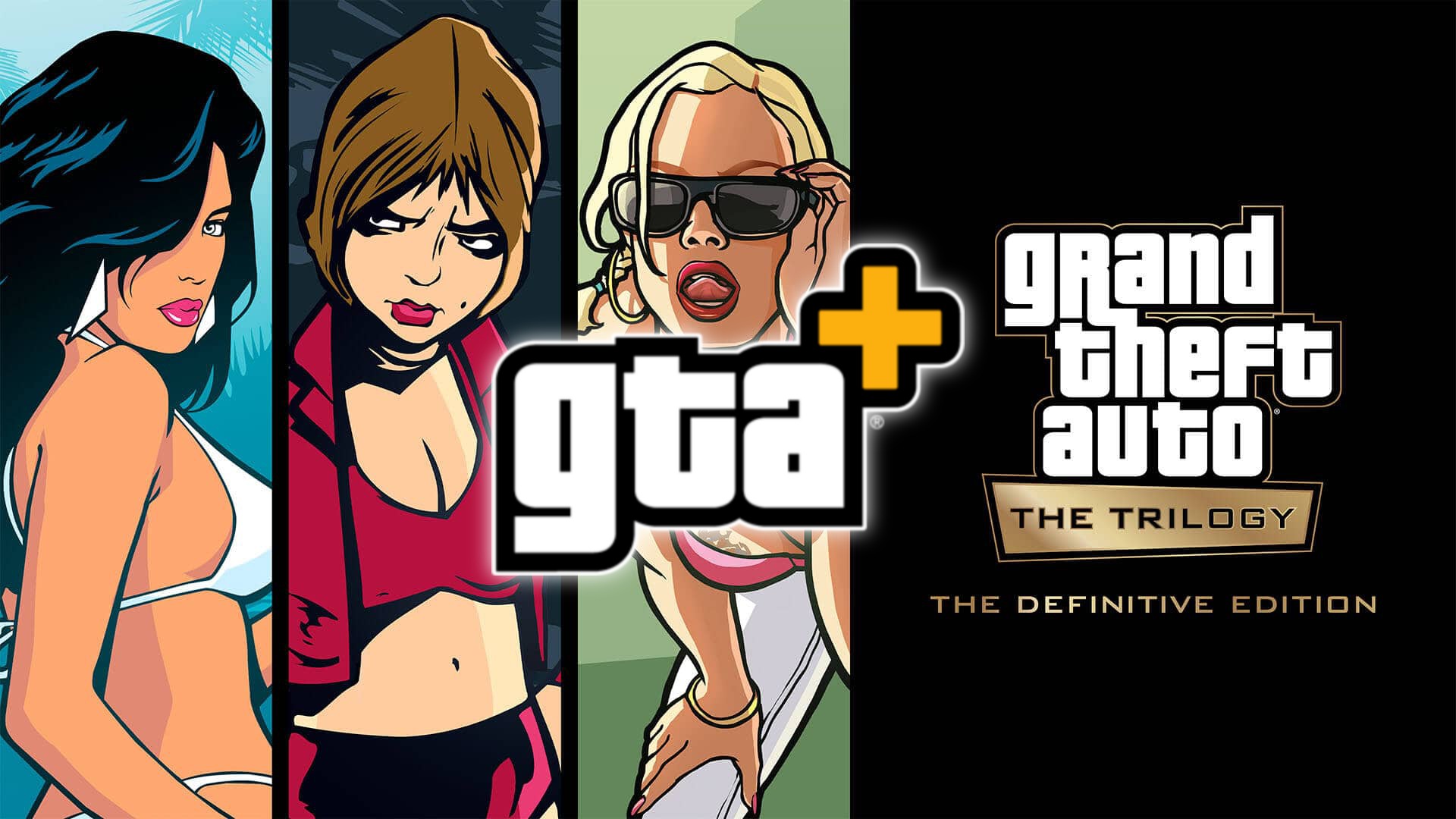
As just announced by Rockstar Games itself, GTA+ Members now get access to download and play a rotating assortment of classic Rockstar Games titles, starting with Grand Theft Auto: The Trilogy – The Definitive Edition.
-
I was scrolling Instagram the other day and I accidentally came across this profile which contained these magnificent works of art, which even though they are not directly connected to GTA 6 and were not created as Fan-Arts for the game, still contain those beautiful vintage and minimalist vibes, characteristic of the Vice City and Miami style!
-
Photo by @JohnM90GTA
-
As you may have heard, the Xbox company recently suffered a significant leak!
-
It's GTA V 10th anniversary week and we are all celebrating with a new Event Week for GTA Online! Find all the details below...