Skip to content
View in the app

A better way to browse. Learn more.

LCPDFR.com

A full-screen app on your home screen with push notifications, badges and more.

To install this app on iOS and iPadOS
  1. Tap the Share icon in Safari
  2. Scroll the menu and tap Add to Home Screen.
  3. Tap Add in the top-right corner.
To install this app on Android
  1. Tap the 3-dot menu (⋮) in the top-right corner of the browser.
  2. Tap Add to Home screen or Install app.
  3. Confirm by tapping Install.
We're performing changes on our download infrastructure. During this time, you may encounter downloads failing to complete or start. Thank you for your patience.

GTA5 News

598 stories in this category

  1. G17 Media ·
    Rockstar positively surprised everyone with this sudden announcement! Cfx.re, the team behind the biggest Rockstar roleplay and creator communities, FiveM & RedM, are now officially a part of Rockstar Games. 
    • 0 comments
    • 458 views
  2. G17 Media ·
    Buckingham Weaponized Conada
    • 0 comments
    • 277 views
    • 0 comments
    • 245 views
  3. G17 Media ·
    Immersing in a virtual world, engaging in a wholesome range of activities, and roleplaying as different characters are intriguing. When I indulge in nostalgia, I feel like I have escaped from reality into the character's life and experienced their storyline; that's what RP servers are all about.
    • 0 comments
    • 471 views
  4. G17 Media ·
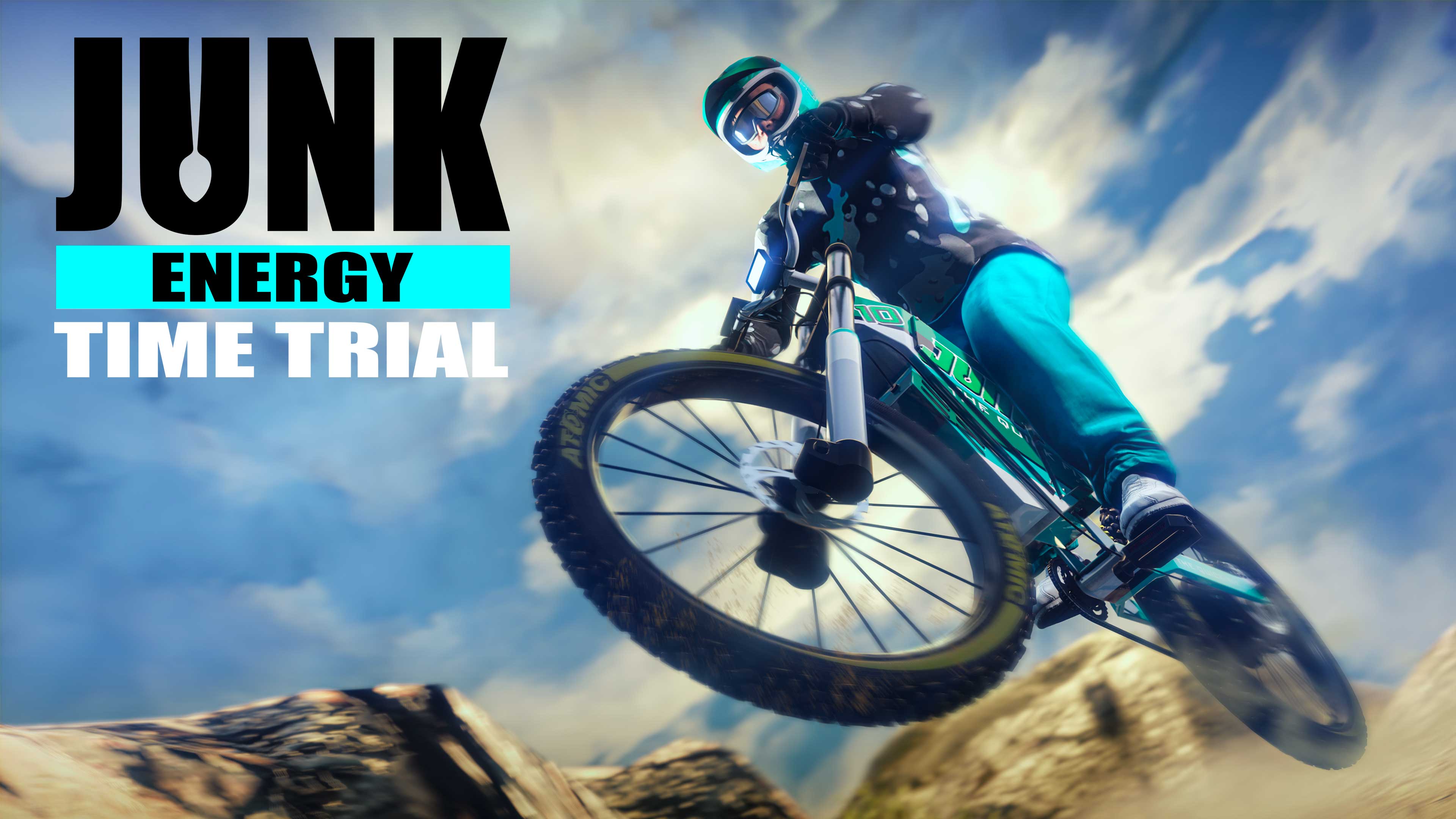
    Today's new GTA Online weekly update added Junk Energy Daily Time Trials. By completing them, you will be rewarded with GTA$ and RP. You can also unlock the Junk Energy Racing Suit by completing the new Junk Energy Time Trial with the brand new Coil Inductor Bike - purchaseable from Pedal and Metal Cycles for a price of $50,000.
    • 0 comments
    • 433 views
  5. G17 Media ·
    The GTA VI hacking group Lapsus$ was held accountable on July 11th in court, facing 12 charges. 18-year-old Arion Kurtaj sent all Rockstar Games staff a message via Slack threatening to leak source code for the next entry, according to prosecutors.

    • 0 comments
    • 389 views

Account

Navigation

Search

Search

Configure browser push notifications

Chrome (Android)
  1. Tap the lock icon next to the address bar.
  2. Tap Permissions → Notifications.
  3. Adjust your preference.
Chrome (Desktop)
  1. Click the padlock icon in the address bar.
  2. Select Site settings.
  3. Find Notifications and adjust your preference.