



Skip to content
View in the app

A better way to browse. Learn more.

LCPDFR.com

A full-screen app on your home screen with push notifications, badges and more.

To install this app on iOS and iPadOS
  1. Tap the Share icon in Safari
  2. Scroll the menu and tap Add to Home Screen.
  3. Tap Add in the top-right corner.
To install this app on Android
  1. Tap the 3-dot menu (⋮) in the top-right corner of the browser.
  2. Tap Add to Home screen or Install app.
  3. Confirm by tapping Install.

A Shortcut Too Many

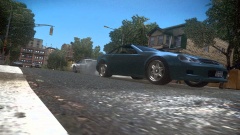
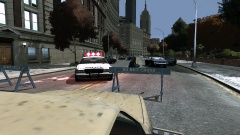
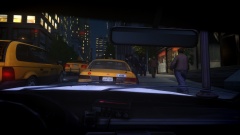
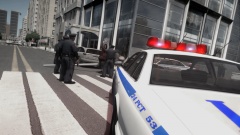
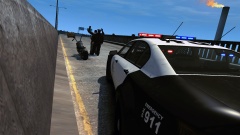
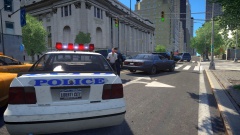
This taxi driver decided to cut across traffic, jumping a red light right in front of a police cruiser. He was flagged by the officer to pull over. A quick vehicle check showed the yellow cab to be uninsured and untaxed.

The driver was issued with a fixed penalty for driving without insurance and tax and for reckless driving. He has not yet retrieved his taxi from the impound lot, and so it will be crushed.

Account

Navigation

Search

Search

Configure browser push notifications

Chrome (Android)
  1. Tap the lock icon next to the address bar.
  2. Tap Permissions → Notifications.
  3. Adjust your preference.
Chrome (Desktop)
  1. Click the padlock icon in the address bar.
  2. Select Site settings.
  3. Find Notifications and adjust your preference.