
Skip to content
View in the app

A better way to browse. Learn more.

LCPDFR.com

A full-screen app on your home screen with push notifications, badges and more.

To install this app on iOS and iPadOS
  1. Tap the Share icon in Safari
  2. Scroll the menu and tap Add to Home Screen.
  3. Tap Add in the top-right corner.
To install this app on Android
  1. Tap the 3-dot menu (⋮) in the top-right corner of the browser.
  2. Tap Add to Home screen or Install app.
  3. Confirm by tapping Install.

He'll Do Anything to Escape

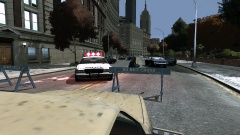
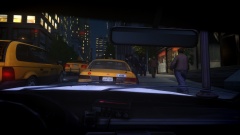
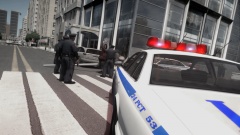
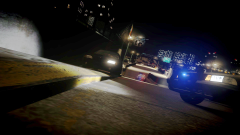
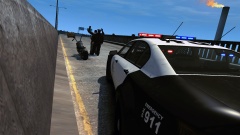
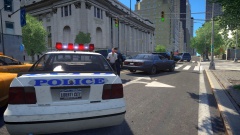
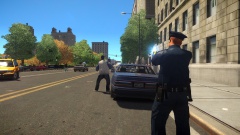
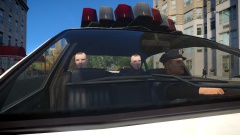
A late night pursuit went up a new level when this suspect (wanted for several felonies scaling up to murder) took off in a stolen car. Highway interceptors teamed up with state patrol units to try and block the suspect's escape route. But he showed no signs of stopping, mounting the pavement to avoid a patrol car blocking the highway exit ramp. The suspect was later arrested when his vehicle lost control and collided with a wall.

From the album:

My Experiences in the LCPD

· 31 images

Account

Navigation

Search

Search

Configure browser push notifications

Chrome (Android)
  1. Tap the lock icon next to the address bar.
  2. Tap Permissions → Notifications.
  3. Adjust your preference.
Chrome (Desktop)
  1. Click the padlock icon in the address bar.
  2. Select Site settings.
  3. Find Notifications and adjust your preference.