


You'll have to change the files' names
Highest sound quality 👌🏼🔥
Demo:
Edited by maxter paradise
Short Description
Here, you will see an old siren made by the Federal Signal brand
Silvervette732 [YouTube]
Tones edited by me @maxter_paradise (INSTAGRAM)
Tones edited by me @maxter_paradise (INSTAGRAM)


![OCRP Postal Map - Fixed Duplicate Postals and Atlas Style [FiveM]](http://s3-screenshots.int-cdn.lcpdfrusercontent.com/resize/500/-/monthly_2026_07/624688352-f61f6a95-cab2-4dbf-8e15-eac238807cc7.thumb.jpg.f9356ce9ac807f74bb9d897e93a8242d.jpg)



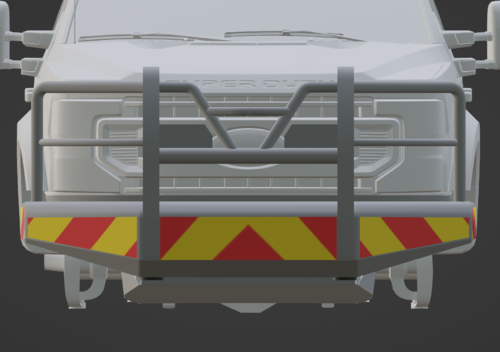

![Kunkel Ambulance [Replacement]](http://s3-screenshots.int-cdn.lcpdfrusercontent.com/resize/500/-/monthly_2026_09/Kunkelambuimage1.thumb.png.77da0ecd5b70774ebf59b90e635b1e90.png)



Recommended Comments
Create an account or sign in to comment