



.jpg.730796fd3f9ce5fda3a7e59b4b6cc037.jpg)

This uses Virus City's postal map edited to use OCRP Postals and remove duplicates for FiveM
Note:
OCRP Postals have been edited to remove duplicates and a few added such as the airport
A version of postal.lua has been included
Included PNG for Prompt's Sandy Bridge - https://store.prompt-mods.com/store/package/6443485
Eventually may do a Cayo Perico addon using custom postals
Can be used in singleplayer but needs to be converted
Edited by coreybruce
Short Description
Virus City's postal map edited to use OCRP Postals and remove duplicates

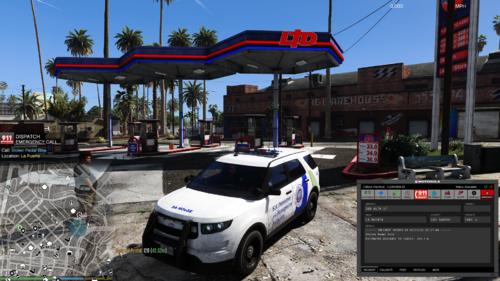
![OCRP Postal Map - Fixed Duplicate Postals and Atlas Style [FiveM]](http://s3-screenshots.int-cdn.lcpdfrusercontent.com/resize/500/-/monthly_2026_07/624688352-f61f6a95-cab2-4dbf-8e15-eac238807cc7.thumb.jpg.f9356ce9ac807f74bb9d897e93a8242d.jpg)



![USS Enterprise Fleet [Add-On SP / FiveM]](http://s3-screenshots.int-cdn.lcpdfrusercontent.com/resize/500/-/monthly_2026_07/LD_USS_Enterprise_Fleet_9.thumb.jpg.150a9088fe9544947a84a05eecf8ab07.jpg)


Recommended Comments
Create an account or sign in to comment