





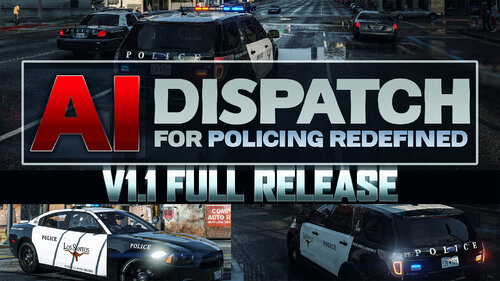
These are some dump files from the mega pack. Instead of throwing them away I wanted to release them so yall just had them. The charger isn't actually that big of a file but the explorer is kinda big but yeah. For me, they ran fine in game but yeah.
A mega pack is on it's way to this website so I hope yall will like it. Also, Gwinnett County Police is almost finished.
I think the FPIU has a bug in the lighting but I think that was just because I had the wrong ELS file in.
I know the lighting is kinda weird on the FPIU because it has an all blue lightbar but yeah
- Model is original 2015 Dodge Charger from Forza Horizon 2 (F&F DLC), modified to PPV version and converted to GTAIV by IronicRainbow
- Converted into a Police vehicle by IronicRainbow
- Converted into an AWD version by IronicRainbow
- Rims by GerryStudio, IronicRainbow, & Bxborgs123
- Polygon filling by TheHurk
MODEL
- 2016 Ford Explorer Purchased by Sobo
- Crunched by VooDoo
- Converted to GTA IV by JasonCT203.
- 3D Grill made by VooDoo
- Chassis from FPIU by Policefanatic
- Converted into a Police vehicle by IronicRainbow
- Converted into an AWD version by IronicRainbow
- Rims by GerryStudio, IronicRainbow, & Bxborgs123
- Polygon filling by TheHurk
MODEL
- 2016 Ford Explorer Purchased by Sobo
- Crunched by VooDoo
- Converted to GTA IV by JasonCT203.
- 3D Grill made by VooDoo
- Chassis from FPIU by Policefanatic
![Fort Lauderdale 18 Charger Pack [ULC-FIVEM] [K9-Patrol]](http://s3-screenshots.int-cdn.lcpdfrusercontent.com/resize/500/-/monthly_2026_09/Desktop_Screenshot_2025_08.22_-_11_24_18_27.thumb.png.e6a3e847b7abfadae9ee3fabefb78ced.png)









Recommended Comments
Create an account or sign in to comment