
Skip to content
View in the app

A better way to browse. Learn more.

LCPDFR.com

A full-screen app on your home screen with push notifications, badges and more.

To install this app on iOS and iPadOS
  1. Tap the Share icon in Safari
  2. Scroll the menu and tap Add to Home Screen.
  3. Tap Add in the top-right corner.
To install this app on Android
  1. Tap the 3-dot menu (⋮) in the top-right corner of the browser.
  2. Tap Add to Home screen or Install app.
  3. Confirm by tapping Install.

GrammarPolice 1.8.3

(82 reviews)

4 Screenshots


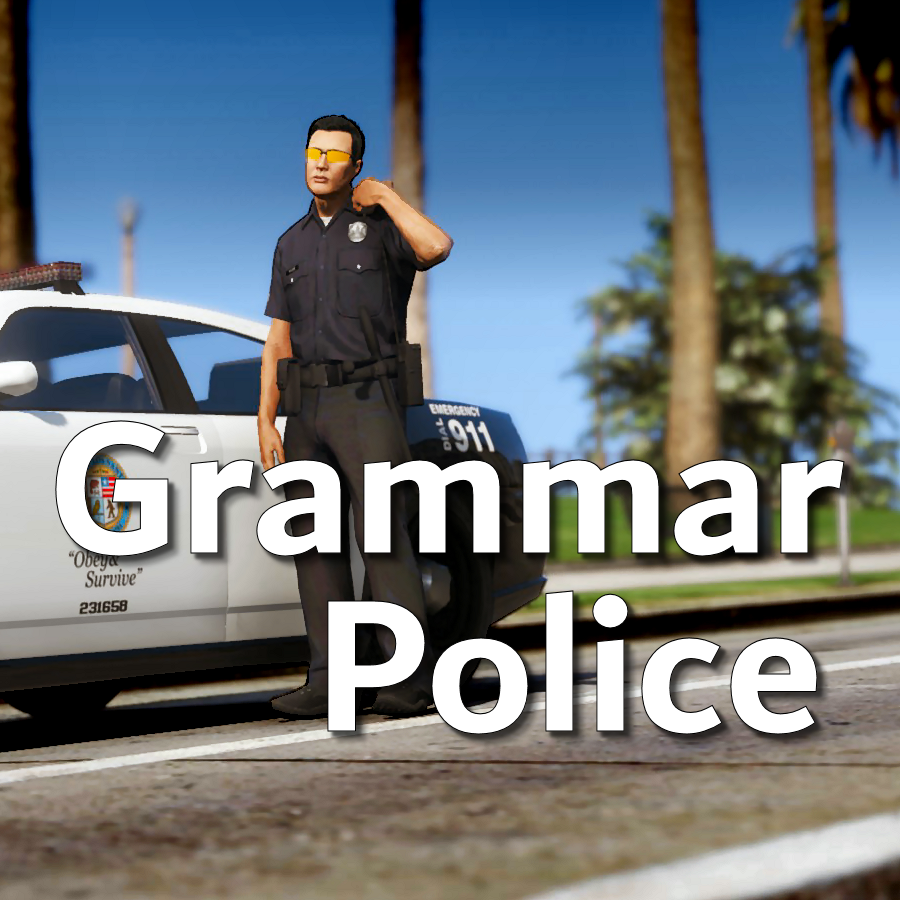
Welcome to Grammar Police!  This plugin began as a replacement for VocalDispatch but has grown into much more!


Speech Recognition

  • Issue commands to the dispatcher using your microphone
  • Includes a "hold to talk" feature that simulates a real radio
  • Supports StopThePed and UltimateBackup out of the box
  • Contains multiple sets of "10 codes" or customize yourself
  • Request backup, run plate checks, accept callouts and more!


Non-Verbal Interactions

  • Use an on-screen radio to interact with the dispatcher
  • Also includes a Officer Plugin Status style menu system
  • Both systems are fully customizable!


Language Support

  • English
  • French
  • German
  • Spanish


Technical Support


Tutorial Videos

Edited by opus49

What's New in Version 1.8.3

Released

Grammar Police 1.8

  • Restored player status display on PTT release (thanks OfficialFlipPlayz)
  • Restored the "say again" and generic response functionality
  • Restored emergency status on panic (thanks L’ère de l’a-paix)
  • Hardened radio check to prevent crash when there aren't any results
  • Adjusted timings of (non-chest) animations to look and sound more natural
  • Invalid callsigns no longer cause a failure but instead fallback to default
  • Moved speech engine handling to a separate thread to minimize UI freezes
  • Updated the radio check feature and added it to the settings menu
  • Fixed bug in felony backup request where it incorrectly saw no pullover
  • Detect Dynamic Traffic Stop from CalloutInterface and set status accordingly
  • Made configuration loading more resilient, no longer crashing on bad values
  • HoldToTalk now defaults to true and should benefit from engine worker thread
  • Made the delay between speech recognition and action execution configurable
  • Added config option for using the LSPDFR animation when using on screen radio
  • Added support for multiple handlers (e.g. UltimateBackup, PolicingRedefined)
  • Added command for cancelling backup without ending callouts, pullovers, etc
  • Fixed bug with INI where it wasn't allowing the hotkey modifier to be none
  • Added script generated HTML-based speech guides for all languages

    NOTE: THIS VERSION REQURES MICROSOFT SPEECH PLATFORM
    Microsoft has removed the interface for Windows Speech Recognition in recent versions of Windows 11.  Starting with this version of Grammar Police you will need to install Microsoft Speech Platform and the language pack you wish to use:


    Instructional video here:

    Microsoft Speech Platform: https://www.microsoft.com/en-us/download/details.aspx?id=27225
    Language Packs:  https://www.microsoft.com/en-us/download/details.aspx?id=27224
    Community Translations:   https://github.com/Immersive-Plugins-Team/GrammarPolice-Translations

Short Description

Interact with the dispatcher.

User Feedback

Recommended Comments

JDeuce21

Members

(edited)

11 hours ago, opus49 said:

why do you think Grammar police is making this noise?

I removed Grammar Police and played LSPDFR for the better half of an hr with no crash or issues. Just to test your theory. Using those menus suck😮‍💨 I really love this mod.

This new update has ELS acting up as well. So idk

RagePluginHook.log

Edited by JDeuce21

JDeuce21

Members

(edited)

Hey opus49,

So after futher investigation I found that 686 callouts was causing the whitenoise. After removing Plugin after Plugin it became the common denominator. My apologies.😔 Lspdfr can be such a pain!

Edited by JDeuce21

Wintermoon

Members

I only use the interface menu for this plugin, is there any parameter to edit if i want my character to have his shoulder/chest radio animation when selecting anything from the interface menu? Because right now i already select my radio animation in lspdfr setting but my character doesn't do anything when using the interface menu

mnbvm

Members

Great mod but most recent version of windows removed the option to train your voice, and ever since then dispatch won't recognize me correctly 😕

RobPol

Members

Used 3 microphones and GTA only. said 'Dispatch, say again.' after radio check Recognition rate: 0.17 5/30 

acedecepticon

Members

game crashes when trying to go on duty ? 

Could contain: text, electronics, screenshot, display

ElJefe509

Members

Hello, I need help with the status hud overlapping with simple hud. How do I fix this?

n1ce123

Members

Good afternoon. The mod works, everything seems to be fine, but there is one but, the mod does not understand most of what I say. I first thought that the problem is in the microphone, but it turns out that it is not. I've been looking for a solution to this problem but haven't found one. Can you please help?

staycrossy

Members

17 hours ago, n1ce123 said:

Good afternoon. The mod works, everything seems to be fine, but there is one but, the mod does not understand most of what I say. I first thought that the problem is in the microphone, but it turns out that it is not. I've been looking for a solution to this problem but haven't found one. Can you please help?

Help your PC recognize your voice

You can teach Windows 10 to recognize your voice. Here's how to set it up:

  1. In the search box on the taskbar, type Windows Speech Recognition, and then select Windows Speech Recognition in the list of results.

  2. If you don't see a dialog box that says "Welcome to Speech Recognition Voice Training," then in the search box on the taskbar, type Control Panel, and select Control Panel in the list of results. Then select Ease of Access > Speech Recognition > Train your computer to understand you better.

  3. Follow the instructions to set up speech recognition.

n1ce123

Members

On 28.03.2025 at 09:14, staycrossy said:

Помогите вашему ПК распознать ваш голос

Вы можете научить Windows 10 распознавать ваш голос. Вот как это настроить:

  1. В поле поиска на панели задач введите Распознавание речи Windows , а затем выберите Распознавание речи Windows  в списке результатов.

  2. Если вы не видите диалоговое окно с надписью «Добро пожаловать в Speech Recognition Voice Training», то в поле поиска на панели задач введите Панель управления и выберите Панель управления в списке результатов. Затем выберите Специальные возможности > Распознавание речи > Обучить компьютер лучше вас понимать .

  3. Следуйте инструкциям по настройке распознавания речи.

I'm on windows 11, is it the same on it?

papparara

Members

日本語のファイルを作成できますか?

IceGuy221

Members

Having an issue where i can't disable the feature where the character will be holding the handheld radio when i have the radio pulled up. I thought there used to be a setting to disable the animation but now there isn't. would be nice if i could keep it to my shoulder or chest animations rather than my character pulling the handheld out or possible getting stuck in 2 animations at once

hypersmasher245

Members

im have a problem with the grammar police, why missing required libraries? Could contain: text, screenshot, outdoor, street

why said this?

UpperMidnight

Members

is there a way to extend the duration of accepting the callouts? Sometimes by the time dispatch finishes talking I can no longer accept the callout. Thanks!

Any one else have a problem with backup not using when using ultimate backup and EUP

Iojp.77

Members

Hi, the mod is great, would it be possible to make a PDF file with the phraseology in French as well ? 

Soo why isnt the thing picking my mic up anymore? It was working before yesterday and Id just like to know what I may have done

HellaDipsy

Members

So far everything works flawlessly except , i notice that there is animation when I PTT inside a vehicle, but when I PTT on-foot, there is no animation. Is there something I am missing (plugin, or edit of an .ini file). 

On 6/18/2025 at 6:23 PM, HellaDipsy said:

So far everything works flawlessly except , i notice that there is animation when I PTT inside a vehicle, but when I PTT on-foot, there is no animation. Is there something I am missing (plugin, or edit of an .ini file). 

Make sure you have a radio option selected in the LSPDFR menu like you would in normal LSPDFR

javier0911

Members

(edited)

thanks  for  the update 🙂  would be possible in the future to add unlimited  back up on the radio. maybe add  k9 action on a pursuit something like this!!


Edited by javier0911

itsjzee85

Members

Are you actually updating this every day or just reposting this so others see it's updated. I have seen these notifications and am not sure lol. Build number seems to be the same. 


Thank you for all you do with this. You rock.

opus49

Insiders Author

27 minutes ago, itsjzee85 said:

Are you actually updating this every day or just reposting this so others see it's updated. I have seen these notifications and am not sure lol. Build number seems to be the same. 


Thank you for all you do with this. You rock.

There was a new update last night (1.8.0.7) and I realized I didn't put the documentation in both places in the .zip file so I uploaded a second copy (but turned off notifications).  There haven't been any further updates.

itsjzee85

Members

2 hours ago, opus49 said:

There was a new update last night (1.8.0.7) and I realized I didn't put the documentation in both places in the .zip file so I uploaded a second copy (but turned off notifications).  There haven't been any further updates.

Okay awesome. Imma re download it then. Thank you for responding!

bdavis94

Members

This plugin is amazing. Your tutorial was amazing and very detailed. Keep more projects coming. This plugin is so immersive and my favorite out of all plugins. Appreciate your work alot. 

Create an account or sign in to comment

Latest Mods

Account

Navigation

Search

Search

Configure browser push notifications

Chrome (Android)
  1. Tap the lock icon next to the address bar.
  2. Tap Permissions → Notifications.
  3. Adjust your preference.
Chrome (Desktop)
  1. Click the padlock icon in the address bar.
  2. Select Site settings.
  3. Find Notifications and adjust your preference.













