
Skip to content
View in the app

A better way to browse. Learn more.

LCPDFR.com

A full-screen app on your home screen with push notifications, badges and more.

To install this app on iOS and iPadOS
  1. Tap the Share icon in Safari
  2. Scroll the menu and tap Add to Home Screen.
  3. Tap Add in the top-right corner.
To install this app on Android
  1. Tap the 3-dot menu (⋮) in the top-right corner of the browser.
  2. Tap Add to Home screen or Install app.
  3. Confirm by tapping Install.

SuperCallouts 4.0.0.2

(63 reviews)

1 Screenshot

qibFcnz.png

Any Issues, suggestions, or want to chat?
Join my Discord server!
Click Me!


9C6i8wX.png

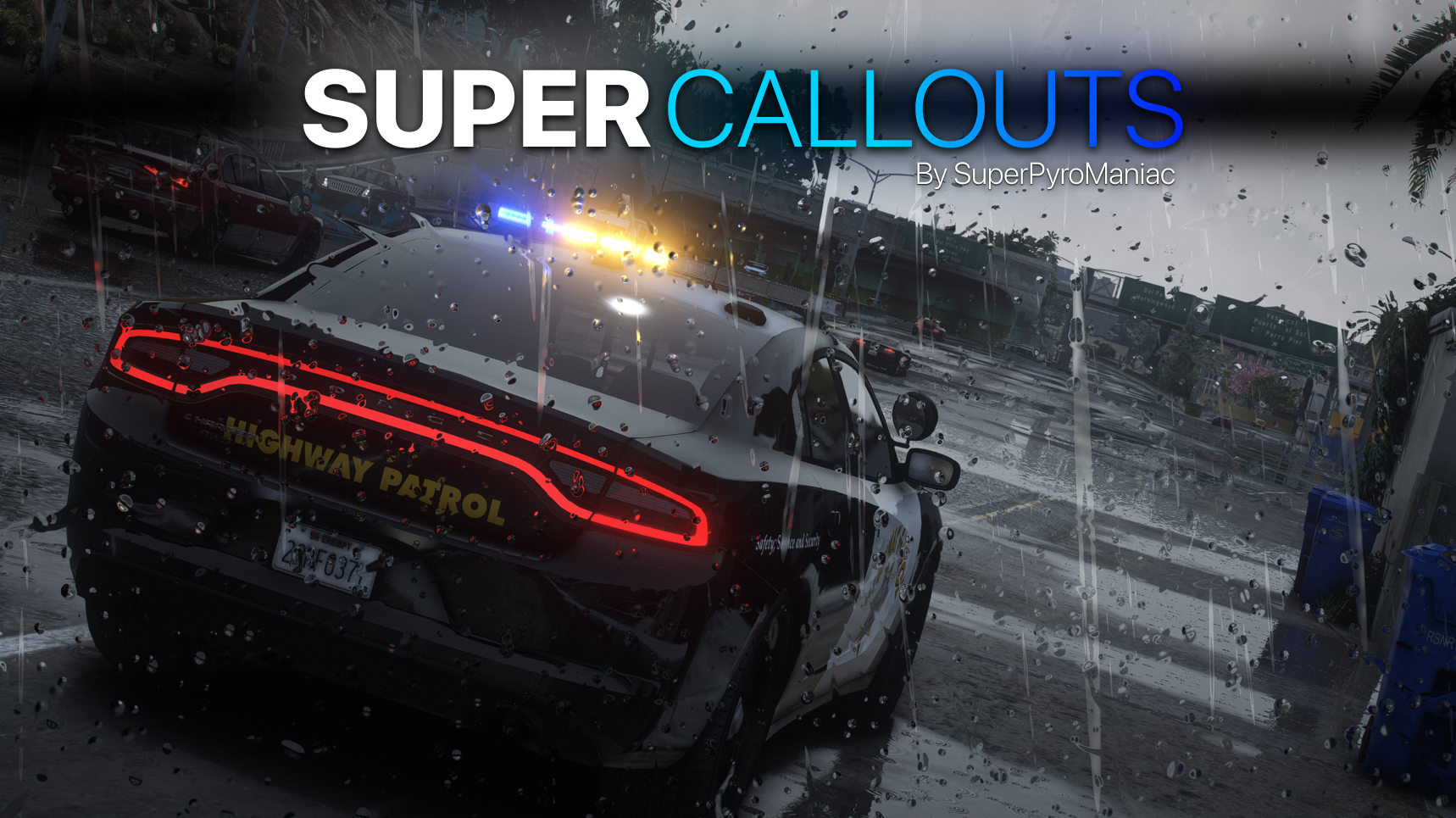
SuperCallouts is a plugin for LSPDFR to add more callouts. Currently adds 36 new callouts!


With SuperCallouts I aim to add more unique callouts to LSPDFR with a uniform feel. I add both realistic and crazy new calls that will be played randomly. You are also able to disable and enable any features you choose. I recommend pairing this plugin with my other plugins DeadlyWeapons and SuperEvents to completely change how the game feels.

MEE3wC3.png

*SWAT Related Callouts*

(Dangerous!)

FIB Reports known armed mafia members spotted at the casino.

FIB Reports known armed mafia members spotted in Sandy Shores.

FIB Raid mafia drug smugglers found at the harbor.

Police Reports mafia planted large bomb in Los Santos.

FIB Raid, wanted gang members spotted involved in a police officer murder.

Sheriff under attack by a biker gang.


*Realistic Callouts*

Traffic report, stolen super car spotted.

Traffic report, vehicle belonging to a possible kidnapper spotted.

911 call of someone being held at gunpoint.

911 call of a car accident.

911 call of someone being attacked by an animal.

911 call of a hit and run.

911 call of an alien sighting.

911 call of a suspicious car.

911 call of a vehicle fire.

911 call of a police impersonator.

911 call of someone walking around with a gun.

911 call of a car blocking traffic!

911 call of an illegally parked car!

911 call of a knife attack at the subway!

911 call of a drunk driver.

911 call of someone not breathing.

911 call hang-up with no details.

911 call of someone trespassing.

911 call of a stolen construction vehicle.

911 call of someone vandalizing property.

911 call of someone wandering outside naked.

911 call of a fight in the street.

Correction Department Backup, multiple prisoners escaping.

Correction Department Backup, prisoner escaping transport.

Police Backup, officer under fire.

Police Backup, manhunt for a fugitive.

Police Backup, medical supplies theft.

Police Backup, stolen police vehicle.

Police Backup, officer not responding.

EMS requests police escort.


Many of the callouts have multiple outcomes! I try to make sure they are not too repetitive!


Any Issues, suggestions, or want to chat?
Join my Discord server!
Click Me!

Policing Redefined is recommended for this plugin!

Superior StopThePed and UltimateBackup replacement.

Some callouts or features may be disabled without it.


Edited by SuperPyroManiac
Cuz

What's New in Version 4.0.0.2

Released

UPDATE 4.0.0.2


PR Support


Any Issues or Ideas?

Please leave bug reports and ideas in my Discord!
Join my Discord server!
Click Me!


Changes:

  • Added support for Policing Redefined.
  • Removed tipped over dump truck and stolen cleaning supplies callouts.
  • Overhauled actions for most callouts when using PR.
  • Remade the vehicle fire callout.
  • Remade the fight callout.
  • Remade the dropped call callout.
  • Remade the angry animal callout.
  • All other callouts will slowly be remade with new interactions and better immersion in mind.
  • Fixed an issue where errors are logged when ending a callout with another tool such as Grammar Police.
  • PR is strongly recommended, but not required. STP/UB and Vanilla are still fully supported.
  • HOTFIX 4.0.0.1: Fixed the crash on launch due to typing fire instead of vehiclefire when setting up callouts. Im stupid. Thanks for the reports!
  • HOTFIX 4.0.0.2: Fixed an issue related to permits with the PR API.

    I've done an immense amount of work with this, not worth putting in the change log. I plan a lot more work in the future for every existing and new callout. Join my Discord to help me test new versions.


Config:

  • N/A


Known Bugs:

  • If you get the vehicle failed to spawn issue, please report it to me as I want to ensure this bug is squashed forever.

Short Description

SuperCallouts - 36 new detailed and uniform callouts.

User Feedback

Recommended Comments

DivineHustle

Members

Blips and icons are not being removed from the map after calls for me. I end up with red blips all over the map.

  • Community Team
1 hour ago, DivineHustle said:

Blips and icons are not being removed from the map after calls for me. I end up with red blips all over the map.

Ensure you end the callouts by pressing END or in the Y menu as they do not automatically end to prevent scenes from despawning early.

DivineHustle

Members

6 hours ago, SuperPyroManiac said:

Ensure you end the callouts by pressing END or in the Y menu as they do not automatically end to prevent scenes from despawning early.

I am using the end function from StopThePed, should I specifically use one of these methods? The blips do not disappear when I end through StopThePed

  • Community Team
3 hours ago, DivineHustle said:

I am using the end function from StopThePed, should I specifically use one of these methods? The blips do not disappear when I end through StopThePed

Yeah so will cause issue. Use my callouts end feature to properly clean them up. This is actually something I will look into as well, think I may have a solution in the future for it.

Donica16

Members

I downloaded this plugin but, I do not know where to place the file into. I've tried putting it in plugins and going through RAGE to see if it was in there. I even put it in LSPDFR file.

  • Community Team
1 hour ago, Donica16 said:

I downloaded this plugin but, I do not know where to place the file into. I've tried putting it in plugins and going through RAGE to see if it was in there. I even put it in LSPDFR file.

You did it wrong. Please read the Readme.txt file I wrote that says exactly where to put things.

Donica16

Members

1 hour ago, SuperPyroManiac said:

You did it wrong. Please read the Readme.txt file I wrote that says exactly where to put things.

I did read it and it still isn't working.

larryjustus

Members

On 7/13/2024 at 6:44 PM, Donica16 said:

I downloaded this plugin but, I do not know where to place the file into. I've tried putting it in plugins and going through RAGE to see if it was in there. I even put it in LSPDFR file.

You are dropping files all over the place, which is why its not working. You need to delete ALL of the files and start over. Just highlight the the 3 files and drop them in your main game directory. Highlight the manila folder and drop it in PLUGINS or if thats too compicated just highlight the 4 things I just mentioned and drop them in your main game directory and they will go where they should be because they are labeled. It works. If it doesnt then theres something wrong with your game files.

ErikHG10

Members

(edited)

Hello, I'm having issues with starting your callouts. All other callouts work just fine, but yours won't start. If I do it manually via the callout manager, it gives an error :(. As stated in the readme file, I put the .dll files into the main game directory and plugins file.


Could contain: text, vehicle, land vehicle, wheel, outdoor, transport, screenshot, road, tire, street, car, police, officer

Edited by ErikHG10

  • Community Team
4 hours ago, ErikHG10 said:

Hello, I'm having issues with starting your callouts. All other callouts work just fine, but yours won't start. If I do it manually via the callout manager, it gives an error :(. As stated in the readme file, I put the .dll files into the main game directory and plugins file.


Could contain: text, vehicle, land vehicle, wheel, outdoor, transport, screenshot, road, tire, street, car, police, officer

Callout manager is outdated and often has issues. It has been replaced by Callout Interface, as well as you can manually launch callouts from the LSPDFR menu in the pause menu too. If it happens with those, then send me your RagePluginHook.log

  • Community Team

Sorry for double update today! Had to reupload PyroCommon which fixes an backwards comparability with DW and SE.
If you are having issues, redownload!

XxTnTxX

Members

 When i install the pack with old pyrocommon it tells me it was installed incorrectly  and when i install the new pyrocommon LSPDFR Crash   

Could contain: text, screenshot, font, sign

Could contain: text, screenshot, font

Could contain: text, screenshot, font, design

  • Community Team
5 minutes ago, XxTnTxX said:

 When i install the pack with old pyrocommon it tells me it was installed incorrectly  and when i install the new pyrocommon LSPDFR Crash   

Could contain: text, screenshot, font, sign

Could contain: text, screenshot, font

Could contain: text, screenshot, font, design

Yep there was a minor bug. Redownload SuperCallouts and reinstall it. I silently updated pyrocommon in all my downloads as well to fix this bug.
Its also fixed if you redownload deadly weapons as I did a silent update for that.

Either way, just redownload PyroCommon.dll from here and itll be fixed.

kida

Members

whats  up with dispatch not talking on calls anymore

kida

Members

there is no calloutinterfaceapidll

tee

Members

When I accept the HighSpeedPursuit Callout and I engage in pursuit with the vehicle after a minute or 2 LSPDFR crashes and my log says rage.vehicle or entity became invalid. It has happened twice today so far. is there a solution or a way around that?

RagePluginHook.log

  • Community Team
25 minutes ago, tee said:

When I accept the HighSpeedPursuit Callout and I engage in pursuit with the vehicle after a minute or 2 LSPDFR crashes and my log says rage.vehicle or entity became invalid. It has happened twice today so far. is there a solution or a way around that?

RagePluginHook.log 3.17 MB · 0 downloads

That's a spicy log. Regardless your issue was not caused by SuperCallouts.

First, remove CleanUpTheMess and FireCallouts. Your log is 4MB because of the spam from FC.
The crash itself was caused by a roadblock plugin. It tried to spawn it but a vehicle didnt exist and it crashed.

How do I revert back, it keep crashing my lspdfr? 


Deputy Russ

Members

13 minutes ago, Theofficiallogan said:

How do I revert back, it keep crashing my lspdfr? 


Should just be able to go to your plugins/lspdfr folder and remove the supercallouts folder and its files in the same folder you're in.

7 minutes ago, Deputy Russ said:

Should just be able to go to your plugins/lspdfr folder and remove the supercallouts folder and its files in the same folder you're in.

I did that its still crashing, Where can I download the old pyrocommon dll

  • Community Team
Just now, Theofficiallogan said:

I did that its still crashing, Where can I download the old pyrocommon dll

I do not support old versions. The latest versions do not have issues I am aware of. Send a RagePluginHook.log

2 minutes ago, SuperPyroManiac said:

I do not support old versions. The latest versions do not have issues I am aware of. Send a RagePluginHook.log


RagePluginHook.log

tee

Members

18 hours ago, SuperPyroManiac said:

That's a spicy log. Regardless your issue was not caused by SuperCallouts.

First, remove CleanUpTheMess and FireCallouts. Your log is 4MB because of the spam from FC.
The crash itself was caused by a roadblock plugin. It tried to spawn it but a vehicle didnt exist and it crashed.

Thank you. 

Xxyay62

Members

(edited)

Bonjour, pourquoi est-ce que je reçois ce message ?


Could contain: text, screenshot, multimedia software

Edited by Xxyay62

Create an account or sign in to comment

Latest Mods

Account

Navigation

Search

Search

Configure browser push notifications

Chrome (Android)
  1. Tap the lock icon next to the address bar.
  2. Tap Permissions → Notifications.
  3. Adjust your preference.
Chrome (Desktop)
  1. Click the padlock icon in the address bar.
  2. Select Site settings.
  3. Find Notifications and adjust your preference.






