bosSdIng035 Members July 8, 20197 yr Author stats no link to original model, and no description and only 2 photos
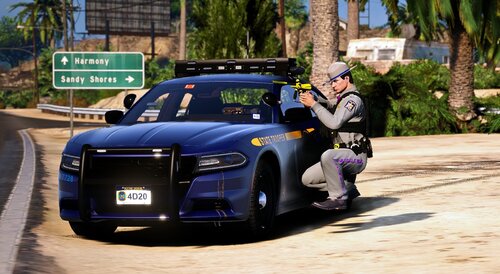
Swed Members July 8, 20197 yr Author stats Gonna need some better photos that actually show more of the livery, rather than just the back and one that for some reason shows the IRL vehicle instead of this.
max1998 Members Author July 14, 20197 yr Author stats Its on work i will do when i will have time tanks
max1998 Members Author January 3, 20206 yr (edited) Author stats I udpate new version Edited January 3, 20206 yr by max1998







.thumb.png.8cef6bf40847c87cdc7f2b84d14bb45d.png)
![[RELEASE] LASD/LSSD Livery Pack [WIP / Expanding]](http://s3-screenshots.int-cdn.lcpdfrusercontent.com/resize/500/-/monthly_2026_08/11CVPI-LCPDFR.thumb.png.5854e70536a1be65efd81c48874a99d2.png)

![[NON ELS / FiveM Ready] B/B 2021 FPIU Unmarked - ULC Compatible](http://s3-screenshots.int-cdn.lcpdfrusercontent.com/monthly_2026_08/fpiu1(1).thumb.png.6ba7b189c9a83d3aa873f4d24dead596.png)



Recommended Comments
Create an account or sign in to comment