
Skip to content
View in the app

A better way to browse. Learn more.

LCPDFR.com

A full-screen app on your home screen with push notifications, badges and more.

To install this app on iOS and iPadOS
  1. Tap the Share icon in Safari
  2. Scroll the menu and tap Add to Home Screen.
  3. Tap Add in the top-right corner.
To install this app on Android
  1. Tap the 3-dot menu (⋮) in the top-right corner of the browser.
  2. Tap Add to Home screen or Install app.
  3. Confirm by tapping Install.

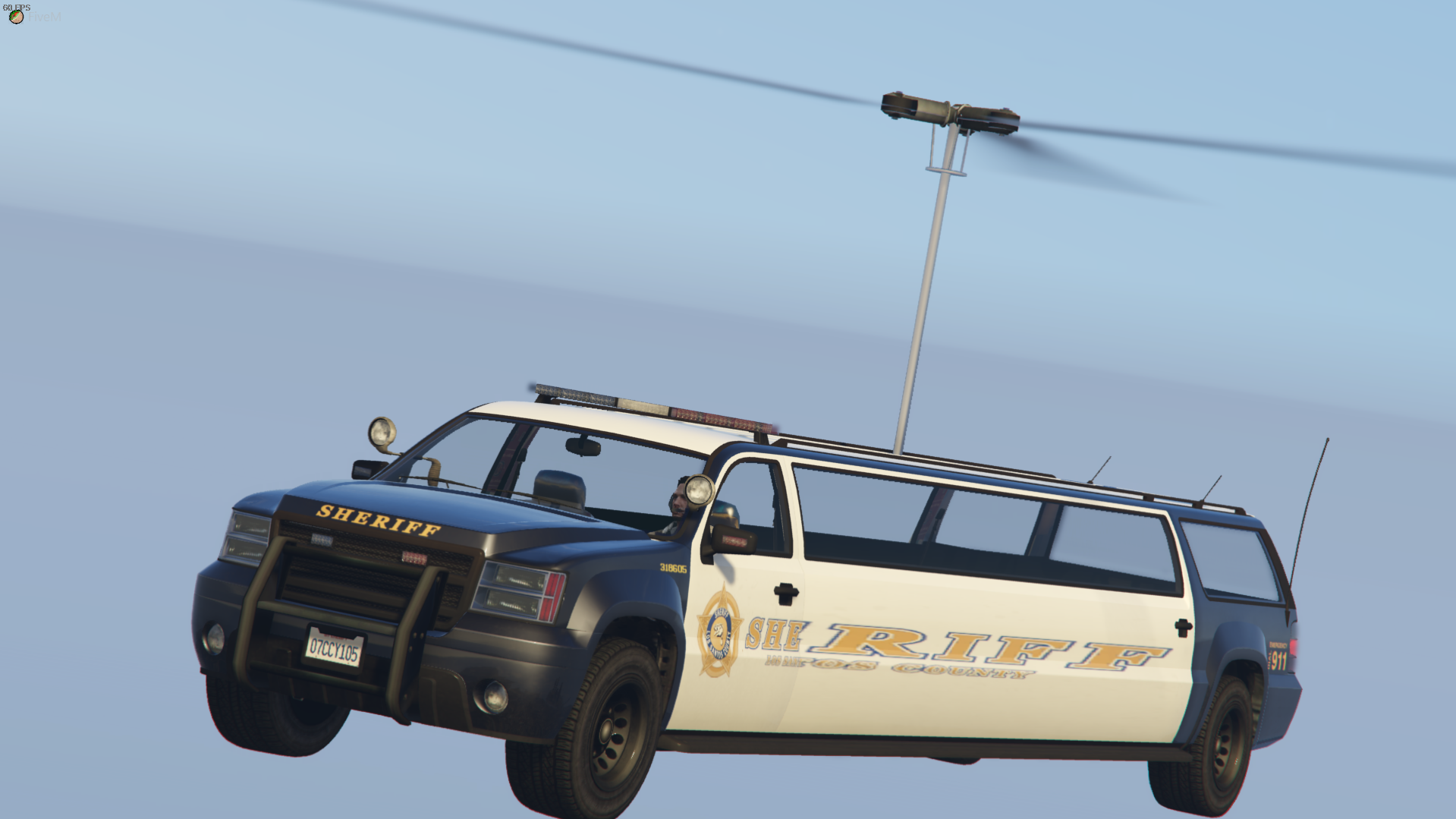
Grangercopter LORE 1.0.0

(3 reviews)

4 Screenshots

User Feedback

Recommended Comments

SUSHI426

Members

Bah Boe Beh

Robin Bowie

Members

Just now, SUSHI426 said:

Bah Boe Beh

Bah Boppity Bah Bah Bah

Karnado

Members

(edited)

Ahahahaha, make, please, a "Cheburek" copter 😄

Edited by Karn1do

Johnston

Members

Jesus Christ..

tenor.gif

WeAllCampShutUp

Members

Hahahaha I laughed out loud at this! This was great😂

Haze Studios

Members

2/5 It has wheels... The other one didn't.. Will change review when there are no wheels..


Spoiler

I kidding.


SHIBE.MI

Members

only one qestion
why?
 

LtSnoDawg69

Members

On 2/3/2021 at 10:00 AM, SHIBE.MI said:

only one qestion
why?
 

Why not? What does it matter, why ask why?

LtSnoDawg69

Members

I hear rise of the valkyries playing in my head.

D.Kaled

Members

why?

FunNoober

Members

This is life changing bro

ASFD5

Members

this is the most ever

Create an account or sign in to comment

Account

Navigation

Search

Search

Configure browser push notifications

Chrome (Android)
  1. Tap the lock icon next to the address bar.
  2. Tap Permissions → Notifications.
  3. Adjust your preference.
Chrome (Desktop)
  1. Click the padlock icon in the address bar.
  2. Select Site settings.
  3. Find Notifications and adjust your preference.













