Skip to content
View in the app

A better way to browse. Learn more.

LCPDFR.com

A full-screen app on your home screen with push notifications, badges and more.

To install this app on iOS and iPadOS
  1. Tap the Share icon in Safari
  2. Scroll the menu and tap Add to Home Screen.
  3. Tap Add in the top-right corner.
To install this app on Android
  1. Tap the 3-dot menu (⋮) in the top-right corner of the browser.
  2. Tap Add to Home screen or Install app.
  3. Confirm by tapping Install.

Karnado

Members
  • Joined

  • Last visited

  1. Andy Taylor     Finished responding to a [NFS] Officer in Pursuit, requesting Backup! in Mount Chiliad, Great Ocean Hwy
  2. Andy Taylor     Responded to a [NFS] Officer in Pursuit, requesting Backup! in Paleto Bay, Great Ocean Hwy
  3. Andy Taylor     Finished responding to a [NFS] Speeding Vehicle 100+ in Mount Chiliad, Great Ocean Hwy
  4. Andy Taylor     Responded to a [NFS] Speeding Vehicle 100+ in North Chumash, Great Ocean Hwy
  5. Andy Taylor     Went on-duty at Sandy Shores Sheriff Station in Mission Row, Atlee St
  6. Andy Taylor     Finished responding to a RaceCar2 in San Chianski Mountains, Senora Fwy
  7. Andy Taylor     Finished responding to a [SC] Kidnapping in San Chianski Mountains, Senora Fwy
  8. Andy Taylor     Responded to a [SC] Kidnapping in Braddock Pass, Senora Fwy
  9. Andy Taylor     Finished responding to a StolenTaxi in Mount Chiliad, Senora Fwy
  10. Andy Taylor     Arrested Anthony DiNozzo in Mount Chiliad, Senora Fwy
  11. Andy Taylor     Responded to a StolenTaxi in Gd. Senora Desert, Panorama Dr
  12. Andy Taylor     Finished responding to a riot at San Andreas Prison in Gd. Senora Desert, Panorama Dr
  13. Andy Taylor     Finished responding to a Citizen's Arrest in Gd. Senora Desert, Smoke Tree Rd
  14. Andy Taylor     Finished responding to a [SC] Car Accident in Gd. Senora Desert, Smoke Tree Rd
  15. Andy Taylor     Finished responding to a [686] Disorientated Individual in Gd. Senora Desert, Smoke Tree Rd
  16. Andy Taylor     Finished responding to a Weapon Found in Gd. Senora Desert, Smoke Tree Rd
  17. Andy Taylor     Finished responding to a civilian requiring medical evacuation in Gd. Senora Desert, Smoke Tree Rd
  18. Andy Taylor     Finished responding to a RC-ArmedPursuit in Gd. Senora Desert, Smoke Tree Rd
  19. Andy Taylor     Responded to a RC-ArmedPursuit in Gd. Senora Desert, Smoke Tree Rd
  20. Andy Taylor     Finished responding to a [SC] Stolen Construction Vehicle in Gd. Senora Desert, Smoke Tree Rd
  21. Karnado changed their profile photo
  22. Try either https://youtu.be/CAbzAT-SmfU?si=5G651voKJhU9-gZD or any EUP to UB conventer
  23. You also need to edit .xml files in "Plugins/LSPDFR/Ultimate Backup" folder
  24. Have you edited Ultimate Backup's .xml files?
  25. Rename "mods" folder to "_mods". It will disable mods that you have installed.
  26. Do you have gameconfig/packfile limit adjuster/heapadjuster/resource adjuster installed?
  27. Can you attach RagePluginHook logs (from gta v main folder)?
  28. There isn't Animal Control Unit in default Ultimate Backup .xml files. You can add it by editing SpecialUnits.xml file (in ".../Plugins/LSPDFR/Ultimate Backup" folder). You can find how to edit these files in google.
  29. Karnado started following image.png , previewhp2.png , 1.png and 2 others
    • 80 downloads
    • Version 1.0.0
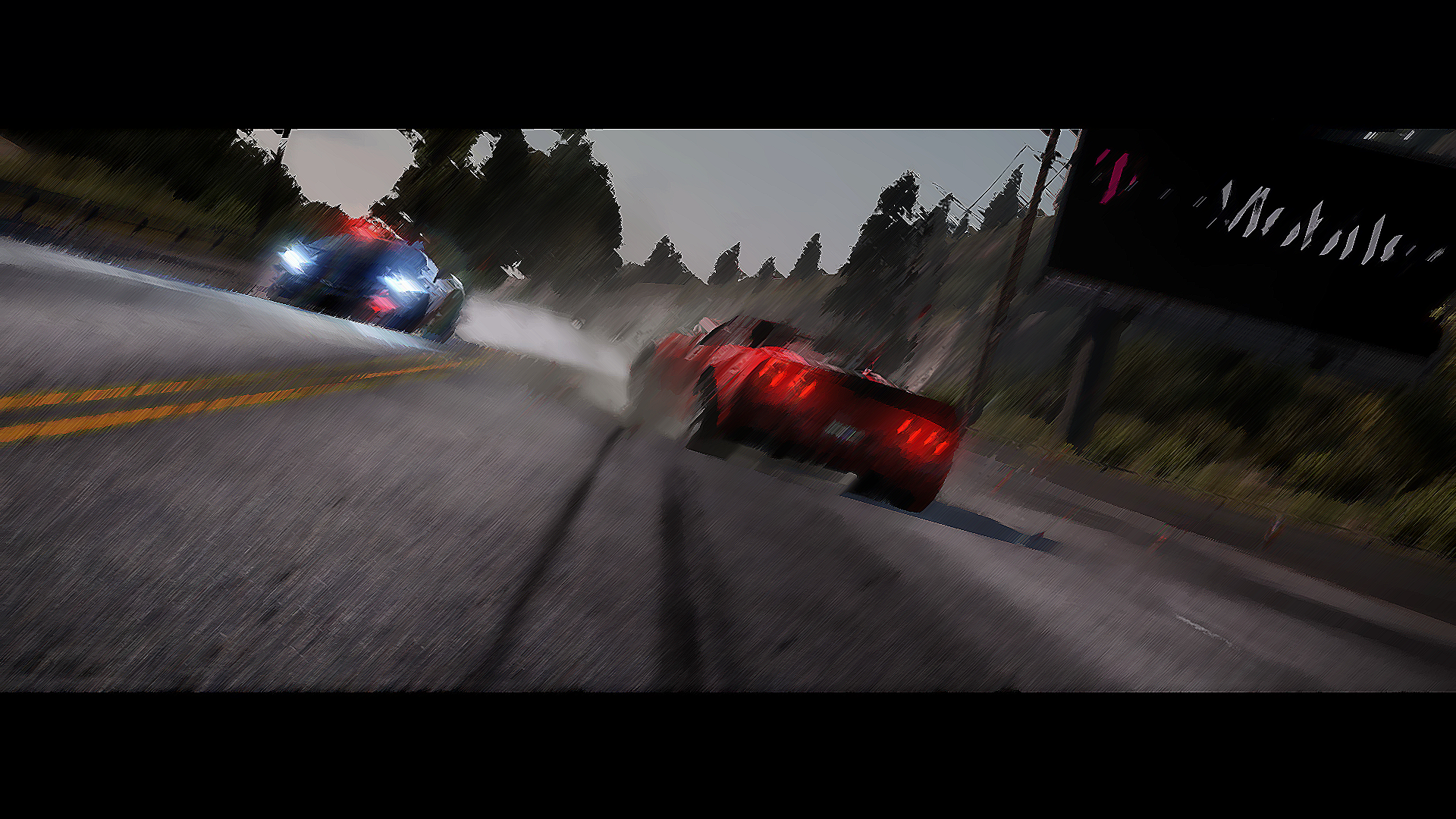
    Tired of having most of your patrol cruisers assigned to Speed Enforcement, your brand new Pegassi Vacca stuck again on the way to a call, your K-9 nowhere to be transported and you still don't have Air Support provided by the Department? Then there is good news for you! The Blaine County is budgeting for patrol cars and a couple of helicopters. This pack serves as a great addition to the Hot Pursuit: Blaine County PD Pack (by Voit Turyv), as it adds the patrol cars and helicopter typical of many Police Departments. Pack includes liveries for: Bravado Buffalo SX (by Nacho) (Usual PD Livery) Bravado Gresley (by SAS994) (Usual PD Livery + K-9 Livery) Maverick 2nd Gen (by TheF3nt0n) (1st, 2nd and 3rd LVL Police Heli from NFS:HP) Coil Raiden (by SAS994) (Usual PD Livery + Highway Patrol Livery + Police/Taxi Livery) 2020 Vapid Police Cruiser Utility (by Da7k) (Usual PD Livery) And MDC for some cars. Installation: 1. Open "OpenIV" and enter into "Edit Mode". 2. Locate *.ytd file and replace or override livery and MDC texture. ***For K-9 Gresley livery: you need replace liveries in "polumkgresley.ytd" file*** ***For Raiden: you need replace liveries in "lspdraiden.ytd" and "lspdraiden+hi.ytd" files*** ***For Raiden Police/Taxi livery: you need replace liveries in "lssdraiden.ytd" and "lssdraiden+hi.ytd" files*** ***For Maverick: replace liveries in newsmav.ytd*** Credits: Criterion Games - original SCPD police vehicle design. Voit Turyv - BCPD vehicle variants and original pack. AlexanderLB - textures: Blaine County PD star and shield, BCPD patches and badges. TheSecretPower - BCPD livery designs. Karnado - Liveries for BuffaloSX, Gresley, Scout, Raiden and Maverick. (Vehicles authors listed near vehicles name)
  30. Yes, but the author of the model from the video got this seal from somewhere
  31. Hello, I'm looking for the LAPD logo from 'The Rookie'. I remember that it was in good quality on this site, but the author, unfortunately, deleted his topic (https://www.lcpdfr.com/downloads/gta5mods/vehiclemodels/30104-elsthe-rookie-lapd-fpiu-cvpi-mini-pack/ and the model review https://youtu.be/_x2ICumaMQ8). If you have that seal or any contact with models author, please send them here. Thanks!
  32.    JamFan reacted to a comment on a file: Grangercopter LORE
  33. Ahahahaha, make, please, a "Cheburek" copter 😄
  34.    somanylimits reacted to a post in a topic: LSPDFR in Liberty City
  35. When i start LSPDFR, game crash(
  36. So, i didn't help now. p.s. <!-- Region and Zones --> <Region> <Name>LibertyCity</Name> <Zones> <Zone>Oceana</Zone> <Zone>SanAnd</Zone> </Zones> </Region> I used this code

Account

Navigation

Search

Search

Configure browser push notifications

Chrome (Android)
  1. Tap the lock icon next to the address bar.
  2. Tap Permissions → Notifications.
  3. Adjust your preference.
Chrome (Desktop)
  1. Click the padlock icon in the address bar.
  2. Select Site settings.
  3. Find Notifications and adjust your preference.