


FrameBGrad.thumb.png.203c596c923420820bcf0c0c7717dcf4.png)
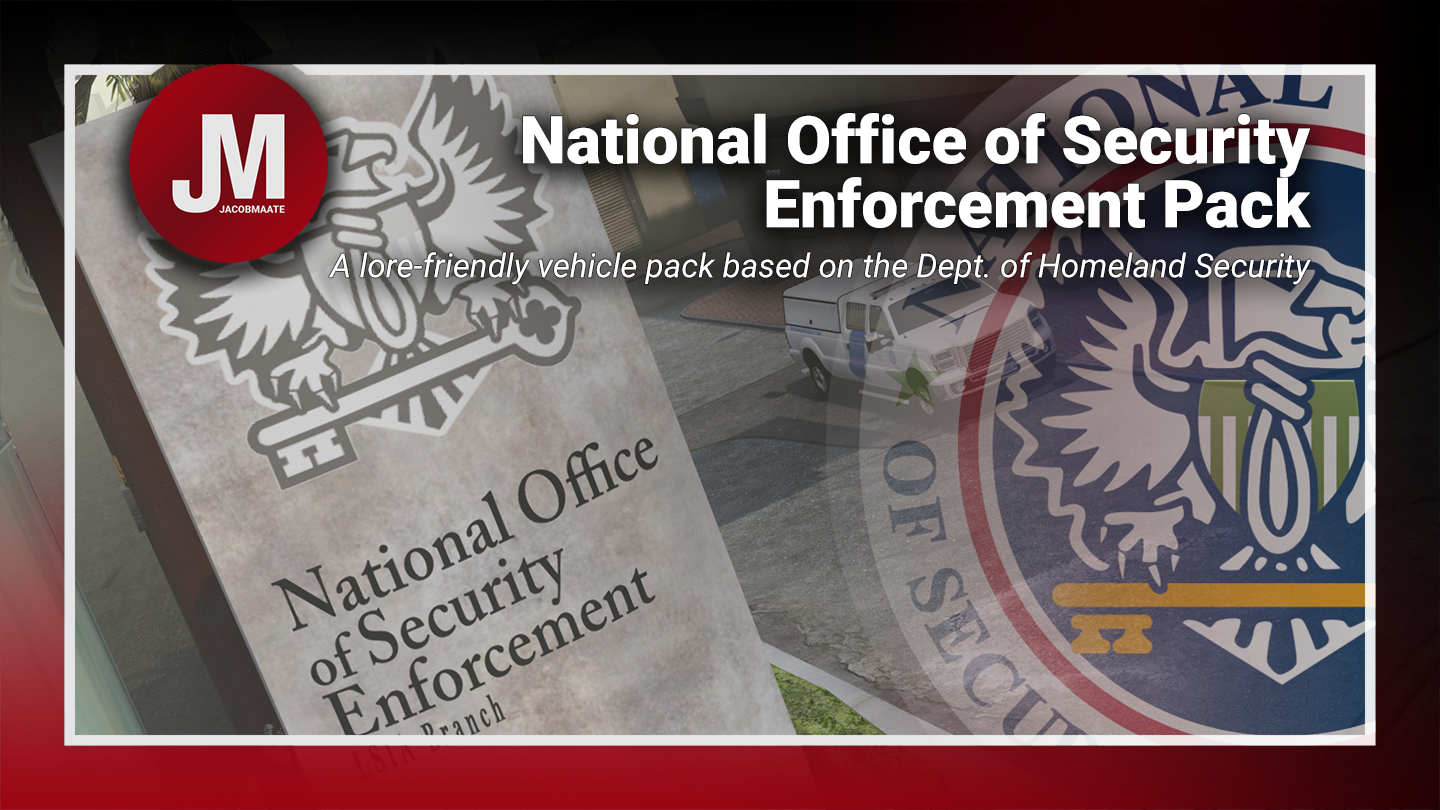


NOOSE Mutli-Agency (Vehicle) Pack
NOOSE Multi-Agency (Vehicle) Pack v1.04 by Jacobmaate et al.
(Based on DHS)
The first of NOOSE Pack v2.0 (being broken down into agency-specific sub packs) is scheduled for a Q4 2023 release. Included will be a number of bug fixes, overhauled fleet lists, updated assets and much more! Keep an eye out on my MAATE Modding Discord Server and other Social Media platforms for more information on this in the coming weeks and months ahead.
MAATE Modding Discord Server
What this mod includes:
• U.S. Patriotism and Immigration Authority - based on the U.S. Customs and Border Protection
• (PIA) U.S. Border Patrol
• (PIA) Office of Field Operations
• (PIA) Air and Marine Operations
• Tactical Response Unit - based on the CBP/ICE Special Response Teams
• Transportation Security Service - based on the Transportation Security Administration
• Security Enforcement Police - based on the Federal Protective Service
A list of each agencies vehicle spawn codes can be found in the 'What's Included.txt' file included in this mod.
---- Features ----
• Basic Features: (LODs, Dirt Mapping, Breakable Glass/Glass Shards)
• Custom sirensettings/flashpatterns
• Custom soundbanks
• Custom handling
• Singleplayer ready
---- Change Log ----
v1.0 (October 01, 2019):
Initial release
v1.01 (October 06, 2019):
Misc. bug fixes
v1.02 (June 10, 2021):
SirenSetting Limit Adjuster (SSLA) Compatibility
v1.03 (June 22, 2021):
Added a FiveM-Ready package
v1.04 (Janurary 01, 2022):
- [5M] Updated FiveM-Ready resource manifest
---- Installation ----
Please see the included readme.txt file inside the archive for installation instructions.
---- Requirements ----
OpenIV - Required to install these files to your game
SirenSetting Limit Adjuster - Required to stop sirenSetting conflicts with other packs
Custom Gameconfig - Required to support multiple addon vehicles, otherwise your game may crash
CONTRIBUTORS :
A huge thanks goes out to the people who've helped contribute to this mod pack! (Not in any particular order):
TheF3nt0n, Voit Turyv, IlayArye, Glennoconnel, Aqaumenti, Eddlm, Skitty, Dani02, GCT, Boywond, Lt.Caine, Thero, 11john11, Vx5 Voltage, AlexanderLB, MrKote, Johnny362000 and The IVPack Team.
---- Permissions ----
• You're allowed to use this modification for your FiveM server, so long as appropriate credits are given.
• You're allowed to use my assets from this modification for your own mods, so long as appropriate credits are given.
• You're required to seek permission to use assets from other developers found in this mod from those respective developers - not myself. Please see the comprehensive credits listed above to see which assets are mine, and which are made by others.
• This modification is exclusive for download at GTA5-Mods.com and LCPDFR.com
Edited by Jacobmaate
What's New in Version 1.04
Released
v1.04 (Janurary 01, 2022):
- [5M] Updated FiveM-Ready resource manifest
v1.03 (June 22, 2021):
Added a FiveM-Ready package









![[ELS][REPLACE] Volkswagen Transporter T6 - Czech Policie](http://s3-screenshots.int-cdn.lcpdfrusercontent.com/resize/500/-/monthly_2026_05/20260510164507_1.thumb.jpg.aef1db29050d914251fc0c541e207566.jpg)
![[ELS][REPLACE] Škoda Kodiaq Czech Police Pack - 3 Variations](http://s3-screenshots.int-cdn.lcpdfrusercontent.com/resize/500/-/monthly_2026_05/20260510160131_1.thumb.jpg.b60712c0fbf03fceec092a81392685d6.jpg)






Recommended Comments
Create an account or sign in to comment