951 files
-

- 122,009 Downloads
- 454251 Views
- 1.13 MB File Size
- 113 Comments
Updated -

- 3,811 Downloads
- 36821 Views
- 1.15 MB File Size
- 17 Comments
Submitted -

- 31,354 Downloads
- 120686 Views
- 7.01 kB File Size
- 40 Comments
Updated -

- 40,700 Downloads
- 349878 Views
- 64.33 kB File Size
- 89 Comments
Updated -

- 20,668 Downloads
- 105559 Views
- 83.3 kB File Size
- 57 Comments
Updated -

- 6,187 Downloads
- 46139 Views
- 3.2 MB File Size
- 27 Comments
Updated -

- 12,345 Downloads
- 91724 Views
- 10.09 MB File Size
- 32 Comments
Updated -
- 109 Downloads
- 12194 Views
- 859 B File Size
- 23 Comments
Updated -

- 3,322 Downloads
- 50100 Views
- 37.88 kB File Size
- 31 Comments
Updated -

- 23,535 Downloads
- 119034 Views
- 2.32 MB File Size
- 102 Comments
Updated -

- 167,060 Downloads
- 417549 Views
- 3.55 MB File Size
- 130 Comments
Updated -

- 169,324 Downloads
- 484988 Views
- 47.32 kB File Size
- 61 Comments
Updated -

- 99,920 Downloads
- 353904 Views
- 8.2 kB File Size
- 176 Comments
Updated -
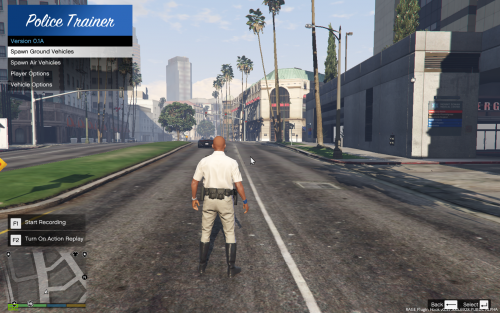
- 1,960 Downloads
- 30234 Views
- 41.15 kB File Size
- 18 Comments
Updated -

- 73,967 Downloads
- 242037 Views
- 214 kB File Size
- 76 Comments
Updated -

- 8,660 Downloads
- 101061 Views
- 240.84 kB File Size
- 135 Comments
Updated