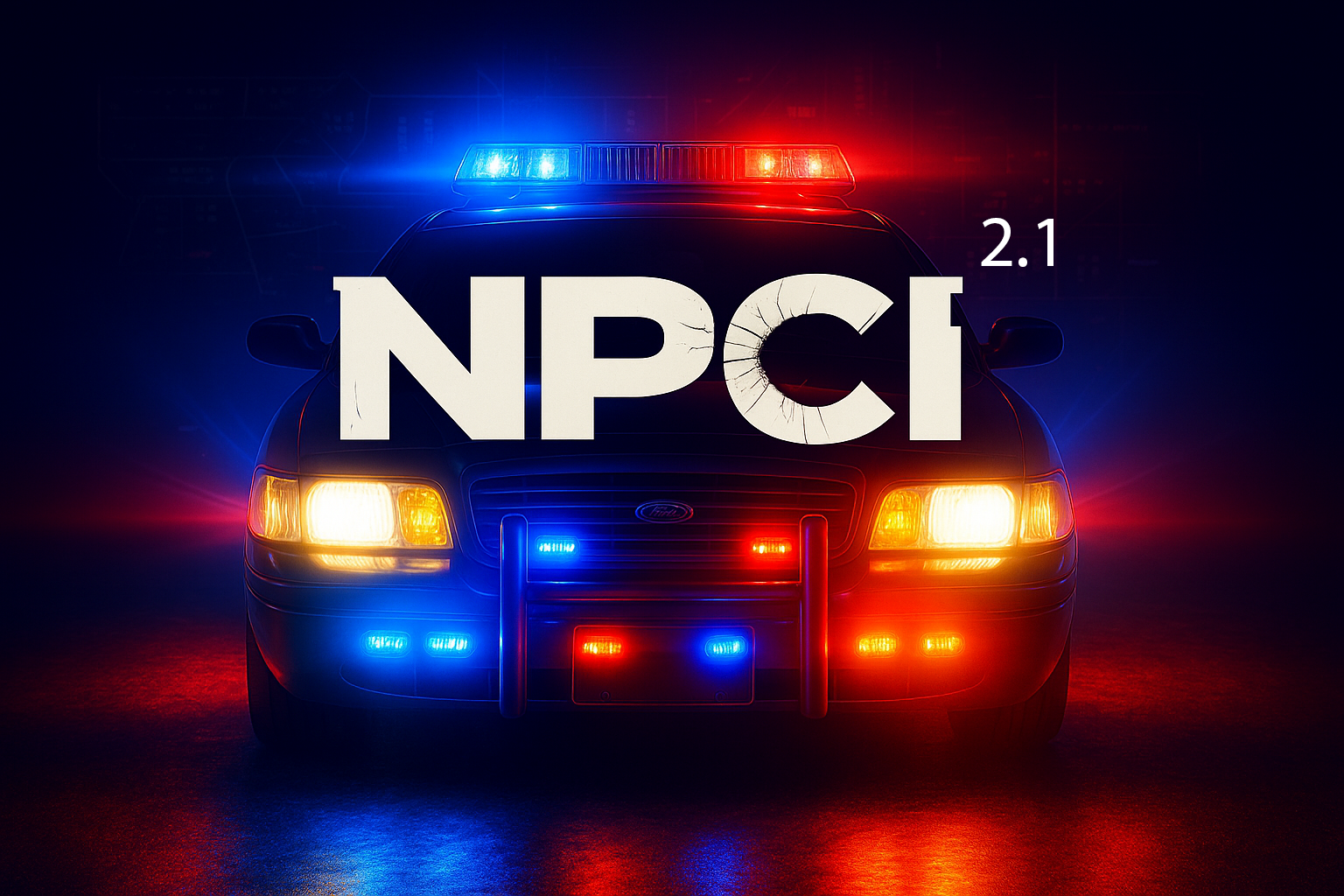
NPCI 2.1 is LIVE!
NPCI brings you a new way of interacting with PEDS inside of LSPDFR and adds a whole new level of immersion to your gameplay experience!
ANNOUNCEMENT:
The new update (2.1) is OUT. This new version finally brings the Microsoft Speech Platform to NPCI, but with a twist! You can now CHOOSE between WSR or MSP in the INI file. You can also tweak the confidence level threshold for each engine in the INI file to find your sweet spot. Lower the value to loosen up the speech recognition or increase the value to tighten it up (you can do it in .01 increments).
*** Because both engines (WSR & MSP) are intertwined in the new NPCI 2.1 update - YOU MUST have Microsoft Speech Platform installed to use NPCI 2.1, even if you don't intend on using the new Microsoft Speech Platform. If you do not have MSP installed, you can download it from the links below: ***
Microsoft Speech Platform: https://www.microsoft.com/en-us/download/details.aspx?id=27225
Language Packs: https://www.microsoft.com/en-us/download/details.aspx?id=27224
-- For the speech platform install, download the larger 2.6 MB SpeechPlatformRuntime.msi, NOT the 2.2 MB one.
-- For English users - download the "MSSpeech_SR_en-US_TELE.msi"
Here's the complete list of changes in NPCI 2.1:
Spoiler
• Support for Microsoft Speech Platform -- now anyone can use NPCI where MSP is supported!
• DUAL speech recognition option. Set the engine to use WSR or MSP in the NPCI.INI file.
• Speech recognition confidence threshold customization - modify the confidence threshold in the NPCI.INI file.
• Fixed Grammar Police PED check not working when asking for license on foot or during traffic stops (PR version - Huge thanks to Echooo for that one).
• New blacklist option for all emergency personnel (default is enabled).
• New PED actions by voice (PED wait by patrol vehicle & PED go to crosshair location & more).
• New Player actions by voice.
• New PED automark feature for both PR & STP (auto enables PR/STP when you perform my frisk action).
• XML update that brings nested phrases into a single command.
• Controller support for NPCI voice input and for the new PedGoToCrosshair action.
For those of you who just want to add the new actions into your existing UserResponses xml file (so you don't overwrite any of your existing customization's), I included a text file with the new actions. Just copy and paste them into your existing xml file and you'll be good to go. Don't forget to take advantage of the new XML nested phrases feature!
Need support? Join the NPCI Discord and help grow the NPCI community - join us here: https://discord.gg/9RMrrvm5qH
Want to show some love for all my hard work on NPCI - join my Patreon here: https://www.patreon.com/cw/Doublehook
How to use the new PED go to crosshair location action:
Spoiler
First, customize the [Targeting] keybind to whatever you prefer in the NPCI.INI file. Then while in game, hold down the keybind you set for the [Targeting] crosshair, and you'll see a small white crosshair appear on your screen. Move that around to your desired location, and while holding down the targeting keybind, give the phrase to the PED to "wait over there" or "go over there" or whatever you customize this phrase with, and then let off the [Targeting] keybind, and the PED will comply. Your player character will automatically turn to the location you selected and point for the PED to go. There are 2 different actions for this new feature - one that commands the PED to go to your crosshair and then turn around and face you and the other commands the PED to go to your crosshair and face away. Great to use the face away one when you want PEDS to get up against a vehicle or wall for pat downs ("get against the vehicle" or "get against the wall"). It might take you one or 2 tries to get the hang of how it works, but once you do, you'll end up using these actions a ton!
NEW XML Nested Phrases Update:
Spoiler
You can now nest phrases inside of a single command, to help better organize your phrases and responses and avoid all the duplication with variations of your phrases. An example of this is shown below:
<Command>
<Text>take care</Text>
<Text>take it easy</Text>
<Text>you have a good one</Text>
<Text>have a good one</Text>
<Text>have a good day</Text>
<Text>you have a good day</Text>
<Text>have a good evening</Text>
<Text>you have a good evening</Text>
<Text>have a great day</Text>
<Text>have a great evening</Text>
<Action>DismissNPC</Action>
<Responses>
<Response>See you later sir.</Response>
<Response>See you officer.</Response>
<Response>You too sir.</Response>
<Response>You too officer.</Response>
<Response>Will do sir.</Response>
<Response>Will do officer.</Response>
<Response>You do the same.</Response>
</Responses>
</Command>
NPCI v2.1 brings a ton of new features, such as PED actions by voice, Player actions by voice, new PED animations, PED idle animations, a built in animation viewer, the ability to cycle through 49 different walk styles (with the option to set a default walk style when loading up LSPDFR), and more! Interactions in NPCI 2.1 have never felt more alive!
There are 2 versions available in the download: "NPCI 2.1 for PR" & "NPCI 2.1 for STP". Make sure you install the correct one!
Installation:
Spoiler
First and foremost, please read through ALL of the provided documentation before you get started. There are so many new features in version 2.1, and I'd hate for you to miss out on everything that NPCI 2.1 has to offer.
NPCI is now an LSPDFR plugin. Before you install the new version, be sure to remove the old version from the base plugins folder, or you'll encounter issues.
Drag and drop the "plugins" folder inside the zip for the version you're using (PR or STP) directly into your main Grand Theft Auto "root" folder, or simply drag and drop the individual plugin files (including the WindowsInput.dll) directly into your "plugins\LSPDFR" directory. Make sure the NPCIXML folder is also in the same "plugins\LSPDFR" directory as the dll.
\Grand Theft Auto\plugins\LSPDFR\
For users who have significantly customized their UserResponses.XML files, I included a text file in the NPCI 2.1 zip with the new actions that were added in this update, so you can simply copy and paste those new actions directly into your existing UserResponses.XML.
Due to the new version and how the XML files have changed, I've re-provided BOTH the "Responses.xml" & "UserResponses.xml" files. Don't OVERWRITE your customized versions!! For those of you who have customized your xml files, you'll need to update them to the current format. All responses, regardless of the xml file, have a new "<Action> </Action>" tag. This tag is vital to NPCI 2.1, as it dictates what actions or animations will trigger when you give a voice command phrase. All of your custom phrases will need to have this new action tag added into your xml files (if you want the PEDS to respond with the new animation features). There is a README in the download that covers all of the new PED actions and PED animation category tags, so you'll know which ones to add to your custom responses for certain situations.
XML Customization
Spoiler
Please refer to the "NPCIXML" folder inside the plugins directory to customize the questions/responses and the new "Action" commands. There are 2 XML files to customize these features. One is called "Responses.XML", which is the default XML file containing all of the original questions/responses from v1.0.3. The 2nd XML file is called "UserResponses.XML", which contains all of the action commands (along with some random questions/responses as well). You can use either one to customize your very own questions and responses for NPCI. Either XML file will also take the action commands. In addition to these XML files, you will find 3 new ones called GenericPedAnimations.xml, IdleAnimations.xml, & AnimViewer.xml. The provided documentation explains what these XML files are for and how you can customize them. I will be putting up some videos in the next couple of days walking you through the new XML files and how you can customize them.
**Quality of life update: the questions/phrases can now have capital letters in there, so no more worries about them all having to be lowercase!
**** Due to in-game limitations, the max response length is 100 characters. Anything over 100 characters will be cutoff on the onscreen response. When customizing your responses, you must keep them to 100 characters or less (between the <Response> and </Response> brackets).
Demonstrations
These videos are using voice activation and NPCI 2.1 only. No menus, just straight up voice commands. I just added an early preview for NPCI 3.0 as well, so enjoy!
Keep an eye out on my YT page (https://www.youtube.com/@doublehookmedia) for more videos! I'll be posting videos to show you how to modify your XML files, including the PED animations and idle animations. I'll also go over how to create new PED emotion categories and explain how to customize them to create your own PED animations.
What is NPCI?
Spoiler
NPCI stands for "Non Playable Character Interaction". NPCI allows you to talk to any PED inside of GTA 5 LSPDFR using just your voice and get text responses back onscreen. Like many others, I found myself avoiding the "question the ped" option inside of STP, because it took too long to generate the interaction dialog. Desperately wanting to include this immersive interaction in my gameplay, I set out to create a plugin for myself that would allow me to speak the same types of questions using just my voice. After 5 long months of testing and tweaking, it ended up working out better than I could have ever hoped for. Now I'm sharing that same experience with all of you!
Suggested "must have" LSPDFR plugins & addons to use alongside NPCI
Policing Redefined & Grammar Police. While NPCI works the same for both PR & STP when it comes to the available features, NPCI runs much smoother with the better coded Policing Redefined, so if you want the best NPCI experience, I strongly suggest you go with PR!
Tutorials
Spoiler
The new NPCI.ini file comes with several options for keybind customization's. You can customize your voice input (now with a modifier option & controller support), a new RP type mouth movement that you can use to talk to PEDS when not asking them questions from the XML file, and many more. ** A neat trick you can implement -- if you have a way of stacking keybinds on your mouse, you can use both my new roleplay (RP) manual mouth movement keybind option, along with Grammar Police, to make your mouth move when you talk to dispatch! The stack order does matter, so my RP keybind would have to come before GP, otherwise, GP's keybind cancels the mouth movement ** Don't forget to add a custom walkstyle name in the INI file to load when LSPDFR starts up! All of the keybind options come with a modifier option as well.
To generate the onscreen text response, simply hold down the keybind you customized in the INI file and speak your desired question from either of the Responses xml files, or any questions of your own that you created, and then let off the keybind for the text response to be displayed onscreen. Be sure you are holding down the keybind prior to speaking the phrase and not letting off until the entire phrase has been spoken, so that the proper response is triggered. Don't be afraid to experiment with with the phrases. If you have trouble getting the phrases to be recognized, change them up. Find the ones giving you trouble and customize them with a different phrase. It will require some trial and error, but once you get it sorted, you interactions will be much more consistent. If you're having speech recognition issues, adjust the new confidence threshold option in the INI. If that's still not working for you, make sure you try both engine options (WSR & MSP). If it's still not working, then it's an issue on your end, not with NPCI. NPCI does not control speech recognition, Windows does. NPCI only enables your audio to pass through, use your local speech recognition to match your spoken phrase, and then display the onscreen text it matches with from the XML's.
Remember, many of these questions/phrases you already RP in-game each time you interact with a PED. Just modify the ones I provided to match the way you like to speak those commonly used phrases! It will help to cut down on memorization.
Don't overlook the option to customize the unrecognized text responses that show onscreen for unrecognized input. Also, the unrecognized responses now have PED animations as well, to make the unrecognized responses feel more like a part of the interaction and less like an error. If you customize these just right, these unrecognized responses can fit a lot of scenarios and feel more like deliberate responses, making it easier for you to continue with your PED interactions! Come up with phrases/responses to ask back to the PED when getting an unrecognized response. This will help play out those instances and make the responses feel like they're part of the interaction.
Suggestions & Bug Reporting:
All bug reports and suggestions will be done through Discord. Join my Discord server here: https://discord.gg/9RMrrvm5qH
Future releases
• Add audio voices for the responses (with optional onscreen text)
• Add in more PED and Player action animations
• Future enhancements using AI interaction for more natural, conversational, and unscripted exchanges.
© 2025 NPCI by doublehook. All rights reserved. Do NOT reverse engineer, modify, or share the contents of my plugin without my express written consent
A brand new way to talk to PEDS in LSPDFR - using just your voice!














![Los Santos County Sheriff Livery Pack [Berkeley County-based]](http://s3-screenshots.int-cdn.lcpdfrusercontent.com/resize/500/-/monthly_2026_04/20260415155948_1.thumb.jpg.4cd04373ce1cf72df8e99a993cf4a145.jpg)



![Clayton County Sheriff's Office [4K]](http://s3-screenshots.int-cdn.lcpdfrusercontent.com/resize/500/-/monthly_2026_04/Screenshot_2511.thumb.png.e79613aafaa7abfbd34da660fe32acd3.png)

.thumb.jpg.96a3b82b9866eade5618dbec8b4f2fae.jpg)

![[NON-ELS] Unmarked 2018 Ford Taurus - FiveM Ready](http://s3-screenshots.int-cdn.lcpdfrusercontent.com/resize/500/-/monthly_2026_04/Screenshot_5040.thumb.png.b1168547b80673783144294d18805701.png)
Recommended Comments
Create an account or sign in to comment