


If you dont want those boring vanilla GTA 5 loading screen pictures, you will be happy with this pack 
╔ ══════════════════════════════════════════ ╗
║ If you like this pack please leave a comment / rating! Thanks! ║
╚ ══════════════════════════════════════════ ╝
You dont have the permission to reupload this pack!
 ═════════════════════════════════════════════════════════════════════════
Requirements:
RAGEPluginHook installed
Legal copy of GTA 5
Contains:
10 Custom Loadingscreens for RAGEPluginHook
Install:
Put the contents of the "Files" folder directly into your main GTA 5 directory.
Go into the RAGEPluginHook settings (by starting RAGEPluginHook.exe and clicking on the gearwheel symbol).
Now go to the tab "Advanced settings" and enable the option "Enable Custom Backgrounds for Loading Screen".
Finally press "Save and launch" to safe your changes.
Hint:
If you dont like some of the pictures, you can deleting (/or adding new ones) by going into
the folder "LoadingScreens" and deleting (/adding) the one you dont like (/like).
═════════════════════════════════════════════════════════════════════════
Questions? / Fragen?
Mail: kiwi@kiwilink.de
LSPDFR Profile: http://www.lcpdfr.com/profile/307430-kiwilink/
Website: (In german) http://kiwilink.de/

What's New in Version 1.0.3
Released
-added a new readme for adding your own officer name to the login screen
-this login screen is customizable (need Photoshop) with YOUR officer name
-added a new screen (LSPD Pullover) [Special thanks to Albo1125 for allowing me to use his screenshot!]
The new login screen [In this case I wrote my officer name in]:









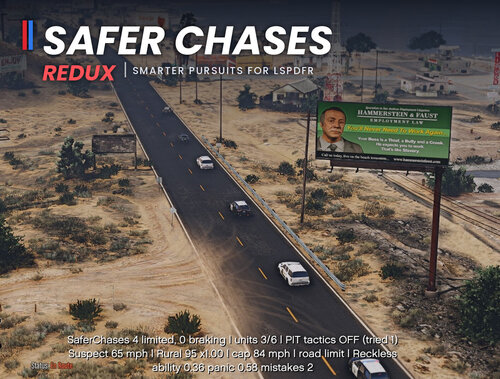
![Safer Chases Reborn [RPH]](http://s3-screenshots.int-cdn.lcpdfrusercontent.com/monthly_2026_10/SaferChasesReborn.thumb.png.1732fb394116603acf54a9dcb42244bb.png)


![[NON-ELS / Addon] 2018 Dodge Charger LSPD - S1llysWorkshop](http://s3-screenshots.int-cdn.lcpdfrusercontent.com/monthly_2026_10/Screenshot2026-10-11174544.thumb.png.775286738f654215946d06abe69b1344.png)
Recommended Comments
Create an account or sign in to comment