


Hello!
I decided to upload my custom XMLs (both PatDownItems and VehicleItems) I use when using StopThePed(https://www.bejoijo.com/post/stoptheped). I am very open to your suggestions in the comments below!
This is supposed to be fun and unlike other lists, so feel free to add fun stuff down below!
SPECIAL FEATURES
- Added special PatDownItems, such as "fake FIB badge" and "nuclear football"
- Added special VehicleItems, such as "a list of celebrities adresses" and "one hidden illegal immigrant"
REQUIREMENTS
- Stop The Ped (https://www.bejoijo.com/post/stop-the-ped)
WORKS WELL WITH
- All general callout packs and situations
HOW TO INSTALL
1. Unzip the download
2. Place the files in Plugins -> LSPDFR -> StopThePed
3. Click replace if prompted
I downloaded the xml's from bejoijo's StopThePed, then customized some aspects of it. All credits goes to him.

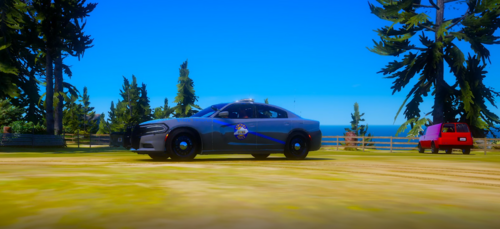
.thumb.png.afea87ee51864d1828b2faee0c0ac7d6.png)













Recommended Comments
Create an account or sign in to comment