
Skip to content
View in the app

A better way to browse. Learn more.

LCPDFR.com

A full-screen app on your home screen with push notifications, badges and more.

To install this app on iOS and iPadOS
  1. Tap the Share icon in Safari
  2. Scroll the menu and tap Add to Home Screen.
  3. Tap Add in the top-right corner.
To install this app on Android
  1. Tap the 3-dot menu (⋮) in the top-right corner of the browser.
  2. Tap Add to Home screen or Install app.
  3. Confirm by tapping Install.

Emergency uniforms pack - Law & Order 9.3.1

(236 reviews)

10 Screenshots


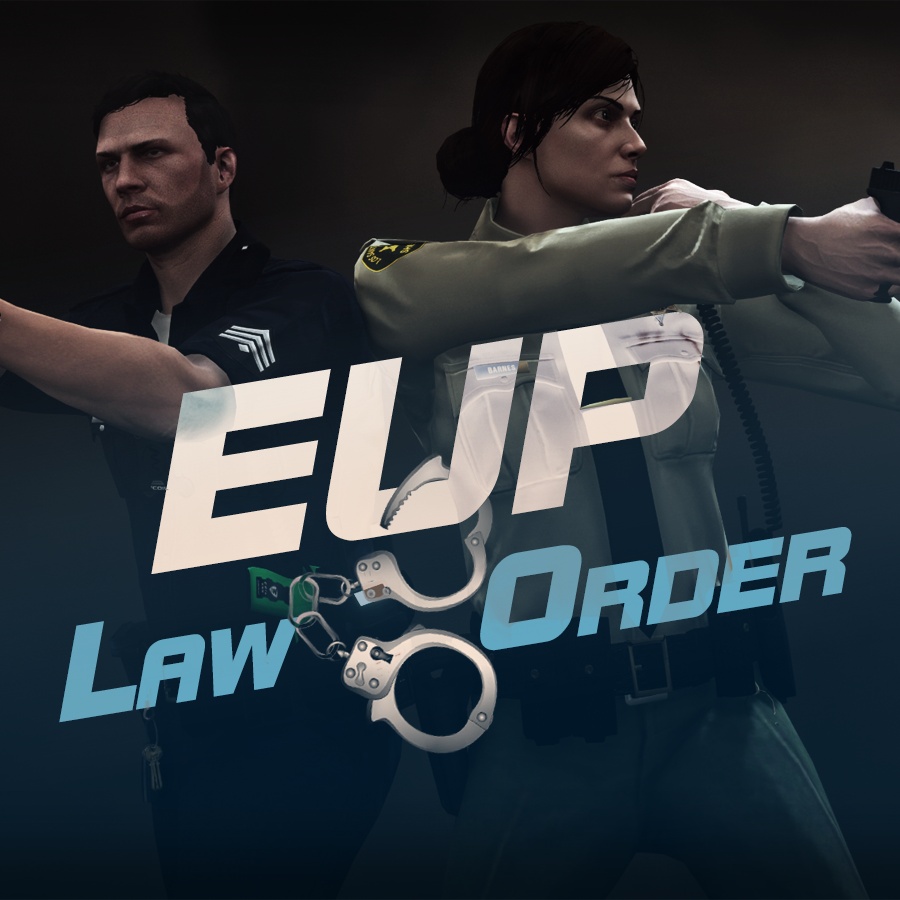
632635363_EUPlw.png.08a8e4d613dc7a278fc352b6b57ce8a2.png

EUP is an all-in-one modification that gives us the free range to create your own law enforcement officer as you patrol the streets and roads of San Andreas. U mad Ronson?

This time, play different - be different. Adapt your style to the situation. Get your gear on - use a High-Vis vest to direct traffic, a waterproof jacket on a rainy day or a tactical outfit when the situation gets hot. Choose from various lore-friendly departments base of real life. Customize various components of your outfits.

The mod that started as a holster and a vest retexture, now so expansive, most Australians finish downloading it right when an update comes out. Emergency Uniforms Pack Law & Order 8.2 offers an unrivaled catalog of lore-friendly California-inspired law enforcement uniforms for both male and female multiplayer characters. From tasteful evolutions of the classic LSPD outfits, you see AI cops wearing, to dozens of uniforms for entirely new lore-friendly law enforcement departments based on real-world California departments. Emergency Uniforms Pack has it all, and when tied with partner mods such as EUP Serve and Rescue, EUP Menu, and EUP LSPDFR Configs, you can totally transform your LSPDFR experience.

Creative Commons License
This work is licensed under a Creative Commons Attribution-NonCommercial-ShareAlike 4.0 International License.


If you were you were looking for the latest version of EUP and wish to support our work click the button down below:

Patreon

 
This mod is a free mod, the beta versions of EUP accessible only through our patreon page, is a tool for us to support the development of the mod and create a platform to interact with the community, 5 years later this mod became my main ''job'' and source of income, thanks to all the fans and supporters. Which means more quality and enhancements, since I can allow all my time to it and invest money into assets and programs.

The public version is still important to us and will receive updates, which is only made possible through our membership system.


For General discussions, beta registration, support, images contest and more follow join our Discord Server:


EUP Discord


Add-Ons


In order to select and customize outfits, you NEED to get the menu here:


Need help? Something went wrong? Not sure how to proceed?
Leave the comments and reviews alone, we don't really monitor them.


Follow the link to EUP Discord for help or comments


Edited by Alex_Ashfold
Links update

What's New in Version 9.3.1

Released

jsut updating the version umber to display a more accurate one. No need to downloand and reinstall, no new content.


Short Description

https://www.patreon.com/alex_ashfold

User Feedback

Recommended Comments

JimmyFox

Members

Has this project suddenly stopped?

Alex_Ashfold

Insiders Author

3 hours ago, JimmyFox said:

Has this project suddenly stopped?

NO it's still going on, why?

JimmyFox

Members

We were used into more frequent updates, in terms of content. But I guess the creators are a bit busy these days.

Alex_Ashfold

Insiders Author

(edited)

3 hours ago, JimmyFox said:

We were used into more frequent updates, in terms of content. But I guess the creators are a bit busy these days.

Yeah busy making uniforms... :turned: follow the official gallery for updates.


Edited by Alex_Ashfold

JimmyFox

Members

In fact I am quite often. I guess then we shall expect a rather big update coming up soon enough? :)

DratheTheGamer5

Members

When ever I try to use this, it doesn't show the re textures, it shows the originals.

mstillson97

Members

Does anyone know the path to the border patrol agent? I would like to try to turn it into a West Virginia State Trooper.

TerrorMango

Members

Anybody know the path to the 2 campaign hats? They look like PS2 cowboy hats, something is wrong.

drkslyde

Members

ok so i've installed where it said to and done everything i can but when the eupmenu loads it tells me to push none to activate the menu? any help would be appreciated 

shonole

Members

Another hotfix with no campaign hats?  I swear you're doing it to torture us now.

Alex_Ashfold

Insiders Author

(edited)

3 hours ago, shonole said:

Another hotfix with no campaign hats?  I swear you're doing it to torture us now.

There was no update

Edited by Alex_Ashfold

TerrorMango

Members

12 hours ago, shonole said:

Another hotfix with no campaign hats?  I swear you're doing it to torture us now.

You having that issue too? I thought my game fucked up cause a friend can see them fine -.-

shonole

Members

13 hours ago, Alex_Ashfold said:

There was no update

Well that explains it haha

HQminer

Members

For some reason I'm having this problem where whenever I create a character there is dots all over their face and I have no way of removing them. I've tried to reinstall and I still get the same problem. Does anybody know a solution to this, thanks!

PhillBellic

Members

5 hours ago, HQminer said:

For some reason I'm having this problem where whenever I create a character there is dots all over their face and I have no way of removing them. I've tried to reinstall and I still get the same problem. Does anybody know a solution to this, thanks!

That may be related to Graphics Card Driver Errors.

AllenKennedy

Members

8 hours ago, PhillBellic said:

That may be related to Graphics Card Driver Errors.

It likely is, I had to update my GPU drivers to remove black lines from my character's face and lower body when GTA first launched. This sounds like a similar issue to me.

Wassileffsky21

Members

how do i make a danish skin of your uniforms


vynlthrash

Members

PLEASE PLEASE PLEASE ADD THE FBI EARPIECE TO  REGULAR OFFICERS!!!!!!!!!!!! thx :)

CrazySanitoeter

Members

I saw FTM's new LSPDFR episode and he had an update of EUP with a sheriff's department Hi-Vis-Jacket and a LSPD jacket and some more things. I installed the the newest version but i don't have these things. Does FTM have some kind of early access version? If yes, when is it going to be released?

Alex_Ashfold

Insiders Author

3 hours ago, CrazySanitoeter said:

I saw FTM's new LSPDFR episode and he had an update of EUP with a sheriff's department Hi-Vis-Jacket and a LSPD jacket and some more things. I installed the the newest version but i don't have these things. Does FTM have some kind of early access version? If yes, when is it going to be released?

Yes he does and we don't have release dates and won't never use them. It's ready when it's done.

Deactivated Member

Deactivated

(edited)

This mod change the computer cops uniforms too, whether only for me?

Edited by Kacprelop1

Alex_Ashfold

Insiders Author

9 minutes ago, Kacprelop1 said:

This mod change the computer cops uniforms too, whether only for me?

only for you

Batman4462

Members

can i replace the Blaine county uniform with one i downloaded somehow


(edited)

You probably get a million of these, but...

Will the FIB be getting more love in the next update? Different/improved vests (like this or this), FIB SWAT outfit (you're on the RDE team so I assume you know about them), and the like?

I hate to be like those people who always demand things, but I can definitely texture things and make new models. I have Zmodeler.

Edited by Special Agent Robert

TNelson

Members

Are we going to get vests for plainclothes loadouts at some point?

Create an account or sign in to comment

Latest Mods

Account

Navigation

Search

Search

Configure browser push notifications

Chrome (Android)
  1. Tap the lock icon next to the address bar.
  2. Tap Permissions → Notifications.
  3. Adjust your preference.
Chrome (Desktop)
  1. Click the padlock icon in the address bar.
  2. Select Site settings.
  3. Find Notifications and adjust your preference.












