TheWhiteEagle
Members
-
Joined
Everything posted by TheWhiteEagle
-
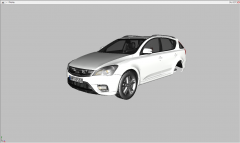
From the album: Developer Stories
I'm converting Kia Ceed SW from GTA SA! -
-
-
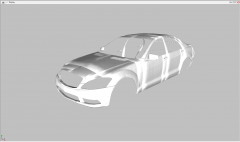
From the album: Developer Stories
Making the template for Mercedes-Benz S65 AMG -
-
Skoda Octavia (my car is red)
-
how Can I do this? I've tried many times but,
-
-
Have you got permission to upload model? Certainly not. If you make skin upload it to textures section and give link to model instead of uploading skin with model.
- 9 comments
- 8 reviews
-
-
I would have fun and take it down with M4When are you going to release them?Have you changed GTA IV folder configuration
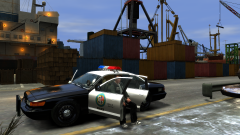
From the album: GTA V Police Fleet
Niko has arrived LS. First people that he met there were cops...
From the album: GTA V Police Fleet
WIPHPD - Old, HCSO - NewI don't want to be rude, butPolish PoliceUniform in the first picture is great!In Poland we watch: W-11 Investigation Unit Detectives Malanowski & Partners (This is the best police drama in Poland) STOP Traffic Police 07 Report (oldschool police drama, it's from 1980)