
Lokiro67
Members
-
Joined
-
Last visited
Everything posted by Lokiro67
-
-
-
who have a downgrade file for working script hook ? 1.372
-
-
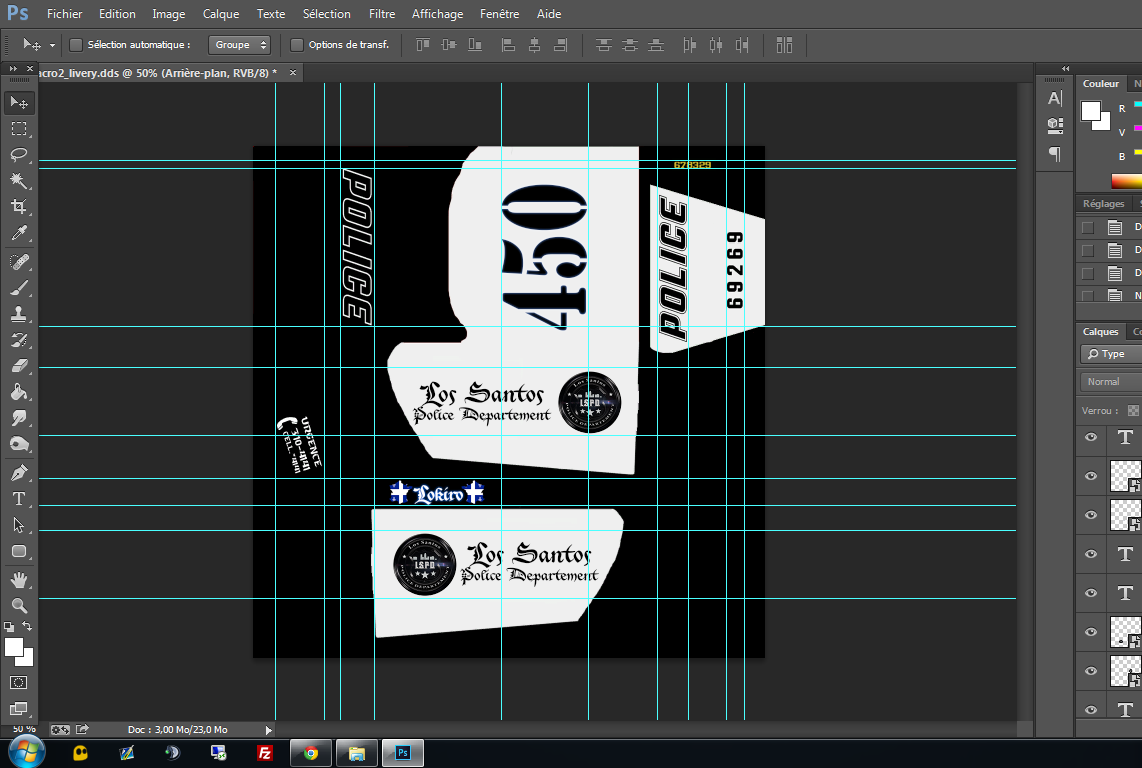
 anyway i just open .png and save in .dds but your instruction file its wrong lol
- 5 comments
- 1 review
-
vehshare.ytd is not in the Grand Theft Auto V\update\x64\dlcpacks\patchday3ng\dlc.rpf\x64\levels\gta5\vehicles.rpf but in the x64e.rpf\level\gta5\vehicles.rpf and the texture need to be .dds not .png...
- 5 comments
- 1 review
-
i have the last version of script hook V and v.net i use only the mods can DL here for LSPDFR speedradar,plaquechecker, lspdfr
-
nop sa vien bien du mod pour la resolution, il est ecrit sur lap age du mode que pour le moment ses seulement du 1080p
-
Oui c'est sa que j'ai pris hier quand sa sortie bon pour le moment pas de tow truck mais sa viendra je vais attendre ^^ et surtout je vais attendre uen compatibilité avec les resolution d'ecran pcq la ses only 1080p x)
-
hi guys, I wondered if in a future version it will be possible to translate the mods LSPDFR because I am french and I'd like to translate it into French and share it to the community.
-
Bonjours, je vous recontacte pcq j'essaie d'implanter le mods du tow truck service: http://www.lcpdfr.com/files/file/7804-tow-truck-service/ mais le probleme est que sa ne marche pas in game rien ne marche et quand je regarde les logs de script hook.net j'ai ceci: [21:51:17] [DEBUG] Instantiating script 'TowTruck' in script domain 'ScriptDomain_A2E2F7F4' ... [21:51:17] [DEBUG] Started script 'TowTruck'. [21:51:17] [ERROR] Caught fatal unhandled exception: System.NullReferenceException: La référence d'objet n'est pas définie à une instance d'un objet. à TowTruck.OnTick(Object sender, EventArgs e) à GTA.Script.MainLoop()Pourtant j'ai bien le asi de scripthook ainsi que scripthoook.net. J'ai bien mis le script dans le dossier scripts et le .ini a la racine de gta v, j'ai meme essayer directement dans le dossier scripts de mettre le .ini mais toujours la même erreur venant du .dll Est ce que quelqu'un a déjà réussie a le faire marcher si oui pourrait ton m'aider sa serait vraiment un plus avec LSPD :P Merci
-
dont work script hook logs sais me error [21:51:17] [DEBUG] Instantiating script 'TowTruck' in script domain 'ScriptDomain_A2E2F7F4' ... [21:51:17] [DEBUG] Started script 'TowTruck'. [21:51:17] [ERROR] Caught fatal unhandled exception: System.NullReferenceException: La référence d'objet n'est pas définie à une instance d'un objet. à TowTruck.OnTick(Object sender, EventArgs e) à GTA.Script.MainLoop()
-
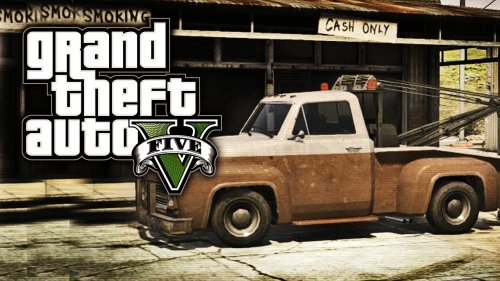 dont work, script hook v.net logs say [21:51:17] [ERROR] Caught fatal unhandled exception: System.NullReferenceException: La référence d'objet n'est pas définie à une instance d'un objet. à TowTruck.OnTick(Object sender, EventArgs e) à GTA.Script.MainLoop()
 -
Merci, sa l'air de marcher maintenant je vais tenter de mettre les mods towing et speedradar avec le Script Hook V .NET j'avais des bug avant p-t que la sa va marcher
-
merci je vais tester, le trainers marche bien mais LSPDFR non le F4 freeze le jeux et n'ouvre pas la console du coup LSPDFR ne se lance pas pas comico :(
-
salut salut, je me demandais si quelqun avais un trainers qui marchais avec LSPDFR parce que j'ai essayer pas mal de trainers et a chaque fois LSPDFR en se lance pas quand j'appuie sur f4 le jeux freeze pas de console ni rien et quand je réappuie sur f4 sa defreeze :S
-
how the program for LSPD for translate ?!?!. I want to translate the LSPDFR in french
- 13 comments
- 5 reviews
-
 Dont work the plugin crash averytime Loading plugin from path: E:\Program Files (x86)\Steam\steamapps\common\Grand Theft Auto V\Plugins\SpeedRadar.dll [2015-06-27 21:35:35.600] UNLOADED: Initializing input system [2015-06-27 21:35:35.606] UNLOADED: Initializing game console [2015-06-27 21:35:35.608] UNLOADED: Initializing forms manager [2015-06-27 21:35:35.750] SpeedRadar: [2015-06-27 21:35:35.750] SpeedRadar: ============================== [2015-06-27 21:35:35.750] SpeedRadar: UNHANDLED EXCEPTION DURING GAME THREAD TICK [2015-06-27 21:35:35.751] SpeedRadar: ------------------------------ [2015-06-27 21:35:35.751] SpeedRadar: Origin: Game fiber "Plugin "SpeedRadar" main thread". [2015-06-27 21:35:35.751] SpeedRadar: ------------------------------ [2015-06-27 21:35:35.751] SpeedRadar: Exception type: System.FormatException [2015-06-27 21:35:35.751] SpeedRadar: Exception message: Le format de la chaîne d'entrée est incorrect. [2015-06-27 21:35:35.751] SpeedRadar: ------------------------------ [2015-06-27 21:35:35.751] SpeedRadar: Inner exceptions: [2015-06-27 21:35:35.751] SpeedRadar: ------------------------------ [2015-06-27 21:35:35.751] SpeedRadar: Stack trace: [2015-06-27 21:35:35.900] SpeedRadar: à System.Number.StringToNumber(String str, NumberStyles options, NumberBuffer& number, NumberFormatInfo info, Boolean parseDecimal) [2015-06-27 21:35:35.900] à System.Number.ParseInt32(String s, NumberStyles style, NumberFormatInfo info) [2015-06-27 21:35:35.900] à GTAVSpeedometer.SpeedRadar.Main() [2015-06-27 21:35:35.900] à Rage.GameFiber.Main() [2015-06-27 21:35:35.900] SpeedRadar: ============================== [2015-06-27 21:35:35.900] SpeedRadar: [2015-06-27 21:35:43.086] [2015-06-27 21:35:43.086] Displaying warning. [2015-06-27 21:35:43.086] WARNING! THIS PLUGIN HAS NOT BEEN VERIFIED! Plugins do not run in a sandbox and has the same power as any other application you run on your computer, and can contain viruses, malware or other malicious code. [2015-06-27 21:35:43.086] You should not run plugins you don't trust, or plugins where the origin is not trusted. [2015-06-27 21:35:43.087] If you are sure you want to load this or these plugins, call this command again within 30 seconds of the appearence of this message. [2015-06-27 21:35:43.087] To disable this warning, set the console variable WarnOnPluginLoad to false. [2015-06-27 21:35:58.844] [2015-06-27 21:35:58.844] Console variable 'WarnOnPluginLoad' is false, returning true. [2015-06-27 21:35:58.844] Loading plugin from path: E:\Program Files (x86)\Steam\steamapps\common\Grand Theft Auto V\Plugins\SpeedRadar.dll [2015-06-27 21:35:59.413] UNLOADED: Initializing input system [2015-06-27 21:35:59.418] UNLOADED: Initializing game console [2015-06-27 21:35:59.420] UNLOADED: Initializing forms manager [2015-06-27 21:35:59.486] SpeedRadar: [2015-06-27 21:35:59.486] SpeedRadar: ============================== [2015-06-27 21:35:59.486] SpeedRadar: UNHANDLED EXCEPTION DURING GAME THREAD TICK [2015-06-27 21:35:59.486] SpeedRadar: ------------------------------ [2015-06-27 21:35:59.486] SpeedRadar: Origin: Game fiber "Plugin "SpeedRadar" main thread". [2015-06-27 21:35:59.486] SpeedRadar: ------------------------------ [2015-06-27 21:35:59.486] SpeedRadar: Exception type: System.FormatException [2015-06-27 21:35:59.486] SpeedRadar: Exception message: Le format de la chaîne d'entrée est incorrect. [2015-06-27 21:35:59.486] SpeedRadar: ------------------------------ [2015-06-27 21:35:59.486] SpeedRadar: Inner exceptions: [2015-06-27 21:35:59.486] SpeedRadar: ------------------------------ [2015-06-27 21:35:59.486] SpeedRadar: Stack trace: [2015-06-27 21:35:59.487] SpeedRadar: à System.Number.StringToNumber(String str, NumberStyles options, NumberBuffer& number, NumberFormatInfo info, Boolean parseDecimal) [2015-06-27 21:35:59.487] à System.Number.ParseInt32(String s, NumberStyles style, NumberFormatInfo info) [2015-06-27 21:35:59.487] à GTAVSpeedometer.SpeedRadar.Main() [2015-06-27 21:35:59.487] à Rage.GameFiber.Main() [2015-06-27 21:35:59.487] SpeedRadar: ==============================
- 101 comments
- 40 reviews