Skip to content
View in the app

A better way to browse. Learn more.

LCPDFR.com

A full-screen app on your home screen with push notifications, badges and more.

To install this app on iOS and iPadOS
  1. Tap the Share icon in Safari
  2. Scroll the menu and tap Add to Home Screen.
  3. Tap Add in the top-right corner.
To install this app on Android
  1. Tap the 3-dot menu (⋮) in the top-right corner of the browser.
  2. Tap Add to Home screen or Install app.
  3. Confirm by tapping Install.

Lokiro67

Members
  • Joined

  • Last visited

  1. who have a downgrade file for working script hook ? 1.372
  2.    FinnishWolfie reacted to a review on a file: Atlanta Police Vehicle Pack
  3. anyway i just open .png and save in .dds but your instruction file its wrong lol
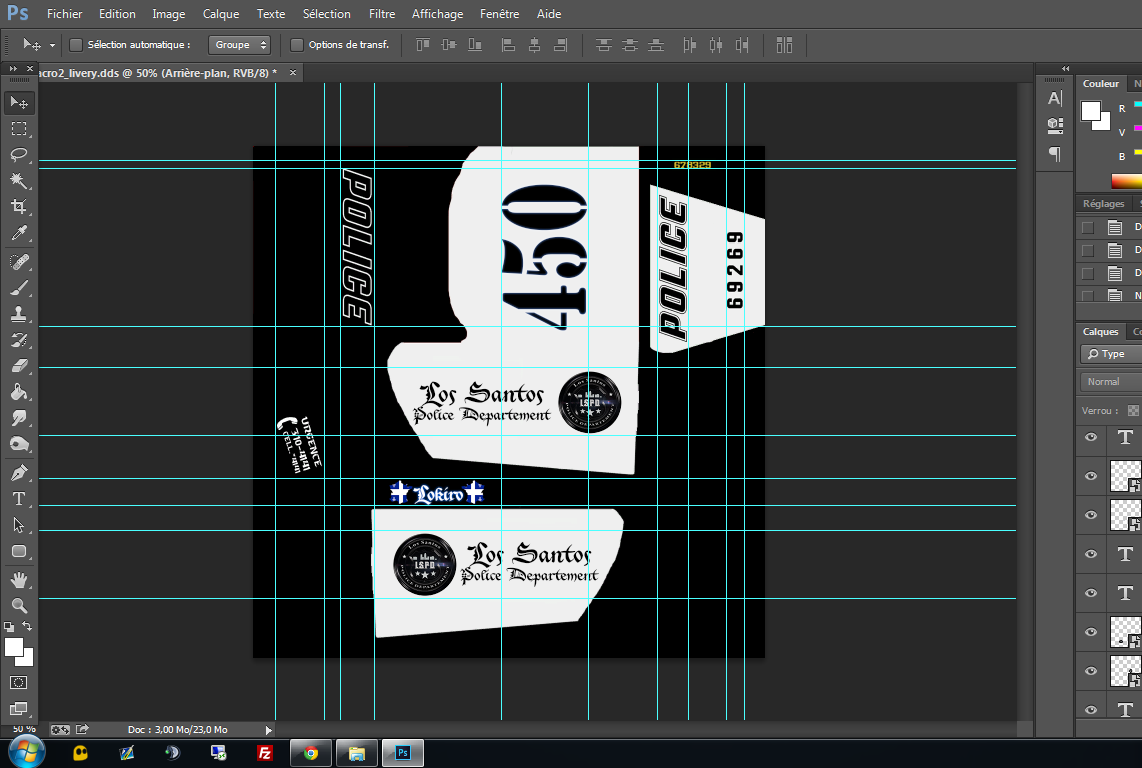
  4. vehshare.ytd is not in the Grand Theft Auto V\update\x64\dlcpacks\patchday3ng\dlc.rpf\x64\levels\gta5\vehicles.rpf but in the x64e.rpf\level\gta5\vehicles.rpf and the texture need to be .dds not .png...
  5. i have the last version of script hook V and v.net i use only the mods can DL here for LSPDFR speedradar,plaquechecker, lspdfr
  6. nop sa vien bien du mod pour la resolution, il est ecrit sur lap age du mode que pour le moment ses seulement du 1080p
  7.    Lokiro67 reacted to a post in a topic: Tow Truck Service
  8. Oui c'est sa que j'ai pris hier quand sa sortie bon pour le moment pas de tow truck mais sa viendra je vais attendre ^^ et surtout je vais attendre uen compatibilité avec les resolution d'ecran pcq la ses only 1080p x)
  9.    sethsaftermath reacted to a review on a file: Tow Truck Service
  10. hi guys, I wondered if in a future version it will be possible to translate the mods LSPDFR because I am french and I'd like to translate it into French and share it to the community.
  11. Bonjours, je vous recontacte pcq j'essaie d'implanter le mods du tow truck service: http://www.lcpdfr.com/files/file/7804-tow-truck-service/ mais le probleme est que sa ne marche pas in game rien ne marche et quand je regarde les logs de script hook.net j'ai ceci: [21:51:17] [DEBUG] Instantiating script 'TowTruck' in script domain 'ScriptDomain_A2E2F7F4' ... [21:51:17] [DEBUG] Started script 'TowTruck'. [21:51:17] [ERROR] Caught fatal unhandled exception: System.NullReferenceException: La référence d'objet n'est pas définie à une instance d'un objet. à TowTruck.OnTick(Object sender, EventArgs e) à GTA.Script.MainLoop()Pourtant j'ai bien le asi de scripthook ainsi que scripthoook.net. J'ai bien mis le script dans le dossier scripts et le .ini a la racine de gta v, j'ai meme essayer directement dans le dossier scripts de mettre le .ini mais toujours la même erreur venant du .dll Est ce que quelqu'un a déjà réussie a le faire marcher si oui pourrait ton m'aider sa serait vraiment un plus avec LSPD :P Merci
  12. dont work script hook logs sais me error [21:51:17] [DEBUG] Instantiating script 'TowTruck' in script domain 'ScriptDomain_A2E2F7F4' ... [21:51:17] [DEBUG] Started script 'TowTruck'. [21:51:17] [ERROR] Caught fatal unhandled exception: System.NullReferenceException: La référence d'objet n'est pas définie à une instance d'un objet. à TowTruck.OnTick(Object sender, EventArgs e) à GTA.Script.MainLoop()
    dont work, script hook v.net logs say [21:51:17] [ERROR] Caught fatal unhandled exception: System.NullReferenceException: La référence d'objet n'est pas définie à une instance d'un objet. à TowTruck.OnTick(Object sender, EventArgs e) à GTA.Script.MainLoop()
  13. Merci, sa l'air de marcher maintenant je vais tenter de mettre les mods towing et speedradar avec le Script Hook V .NET j'avais des bug avant p-t que la sa va marcher
  14. merci je vais tester, le trainers marche bien mais LSPDFR non le F4 freeze le jeux et n'ouvre pas la console du coup LSPDFR ne se lance pas pas comico :(

Account

Navigation

Search

Search

Configure browser push notifications

Chrome (Android)
  1. Tap the lock icon next to the address bar.
  2. Tap Permissions → Notifications.
  3. Adjust your preference.
Chrome (Desktop)
  1. Click the padlock icon in the address bar.
  2. Select Site settings.
  3. Find Notifications and adjust your preference.