Piarulli246
Members
-
Joined
-
Last visited
Everything posted by Piarulli246
-
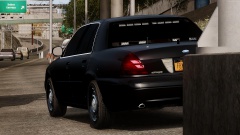
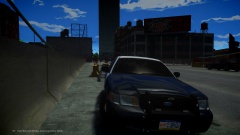 CJ24's DSF CVPI.
 -
From the album: Foward's WIP
http://imgur.com/BCocmBW -
 Yea looks like it.
 -
 You can get it here: http://www.gtainside.com/en/download.php?do=cat&id=371 Just scroll down the page.
 -
-
 Yea I'm just saying in general.
 -
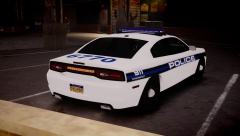
I think the car looks very very nice but the slimlighters. Slimlighters are very small height wise and pretty long length wise. The slimlighters in zmod should be scaled down y and a little longer x. Here is a real life pic of my county cars: '>
-
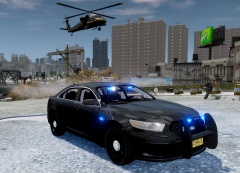
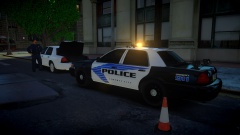 Thank you and the Vic won't be released but another one will that looks similar.
 -
From the album: Images by Foward
-
Me too. Thanks for your help and if you ever find out just contact me ASAP. Thanks again!
-
It doesn't but there is a software you can download so I messed around to see if it would do anything but nothing happened again. For the in-game settings, I checked those settings and still nothing.
-
No controller. The key bindings shouldn't be off by default but if they are where should I go?
-
Just the normal right and left click on the mouse.
-
Lol I'm losing it right now. I pretty much tried so much and its just really weird how it works out of game. The other buttons on the mouse work but those two don;'t want to work. Asked so many people and no luck.
-
Yea, you don't know how much I did to try and make it work but hasn't done anything. I even put my old mouse back in and it doesn't work in game now either.So I got the Logitech G600 Gaming Mouse for my birthday and I installed it last night and it worked fine but didn't get to test it in game. Today when I tried to get in game the mouse would work but the left and right buttons didn't work. My friend has the same mouse on Windows 8 like me and has no problems. Anyone have a clue?
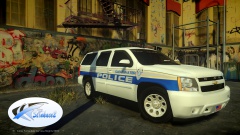 Nice truck hehehe:) Also the skin looks very good. Love those CPD skins you been making.
 Deleted.
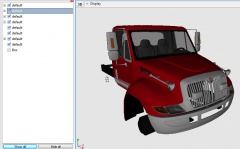
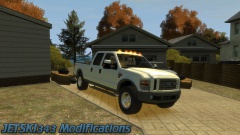 Nice Jetski. I like these trucks a lot and the lighting looks real good. Awesome job!
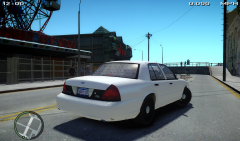 Damn sean, great job man!
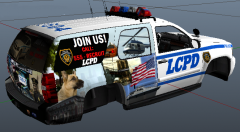 Damn!
Damn!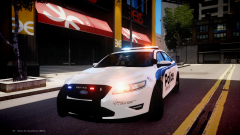 Looks very nice Hilth, nice job!