


Piarulli246
Members
-
Joined
-
Last visited
Everything posted by Piarulli246
-
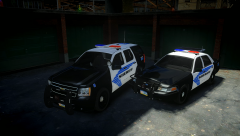
From the album: Foward's WIP
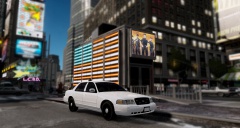
Skin is ONLY for the picture and is made by Sharp. Still have a little to do. {WIP} -
Most likely they will put some lights in them then they just use them because they are real good off-road and if you get floods, those humvees can go in water up to the hood.
-
 Because no one knows how to drive in LC lmao!
 -
Holy sexy!
-
-
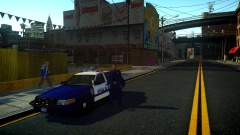 Woah #2. lmao!
 -
Woah.
-
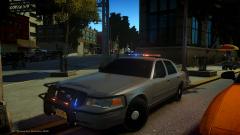 They were really high but it was a little to high so I like it at this.
 -
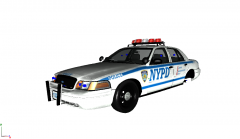 True!
True! -
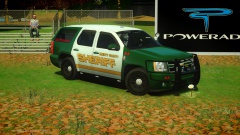 Very awesome. Love it and your ENB!
 -
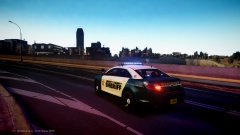 What? That is day time. I'm pretty sure night doesn't have a bright blue sky. Anyway, nice job Grant!
 -
Lol thanks. Will be out soon with a Charger or something else also.
-
-
From the album: Foward's WIP
Randomly made this. Like? -
-
 Looks good Rob!
 -
-
-
-
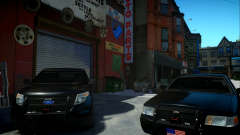 Lmao hahah!
 -
From the album: Images by Foward
Yummy -
-
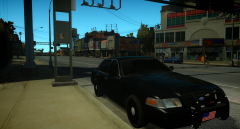 Hahah. I will!
 -
Lmao I could release this but I might wait for the Explorer perms.
-
 Well, it is private because I made it for a friend but I might make something similar.


