


Piarulli246
Members
-
Joined
-
Last visited
Everything posted by Piarulli246
-
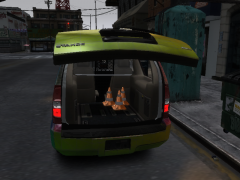 I would make them more orange and make them a interior2 material because cones don't shine in real life. Right?
 -
Like Jew_Banana said, you need to stop doing quantity over quality. No one cares that you an make cars quick. No offense but these cars are garbage and you need to put effort into them. I've been modding and modeling for about a year so I would listen up. I'm sure you can make good cars but not taking time on them will result in garbage. Also try to use a variety of lights. Good luck.
-
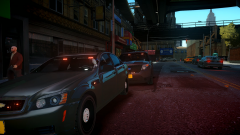 I kinda made them for myself. I will be releasing a Caprice in a few days so look out for it.
 -
Yes but I can release the caprice if I want.
-
From the album: Images by Foward
They are not for release so don't bitch and moan :) -
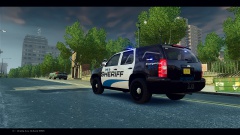 Nice shot!
 -
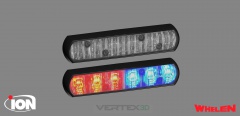 That is true. I think those are more for a mounting purpose. I usually see them with nothing around them.
 -
Not bad but you should not use avengers for the rambar. There are a ton of lights that can mounted on the rambar other than those.
-
No problem.
-
There shouldn't be a light housing around the glass in the front. It is all glass like this
-
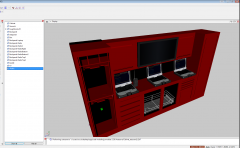 Gonna be super high poly I bet.
 -
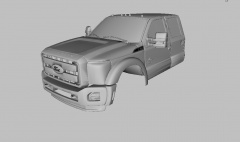 And where did you get that?
 -
-
Here is the CVPI he first used: http://gtapolicemods.com/downloads.php?do=file&id=973 All the cars are by that same maker, Bxbuggs.
-
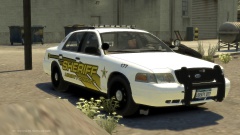 Looks great man. You should make a pack for the 10 Charger and Tahoe that I released.
 -
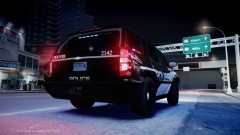 lmao I was the maker of that truck hahah.
 -
I love the truck lol and you should do the pack with Liberty skins also.
-
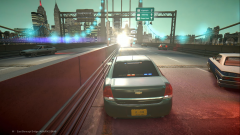 Lmao right!
 -
Game4video with a little tweak.
-
Yea and with the enb it actually makes my eyes squint when I look at the sun in the afternoon.
-
From the album: Images by Foward
-
-
-
![[WIP] 2014 Police Console](//s3-gallery.int-cdn.lcpdfrusercontent.com/gallery/album_2718/sml_gallery_138650_2718_192723.jpg) Lol okay.
Lol okay. -
And why 3 sirens?


![[WIP] 2014 Police Console](http://s3-gallery.int-cdn.lcpdfrusercontent.com/gallery/album_2718/sml_gallery_138650_2718_192723.jpg)