


Piarulli246
Members
-
Joined
-
Last visited
Everything posted by Piarulli246
-
-
-
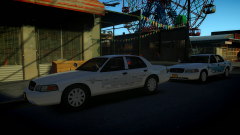 Thanks man!
 -
Yea.
-
Lmao <3
-
<3
-
From the album: Foward's WIP
Skins by Thehurk. Will be released on various modding site this week. -
I can't really tell. What is the Departments name?
-
Need to make them because no one will give them out I can bet.
-
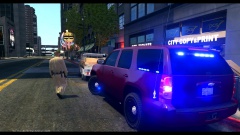 Driver** and it doesn't have to be capitalized.
 -
 Hahah<3
 -
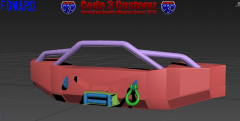
From the album: Scratch Made Parts by Foward
Mocking this one: http://farm6.staticf...0ee267810_h.jpg Still need to add a few things then I will be working on a RCMP Tahoe. -
 That partition glitch happens because something is conflicting with it. Remove it then maybe put another style divider.
 -
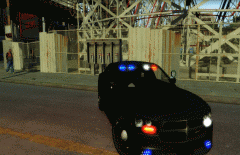 The intersectors look a bit too big but that car is pretty nice.
 -
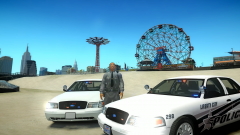 I could but this vehicle is more towards a Traffic Division so it wouldn't really be necessary but I will definitely use it in any up coming releases.
 -
Thanks!
-
From the album: Images by Foward
-
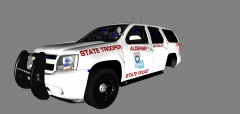 I think the truck looks awesome but I am not digging the visor light on the side of the rambar. Maybe you can put some mini leds.
 -
-
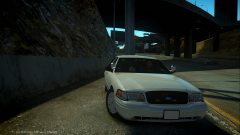 Yea haha:)
 -
I don't know if I am going to do a rambar. Also they don't really push them if they are parked wrong.
-
:)
-
From the album: Foward's WIP
Almost finished. Have to do some minor things then it should be good for release. -
 You won't get :))))
 -
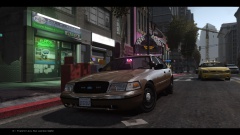
From the album: Images by Foward
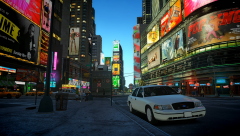
Some of shots with the ENB I use. ENB is by Stinkace2, it is private if anyone asks.


