




Pavy
-
Joined
Everything posted by Pavy
-
Hello, Crash logs won't show anything to help. If you added vehicles you need a modded game config here https://www.gta5-mods.com/misc/gta-5-gameconfig-300-cars If this doesn't prevent crashing then you need to remove the cars you added and try to figure out what you did wrong.
-
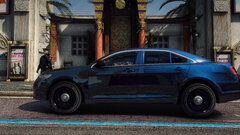
From the album: New York City/State Police Vehicles
-
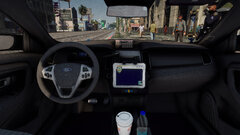
From the album: New York City/State Police Vehicles
-
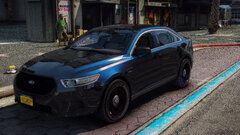
From the album: New York City/State Police Vehicles
-
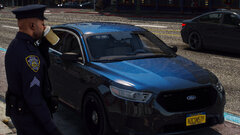
From the album: New York City/State Police Vehicles
-
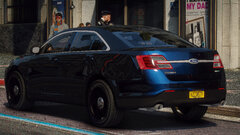
From the album: New York City/State Police Vehicles
-
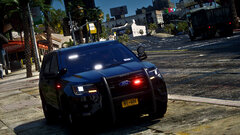
From the album: New York City/State Police Vehicles
-
From the album: New York City/State Police Vehicles
-
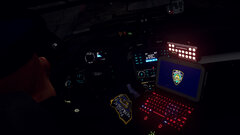
From the album: New York City/State Police Vehicles
-
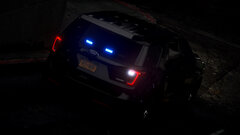
From the album: New York City/State Police Vehicles
-
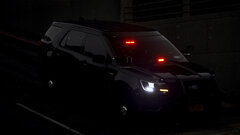
From the album: New York City/State Police Vehicles
-
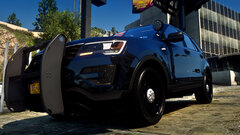
From the album: New York City/State Police Vehicles
-
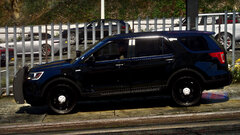
From the album: New York City/State Police Vehicles
-
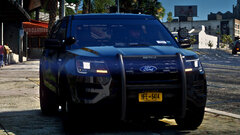
From the album: New York City/State Police Vehicles
-
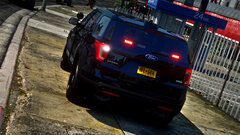
From the album: New York City/State Police Vehicles
-
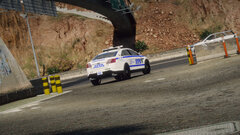
From the album: New York City/State Police Vehicles
-
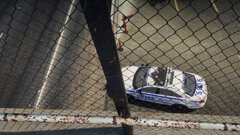
From the album: New York City/State Police Vehicles
-
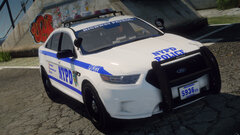
From the album: New York City/State Police Vehicles
-
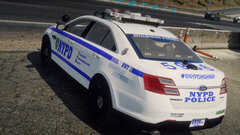
From the album: New York City/State Police Vehicles
-
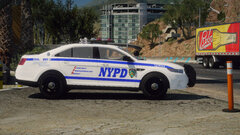
From the album: New York City/State Police Vehicles
-
-
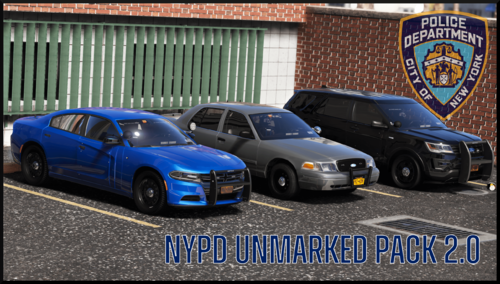 Excellent pack. Perfect organization of the files you made, Replace/Addon. Thank you. Ballistic doors are a satisfying touch.
- 78 comments
- 10 reviews
-
-

- 1
-
-
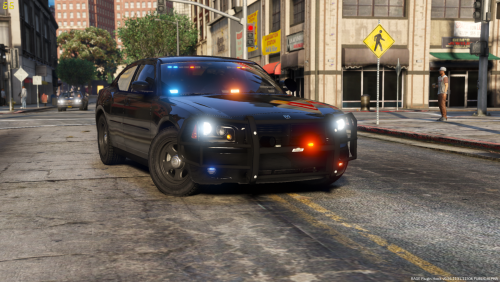 Can you change it to the license plates use the ingame plates? and not test pilot.
- 17 comments
- 10 reviews
-
-
- 1
-
-
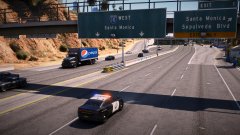
From the album: Random Gallery
-
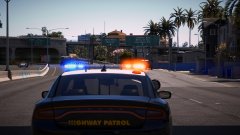
From the album: Random Gallery


