
PimDSLR
Members
-
Joined
-
Last visited
Everything posted by PimDSLR
-
It's released!!!
-
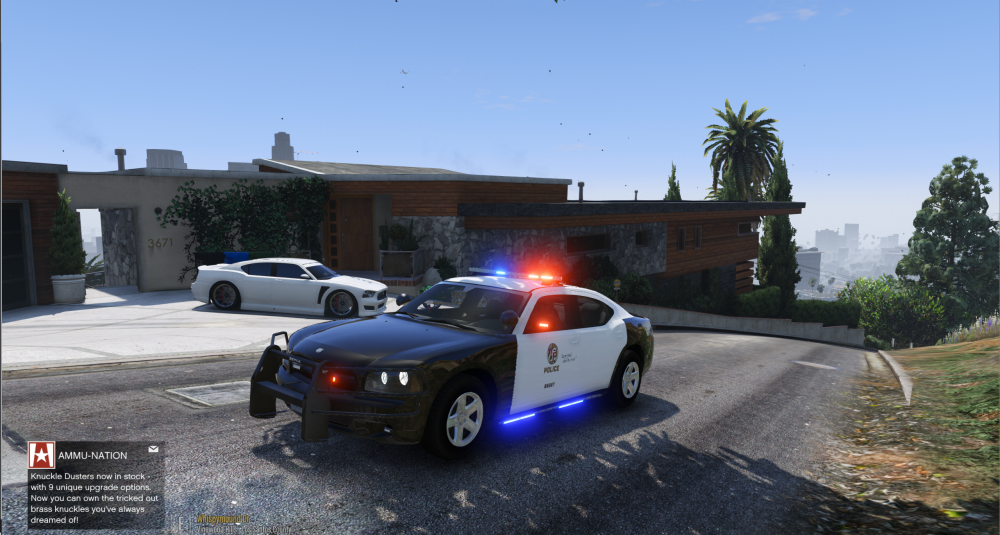
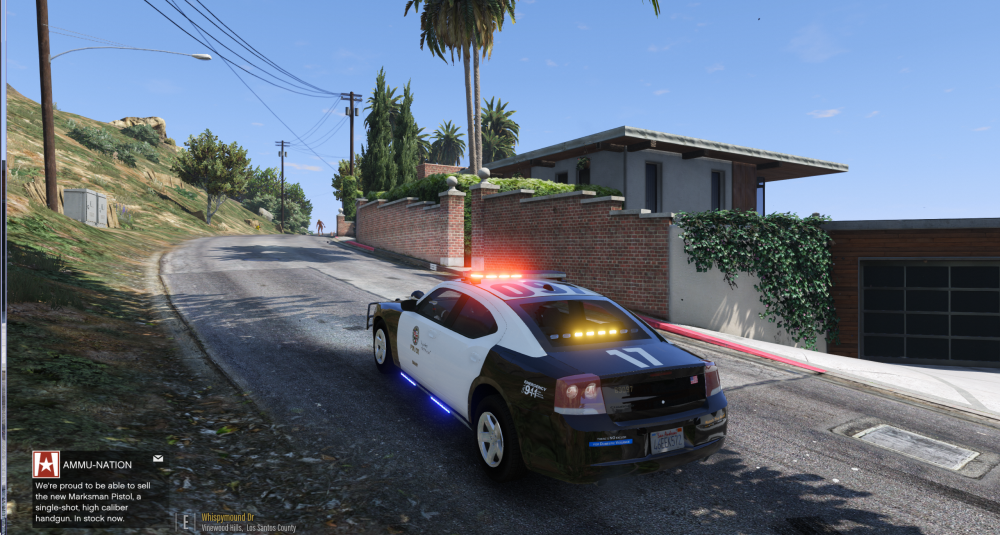
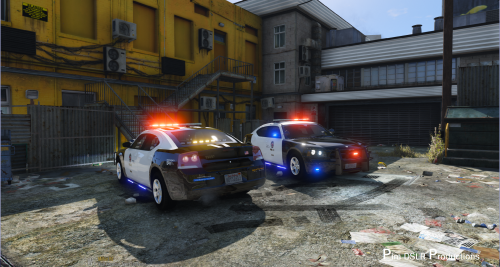 Dodge Charger 2009, Code 3 Defender, traffic advisor, siderunners Contains: Code 3 defender, Linz 6 Dominator traffic advisor, siderunners, Whelen Linz 6, Stenia pusbar. All of the model's and components as well as the Lightbar usage permissions were given for this release and to protect the original files and credits of these components the vehicle model has been locked. Special thanks to: OfficerFive0, nicks0112, Lundy and the people that have supported and donated to me. This work is licensed under Creative Commons Attribution-NonCommercial-NoDerivatives 4.0 International License. © 2016 Pim DSLR Productions Credits: Lundy, Lt. Caine, 0taku, BxBugs 2009 Dodge Charger PPV 1.0.0 PimDSLR for screatch Linz 6 Linz 6 dominator by OfficerFive0, made from screatch. Setina Pushbar by NickieB Siderunners by nicks0112 Code3 Defender by Kygo, converted & texture edits by MartinCT
- 38 comments
- 10 reviews
-
-

- 7
-
-
Am I the only one how can't enter the messages or anything?
-
Can't upload the file due site errors
-
it's for the police 2 origanly
-
Will be released in a couple minuts
-
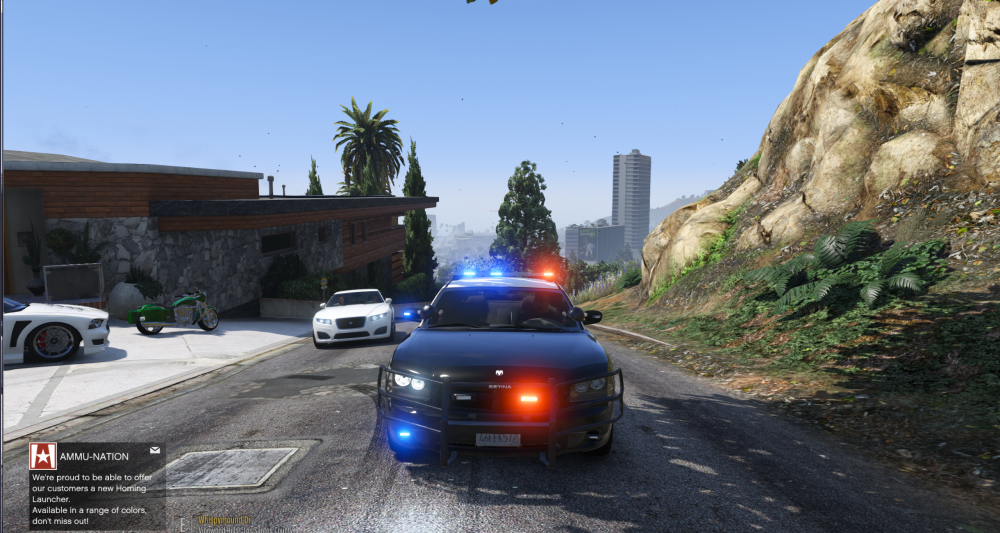
Yes, will post a screen in a minute. Updated it with miror lights Almost Only thing that doesn't work is the traffic advisor behind glass. OfficerFive0 is looking for a solution
-
Yep, saw that. Im cutting them in half
-
We did
-
I want to respond this to. I'm not gonna make this bigger than it is.I'm also not interested in a child's fight, There was a misunderstanding about what I were allowed to do and what not. Saying that I steal peoples work is ridiculous. Also the donation button, other stupid argument: that has nothing to do with this file; you can't ad it form file to file. It is there or not. Some non modders have no idea how much work it is to mod stuff. I was on point that I almost stoped. I have spend late nights, days after dayes, I came here, because I wanted to make people happy with my models. F5544 has learned me everything about this from the start, and I wanted to build a status, I have worked hard for it. I listen to people, fulfill their wishes. That makes me happy. So it gives me a really bad feeling.That are no rotators. Making Led's orange is simple. It's the effect.I'm gonna try that. Lundy said that he could do something. So I'm gonna wait to see what's the result.
 Sadly that's true. I took it down myself. Because the model maker wasn't very happy to say it nice. I weren't allowed to upload a newer version somehow. And I have to take the unmarked down to, (was planing to update it to) Maybe I was competitive. I have put so much work in this model, to make people want to play it again. That sadly doesn't get appreciated.
- 221 comments
- 34 reviews
-
-
- 1
-
Made it orange. It's the gta engine effect.Yes, but then would traffic advior not work.I have one problem: the rotators of gta got a blue or a red effect. And these have to be orange. Don't know if I can use a rotator bar.Check the topic for photos.Almost. Traffic advisor and done.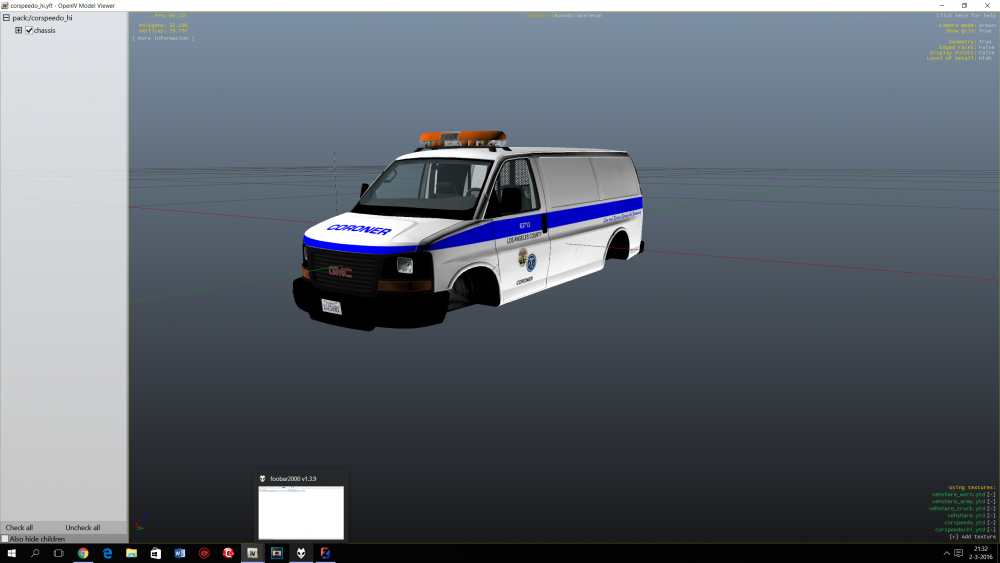 Yeah lol. I will first release the Cornorer. And then this one and the Dodge. have some problems to deal withOK, with this handeling it can ;) Looks kind of funny and baddassMabye a add-on or riot. Transport would mabey be a overkill. Transport is possible, mabey if i change it to Heavy Transport. Will people use it as a transport? Would look cool