
PimDSLR
Members
-
Joined
-
Last visited
Everything posted by PimDSLR
-
Im Dutch to. The worst thing you can do is avoiding places. That's a point of weakness. Life goes on. You won't be safe anywhere If you think like that. Im going to London for a week next week. Im not gonna change that.
-
Yes. Im not talking albout the media.
-
That's true. The I know some muslims that I know are ashamed of what's all happening. They feel if they have to explain that there not one off them. And that they have nothing to do with those idiots. And that's horrible. But it's coming closer. As neighbor of Belgium.
-
Nop, still working on it. Got a lot of little problems.
-
New pussbar made for the Tahoe. With all LODs.
-
Yep.
-
That to but the lights disapeared
-
I have to re-do all the lights due a COL mistake on both cars.
-
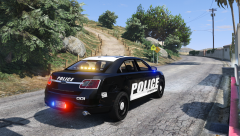 https://youtu.be/YerZKkPY54s
 -
It's pretty accurate. F5544 knows what he is doing. And like Virzza said, I can't use radon cars. You don't have permission and it's a ton of work.
-
Nah, not gonna use them anymore ;)
-
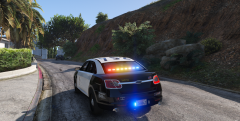
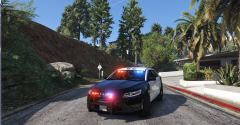
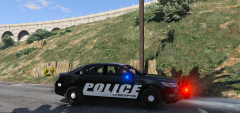
(WIP) Ford Taurus 2012 slicktop
-
From the album: (WIP) Ford Taurus 2012 slicktop
(WIP) Ford Taurus 2012 slicktop -
From the album: (WIP) Ford Taurus 2012 slicktop
(WIP) Ford Taurus 2012 slicktop -
.
-
He set it to heavy tint. It will be bright if you set it to clear.
-
Check it out in SteveTheGamer55s latest video https://youtu.be/U_u7T5h5P7g
-
There already are.
-
As a spotlight
-
Do you mean the spotlight or the intercestors?
-
Intersectors are mounted.
-
As most as nessasary. Until it doesn't show up
-
Yes
-
That's because GTA doesn't recognize all the material IDs. Like misc_d etc. You need to import the default cars that Zmod recognizes them.
-
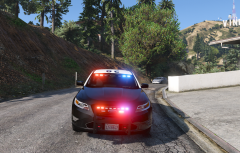 Separate but very close to eachoter.