
PimDSLR
Members
-
Joined
-
Last visited
Everything posted by PimDSLR
-
Looks amazing! I hope we get the siren mesh to work without a lot of changes ;)
-
Read the commends: pussbar with leds will be a extra, side lights are being made. See pictures by OfficerFive0.
-
Yes, I can make one. It will be F5544s Arjent.
-
It's Bxbugs model. It's done. No, only the Valor.
-
Look at OfficerFive0 post ;) Yes
-
And now?
-
Stupid copyright. Will be in the air soon
-
Yes, and think of the amount of cars that will spwan in a pursuit. Crash....It is almost not to do. Lights etc..Isn't possibleThat's a skin for my version of the 2014When it's done.OfficerFive0 is making SoundOff intersectors from scratch.Yep. Gonna make it a extra.I already have a pro gard ;)Yep I considered that. I have a shotgun one that I'm gonna place there.To much???
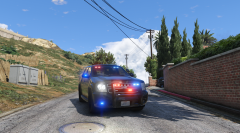
From the album: (WIP) Chevrolet Tahoe slicktop (unmarked)
(WIP) Chevrolet Tahoe slicktop (unmarked)Half true the glass. It's the angleInterior upgrade to a real police version: full light, siren boxes, radio, dash radio, laptop etc.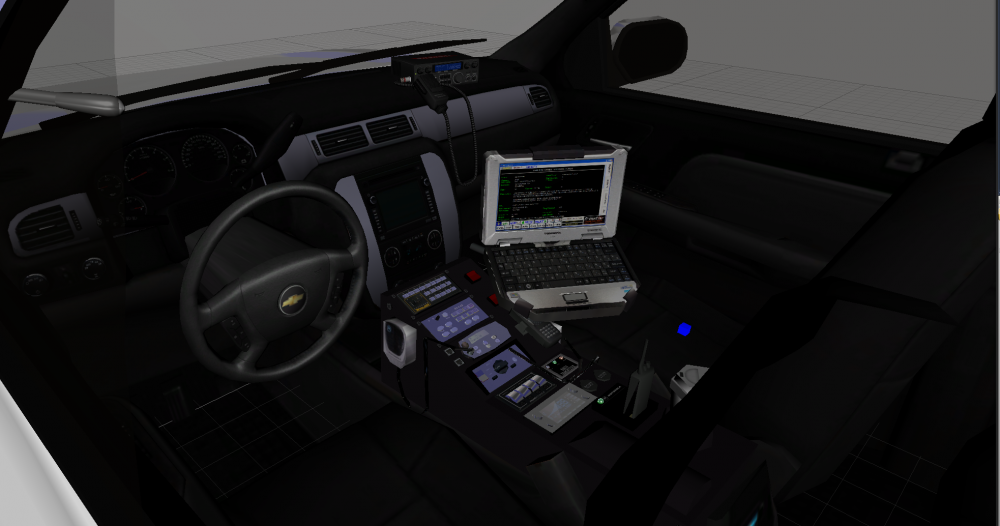 YesIt has ;)