
PimDSLR
Members
-
Joined
-
Last visited
Everything posted by PimDSLR
-
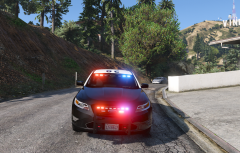
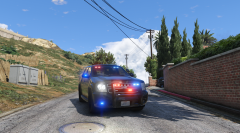
From the album: (WIP) Ford Taurus 2012 slicktop
(WIP) Ford Taurus 2012 slicktop -
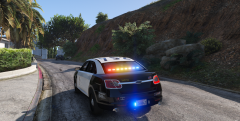
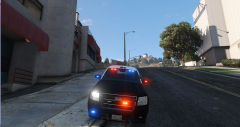
From the album: (WIP) Ford Taurus 2012 slicktop
(WIP) Ford Taurus 2012 slicktop -
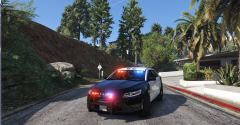
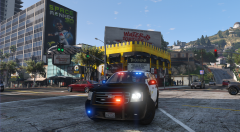
From the album: (WIP) Ford Taurus 2012 slicktop
(WIP) Ford Taurus 2012 slicktop -
Yes, found that to Im gonna update the headlight texture to. Better shape and (indicator) collors
-
Were now testing the SoundOff intersector for the mirrors
-
Updated headlight glass texture
-
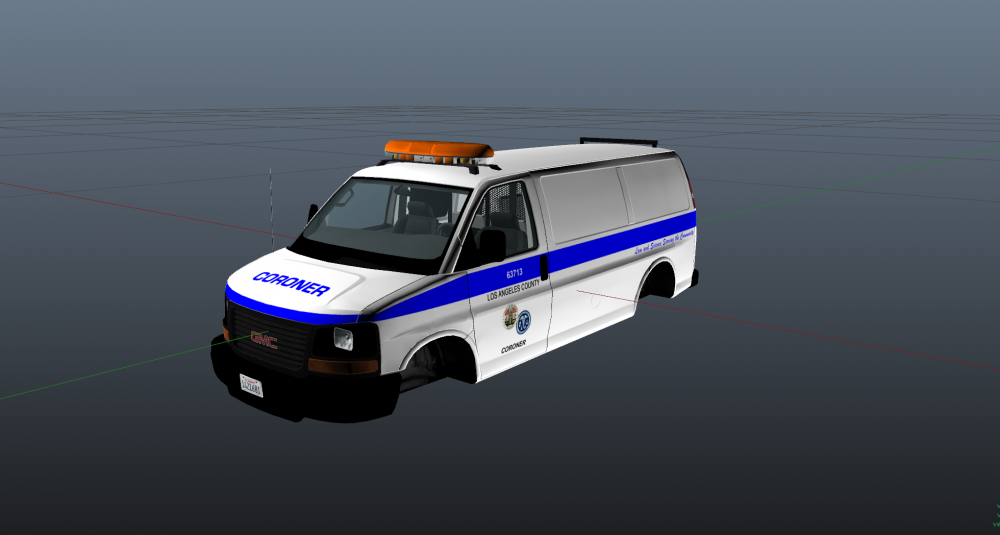
Ligtbar is struggeling.
-
Yeah more like a alternative emergency light.
-
Yes you're right I think. I keep forgetting that California law.
-
Looks nice. Is the red for night?
-
Yes, I already tried to scale it down. But you get very small ugly lights when you do that. Based it on the Ford interceptor. No
-
I will change that. You can see a photo of the interior a few posts back.
-
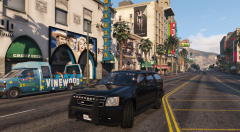
From the album: (WIP) Chevrolet Tahoe slicktop (unmarked)
(WIP) Chevrolet Tahoe slicktop (unmarked) -
(WIP) Chevrolet Tahoe slicktop (unmarked)
-
Whelen siren speakers.
-
Antennas are already on the roof
-
Yes that's true. If I hide the cornonas
-
See the picture above of the GTA 5 Liberty I those videos many times before ;) Sirennet is a handy channel for examples I shall at to Whelen siren speakers to the front
-
Thats were this topic is for: discussing ;) I have seen different kinds of variations: red/blue fog lights and white ones.
-
I don't think that that will look nice. There quiet big to make them white. The real cars are using the fogh lights as white flashing. This Whelen Liberty would be perfect for the marked unit
-
I was thinking about making the small LEDs in the fog light position on the photo, white flashing instead of red, blue. Like the real cars have. Looks less christmas three.
-
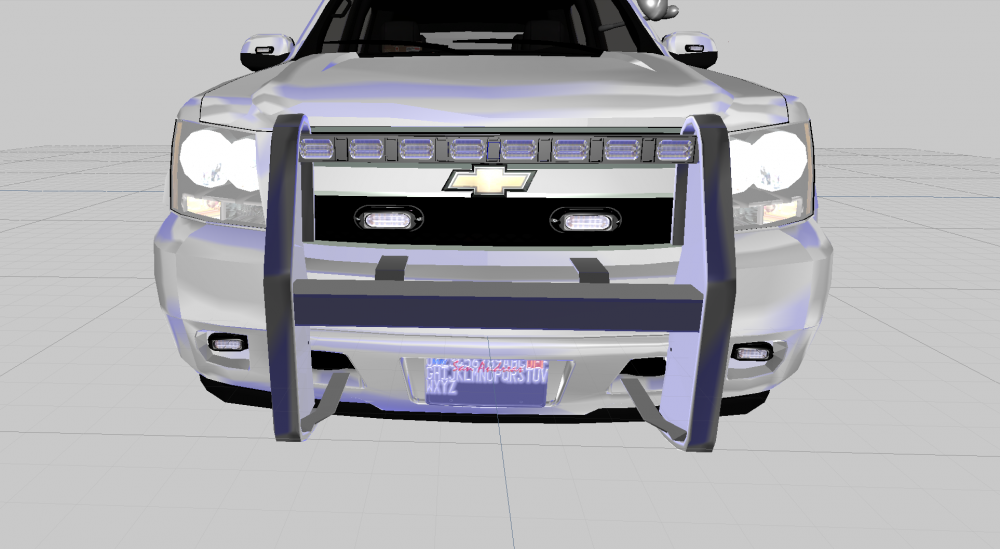
Updated the Whelen Linz 6 frame
-
Me to haha
-
Question for the marked version; shall I use the LED Arjent or the LED Liberty?
-
12 so enough options.