




TheRealNoodle
Members
-
Joined
-
Last visited
Everything posted by TheRealNoodle
-
no idea what you just said...
-
put the files in update/x64/dlcpacks/patchday4ng/dlc/x64/levels/gta5/vehicles.rpf
-
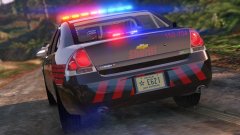 goddammit those graphics look good
 -
I think you just import the lightbar and rename the indicator files, then import the car and atttach the indicators
-
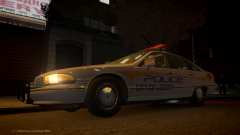 too gta ivich for him :D
 -
 after a voilent chase this Ford LTD ended up in the water
© Kirigaya
-
 after a voilent chase this Ford LTD ended up in the water
© Kirigaya
-
-
happy birthday :D heres a cake

-
hit alt k for it to rise
-
-
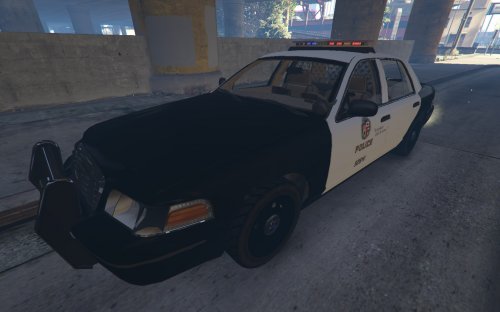 I have no idea what you're talking about mate nop, the lightbar only works in the police 3 slot
- 23 comments
- 2 reviews
-
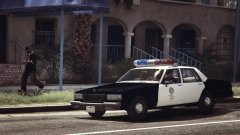 isnt the lightbar positioned too much to the front?
 -
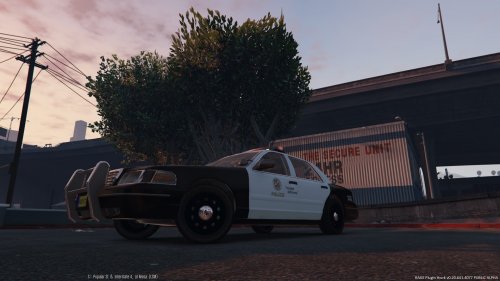 this is exactly like the skin that was included with my model, why dont you make a sheriff texture or something?
- 4 comments
- 1 review
-
I tried that before and it didnt work but now it works like a charm ( this was only a problem with chrome it worked in firefox)
-
-
-
oh never noticed that but isnt that the same for the default gta v police cars?
- 23 comments
- 2 reviews
-
-
LAPD CVPI only works correctly in the police3 slot. to install open openiv and go into update/x64/dlcpacks/patchday4ng/dlc/x64/levels/gta5/vehicles/rpf and drag all the files there a huge thanks to YCA-RE for releasign the cvpi a huge thanks to F5544 for releasing the Arjent CREDITS 1999 cvpi from dsf converted by YCA-RE edited by Kirigaya Fedsig Arjent by F5544 LAPD skin by Karls
- 23 comments
- 2 reviews
-
-

- 2
-
-
so I wanted to upload a car but I cant add text to the about the file section https://gyazo.com/b2f1f86ca55fcdcdab03c61376ed1c9d anyone else having this problem?
-
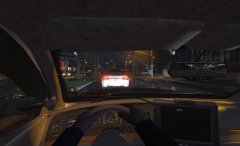 I wont continue this model as I dont have the permissions to release it :(
 -
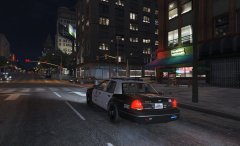 you should say that to Karls he made the skin :p
 -
-



