TheRealNoodle
Members
-
Joined
-
Last visited
Everything posted by TheRealNoodle
-
 of course!
 -
in 1 month there will be tons of car mods :D
-
-
-
-
thats all possible now :)
-
that one isnt fully functional and I dont think that its released
-
you're welcome
-
*kiils you* it should be possible to put the files in a z3d file and then open it in zmodeler3
-
I dont think there are, have you seen a cvpi or something here?
-
as there is no category for vehicle tutorial yet ill just make a topic about it.
-
thats all possible, t might take some time because we're still exploring everything but soon enough there will be CVPi's chargers with ions and a whelen liberty :D
-
im open for requests, please stick to the default gta V cars as there are no irl cars released yet
-
oh I dont make liveries, heres the one i use http://www.lcpdfr.com/files/file/8145-prophets-interceptor/
-
never had that before :p sounds awesome tho
-
strange cause the skins I use worke fine
-
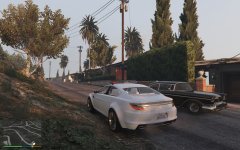 maybe :)
 -
heres a video of the car for the ones interested
-
for the ones interested
-
that has been possible for a long time lol, go look in the download section.
-
you're welcome
-
there is a LAPD pack, go to downloads, sort by most downloaded and youll find it
-
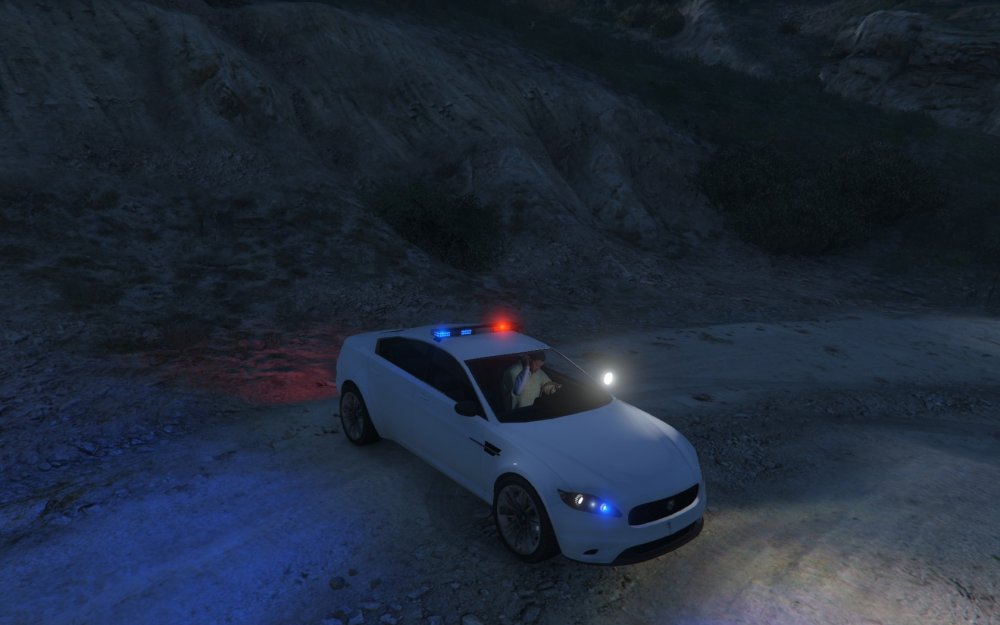
pff mine is better (Ill make a stanier 10x better than yours :D)
-
check skype :)
-
zmodeler is the only program