TheRealNoodle
Members
-
Joined
-
Last visited
Everything posted by TheRealNoodle
-
-
do you mean uploading a pic in zmodeler so that it creates a car for you? because that's not possible
-
if you saw any of the showcase vids you can see that there is no door bug
-
yes, reinstalling your game
-
-
it is hre actually, here's a model with the lightbar (it's the CODE3 variant tho)
-
you're welcome
-
fs legend
-
fixed, thx
-
try gtavlauncher.exe
-
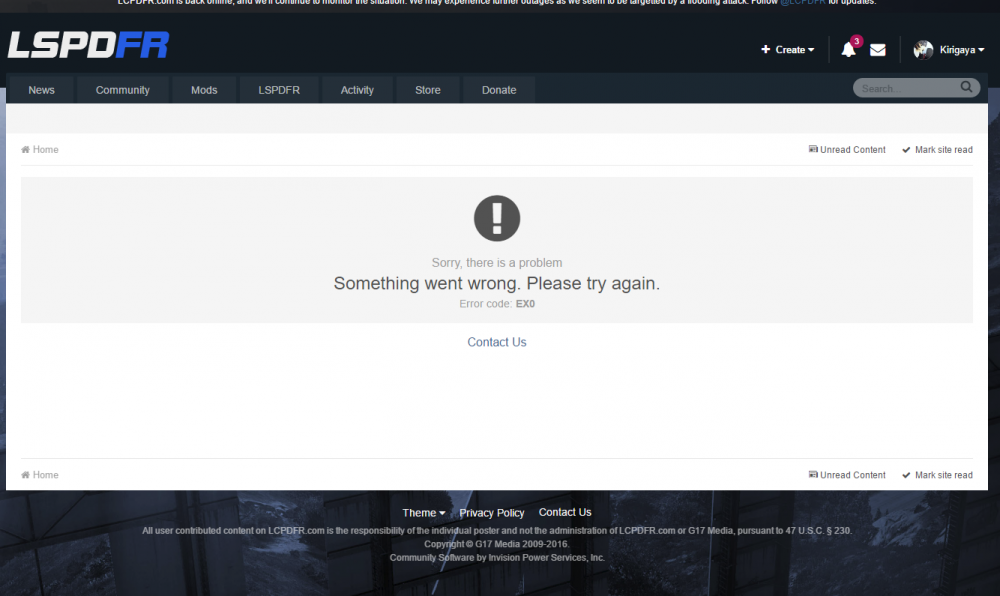
So when I click on my notifications It keeps loading for ever and if I go to the notifications tab I get this error. I have this error for about a week now, anyone else having the same problem?
-
http://gamemodels.ru/ you can select english as language instead of the default russian
-
didn't work sadly
-
ill try that, thx
-
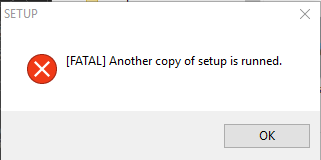
I recently had to reinstall openiv and when I run the installer I get this error. it isnt my antivirus and I tried restarting my pc
-
-
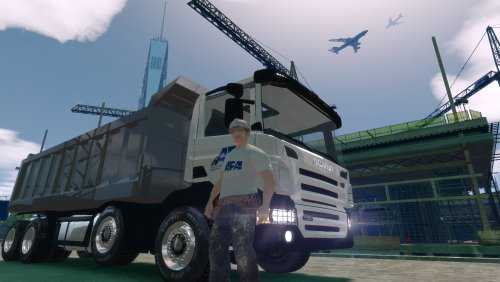 why els v6 when 8 came out more than a year ago?
 -
uh I dont really know much about added cars sorry
-
they are made with dummies, just name them correctly
-
-
if you havent bought the cd yet go buy the game on steam, its easier for backups and that stuff
-
google it.
-
beautiful pictures :3
-
gtx 960 or higher are always good
-
so you want someone to make a car for you that you will release? why not just make a request and let someone make one and release it themselves? (if that is what you mean)